10 Best Visual Feedback Tools to Simplify Your Workflow in 2026
Discover the top 10 visual feedback software for SaaS teams in 2026. RightFeature leads with unlimited users, AI triage, and Canny migration—compare pricing, features, and cut triage 60%.

If your product team is still collecting feedback through scattered email threads, cluttered Slack messages, and half-finished spreadsheets, you’re not alone — and you’re losing serious time because of it. Research shows SaaS teams waste up to 40% of their bandwidth just managing unstructured feedback, before a single fix is shipped or a single feature gets prioritized.
That’s exactly the problem visual feedback software was built to solve. Instead of chasing context across a dozen tools, the best feedback tools bring everything into one place: Feature requests, bug reporting, feature voting, public roadmaps, and changelogs — all connected to your existing workflow.
In 2026, the stakes are higher. AI-powered triage, duplicate detection, and spam filtering now separate fast-moving teams from ones buried in noise. The feedback analytics software market is heading toward $27 billion by 2033, fueled by AI automation and product-led growth.
We’ve ranked the 10 best visual feedback tools for 2026 on AI capability, pricing, integration depth, and migration ease — so whether you’re hunting for a Canny alternative, leaving BugHerd, or escaping Usersnap’s pricing, there’s a clear answer below.
Let’s get into it.
Why Visual Feedback Software Matters in 2026
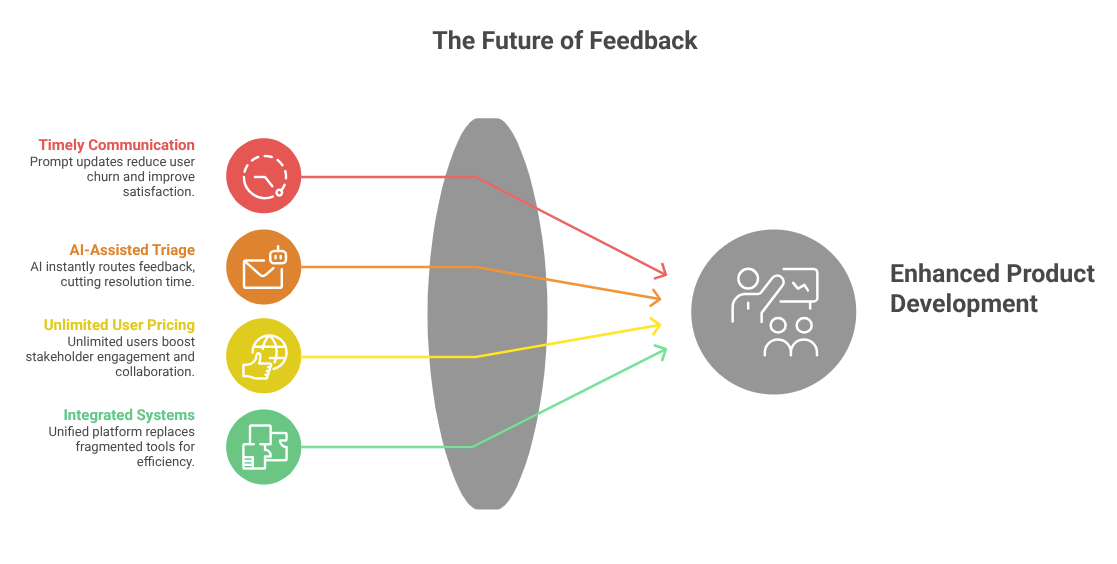
The way product teams collect and act on feedback has changed dramatically. A few years ago, a shared spreadsheet and a weekly standup were enough to keep things moving. Today, with distributed teams, faster release cycles, and users who expect to be heard, that approach breaks down fast.
The numbers reflect this shift. 68% of product managers say that failing to communicate product updates in a timely, transparent way is a direct contributor to user churn. Meanwhile, teams that adopt AI-assisted feedback triage report cutting issue resolution time by up to 40% — not because they hired more people, but because the right submissions reach the right people instantly, without manual sorting.
Pricing models are also reshaping the market. Tools that charge per seat quietly cap participation — your developers, designers, stakeholders, and customer success team can’t all weigh in without the bill ballooning. That’s why unlimited-user pricing models have become a serious buying criterion in 2026, with teams reporting up to 3x more stakeholder engagement after switching away from per-seat tools.
The buyer landscape has also shifted. Product managers are actively searching for Canny alternatives that don’t restrict collaboration. Agencies are outgrowing BugHerd. Dev teams are looking for something more AI-native than Usersnap. The common thread: everyone wants a single, intelligent system — not five tools duct-taped together.
How We Ranked the Best Visual Feedback Tools
Not all visual feedback tools are built for the same job. To cut through the noise, we evaluated each tool across four criteria that actually matter to SaaS teams in 2026.
AI triage capability carried the most weight in our ranking. Does the tool automatically detect duplicates, filter spam, and suggest priority levels — or does a human still have to do all of that manually?
Pricing and user model came next. We flagged any tool with hard per-seat limits that make real collaboration expensive, and we rewarded tools offering generous or unlimited-user tiers at the entry level.
Integration depth matters because feedback doesn’t live in a vacuum. We looked at native connections to Webhook, Slack, REST API Access, and Discord, along with SSO support for larger teams.
Migration ease was the fourth factor — specifically, how hard is it to move your existing votes, roadmap items, and changelog history from Canny, BugHerd, or Usersnap?
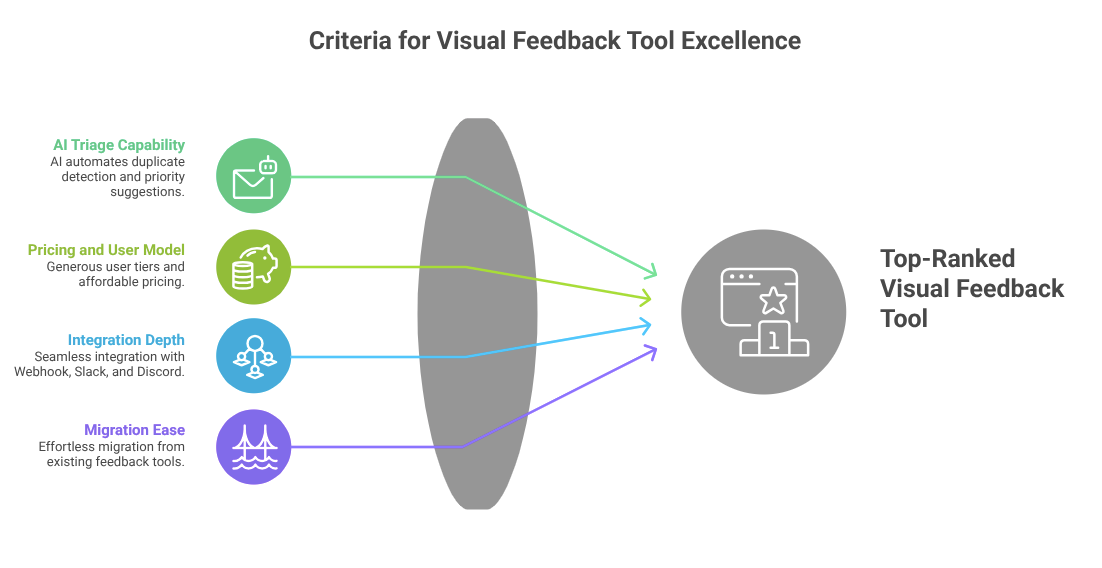
RightFeature scored at the top across all four criteria, which is why it leads this list.
1. RightFeature — Best Overall Visual Feedback Tool for SaaS Teams
Rightfeature is the standout choice for SaaS product teams in 2026, and it’s not particularly close. It combines AI-powered feedback triage, unlimited users on every plan, embeddable floating widgets, public roadmaps, and a changelog — all in a single platform that takes under an hour to set up.
Where most tools make you choose between bug reporting and product feedback management, RightFeature handles both. A user submits feedback through the floating widget, add the feature request, attach image/videos, and the AI immediately checks for duplicates, assign a priority level, and routes it to the right board. Your team sees a clean, pre-sorted queue instead of a wall of raw submissions.
The unlimited-user model is one of the biggest practical advantages. Canny’s free tier caps users at 25. Usersnap charges per seat across all plans. RightFeature removes that ceiling entirely, which means your developers, designers, customer success reps, and external stakeholders can all participate without you watching the billing meter. Teams that have made the switch report 60% fewer duplicate tickets and a measurable 15% reduction in churn, attributed to faster response loops and more transparent public roadmaps.
If you’re coming from Canny or BugHerd, the migration is one-click. Votes, roadmap items, and user history carry over automatically, so you’re not starting from scratch.
Pros:
- AI triage with automatic duplicate detection and spam filtering
- Unlimited users on all plans — no per-seat billing
- Roadmap, changelog, and visual bug reporting in one platform
- One-click migration from Canny and other feedback tools
- Native integrations with Webhook, Slack, Discord, SSO
- AI auto-tagging on every post (saves 2-3 hours weekly vs Canny manual tags)
- Internal comments directly from product view (no admin-switch friction)
- Auto-updating roadmaps when statuses change to Shipped/Planned
- Floating widget embeds boost participation 30% with auto-login
- Global search across all boards (Canny limits to single board)
- Embeddable widgets (full-page, floating button)
- AI summaries extract insights from long threads instantly
Cons:
- Newer platform, so third-party review volume is still growing
- Some features “coming soon” including private boards, email digests, merged posts, and notification preferences
Best for: SaaS product teams, growth-stage startups, and anyone actively migrating away from Canny or BugHerd.
Real results: SaaS teams see 70% fewer duplicate posts via AI detection and 40-60% less triage time, dropping churn 15% with transparent roadmaps. Modern UX and setup under 30 seconds.
Pricing: Free plan available with unlimited users. Paid plans start competitively — check the RightFeature pricing page for current tiers.
You can also explore how RightFeature compares specifically in our best changelog tools for SaaS breakdown.
2. Usersnap — Best for Enterprise Bug Reporting
Usersnap has earned genuine trust from enterprise development teams. It offers one of the more robust visual bug reporting experiences on the market — screen capture, video feedback, and detailed browser metadata attached to every submission automatically. Developers get reproducible reports with console logs, browser info, and annotated screenshots without asking users to explain anything.
The friction shows up on pricing. Usersnap’s plans are EUR-denominated and scale steeply, making it one of the more expensive options for teams that need more than a handful of seats. There’s also no AI triage built in, and no native roadmap or changelog features.
Pros:
- Excellent video feedback and screen recording
- Detailed metadata capture (browser, OS, console logs)
- Strong enterprise integrations and SSO support
Cons:
- No AI triage or duplicate detection
- Per-seat pricing gets expensive quickly
- No built-in roadmap or changelog features
Best for: Enterprise dev teams that prioritize detailed bug reporting over product feedback management.
Pricing: Pricing starts around €39/month. No unlimited-user option.
Visit Usersnap pricing page for latest price for the plans.
For a deeper look at how it stacks up, see our top Usersnap alternatives guide.
3. BugHerd — Best for Agencies Doing Website QA
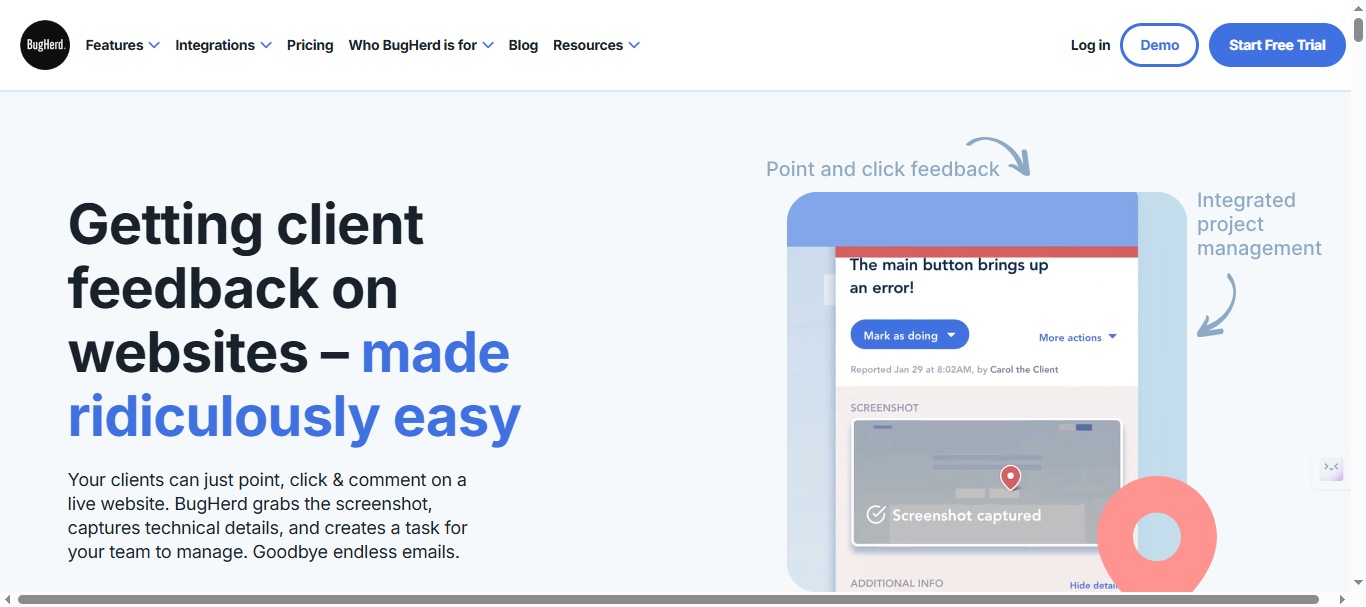
BugHerd’s click-to-annotate interface is genuinely frictionless for non-technical clients — reviewers click directly on a webpage element, leave a sticky-note comment, and the bug is logged with a screenshot and selector data attached. For agencies managing website QA rounds, this workflow is hard to beat.
The limitation is scope. BugHerd is purpose-built for website feedback and QA. It doesn’t stretch into feature voting, product roadmaps, or changelog publishing, so SaaS teams will outgrow it quickly.
Pros:
- Extremely intuitive click-to-annotate interface
- Great for non-technical stakeholders and clients
- Clean Jira and Trello integrations
Cons:
- No feature voting or roadmap functionality
- No AI triage
- Limited value outside of website/QA use cases
Best for: Digital agencies and web development teams running client QA cycles.
Pricing:
- Pricing starts at $50/month for up to 5 guests. Scales per project for larger teams, with no free plan.
- Per-user scaling beyond limits + website minimums
Note: Visit Bugherd pricing page for latest pricing structure.
See how alternatives compare in our top BugHerd alternatives post.
4. Marker.io — Best for Developer-Focused Bug Reporting
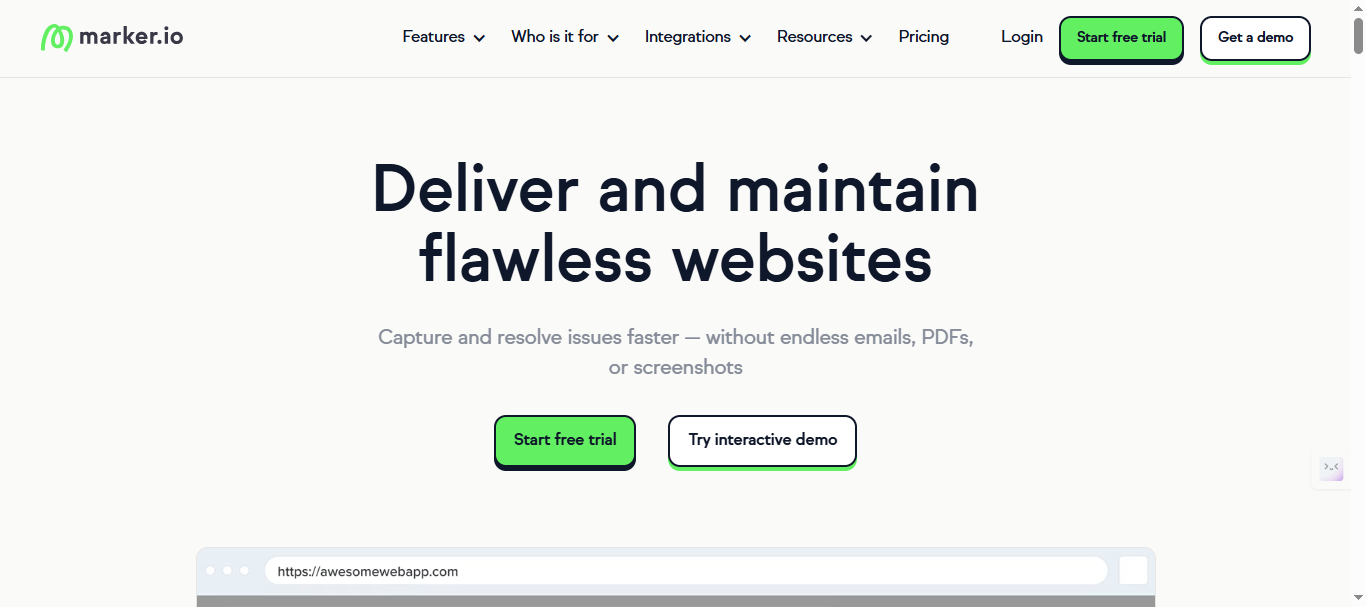
Marker.io captures annotated screenshots with technical metadata and pushes them directly into Jira, Asana, Trello, or GitHub. The guest feedback feature means clients can report bugs without needing a Marker.io account, which reduces back-and-forth considerably. Like BugHerd, it’s a reporting tool rather than a full feedback management platform — no voting, roadmap, or changelog.
Pros:
- Clean, lightweight widget with strong developer integrations
- Guest reporting — no account needed for clients
- Good metadata capture alongside screenshots
Cons:
- No roadmap, changelog, or feature voting
- No AI triage
- Per-seat pricing on all plans
Best for: Dev teams and agencies that need a simple, integration-first bug reporting tool.
Pricing: Starts at $59/month.
Note: Visit Maker.io pricing page for latest pricing structure.
5. Canny — Best for Feature Voting and Public Roadmaps
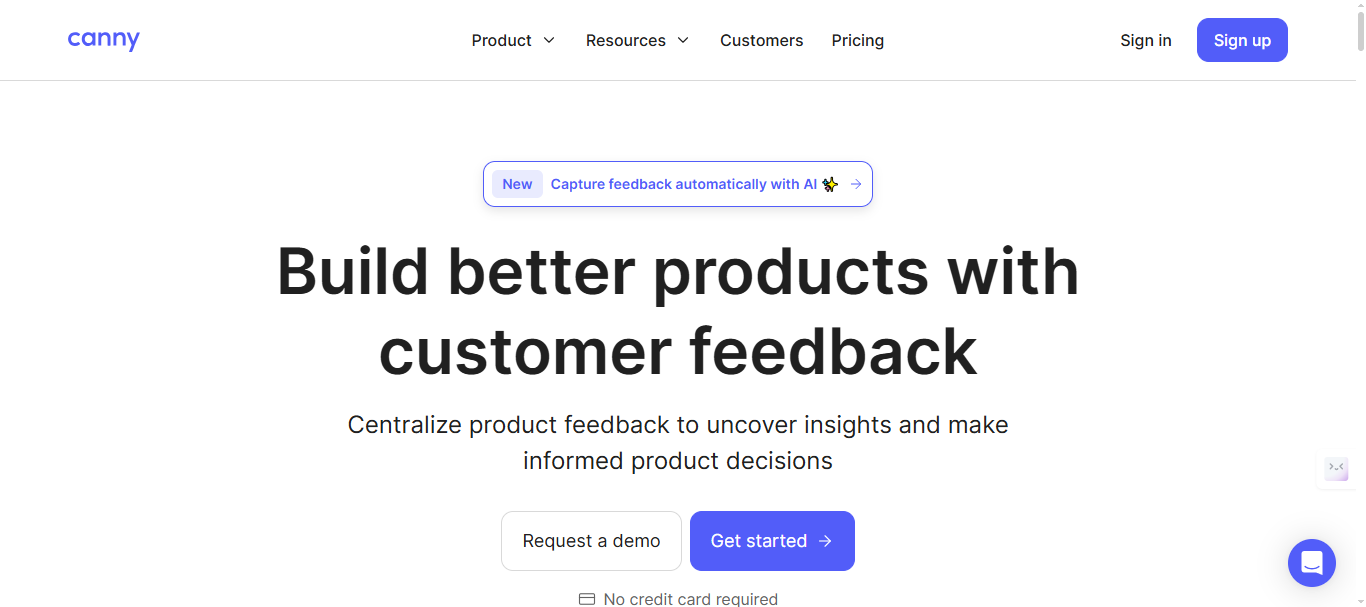
Canny built its reputation on clean, public-facing feature voting boards and that reputation is still deserved. Users genuinely enjoy engaging with Canny’s voting interface, and the roadmap view is polished enough to share publicly without embarrassment. Problems start at scale — the free tier caps internal users at 25, paid plans jump significantly, and there’s no visual bug reporting widget.
Pros:
- Best-in-class feature voting UX
- Clean public roadmap and changelog views
- Good Jira and Slack integrations
Cons:
- 25-user cap on free tier — expensive to scale
- Dated interface lags modern competitors
- AI features are limited
- No AI auto-tagging or spam blocking—manual work eats 5+ hours weekly
Best for: Early-stage SaaS teams that need a public-facing feature request board and don’t yet need AI triage.
Pricing: Free up to 25 users. Paid plans start at $24/month.
Note: Please verify current pricing tiers and feature breakdown at canny’s pricing page
6. Userback — Best for UX Teams Collecting Design Feedback
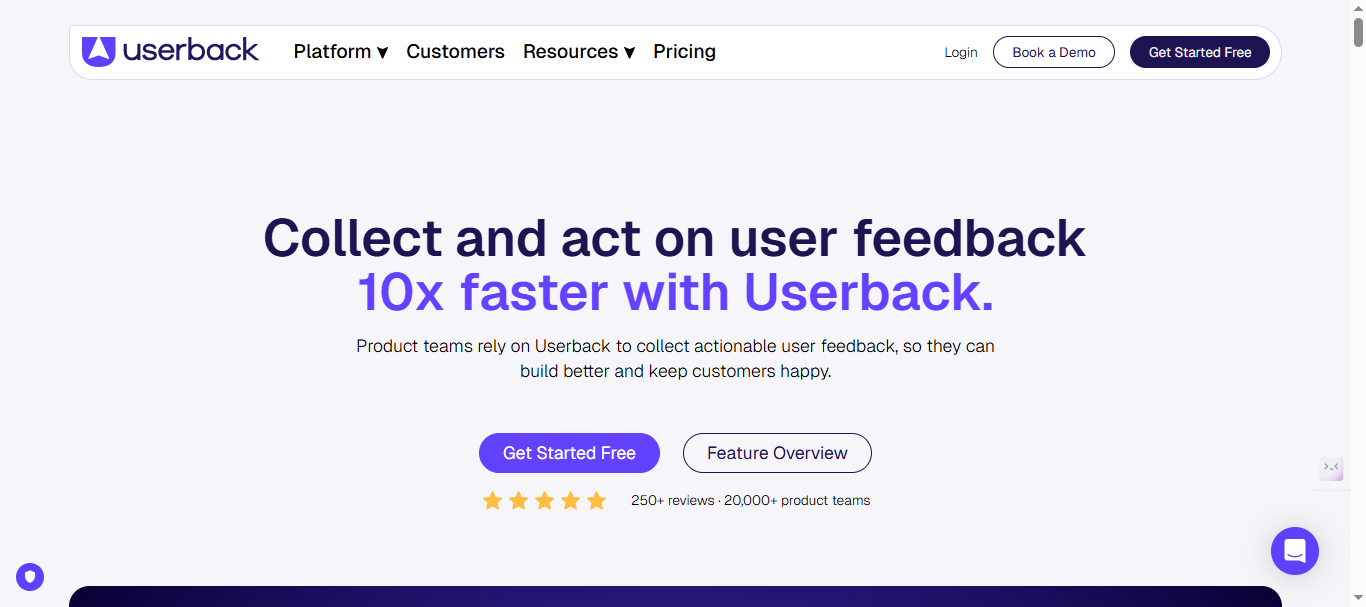
Userback focuses on the design feedback side of the category. Its annotation tools are polished, the video feedback feature works well, and non-technical stakeholders don’t need hand-holding. It falls short in the product management layer — no native roadmap, no changelog, and minimal AI capabilities.
Pros:
- Strong annotation and video feedback tools
- Good for collecting design feedback from multiple stakeholders
- Clean, user-friendly interface
Cons:
- No roadmap or changelog features
- No AI triage
- Per-user pricing can become expensive as more stakeholders need direct access.
Best for: UX designers and design teams gathering iterative feedback on live interfaces and prototypes.
Pricing: Starts at $7/per seat/month (billed annually).
Note: Visit Userback pricing page for latest pricing structure.
7. Pastel — Best for Creative and Marketing Teams
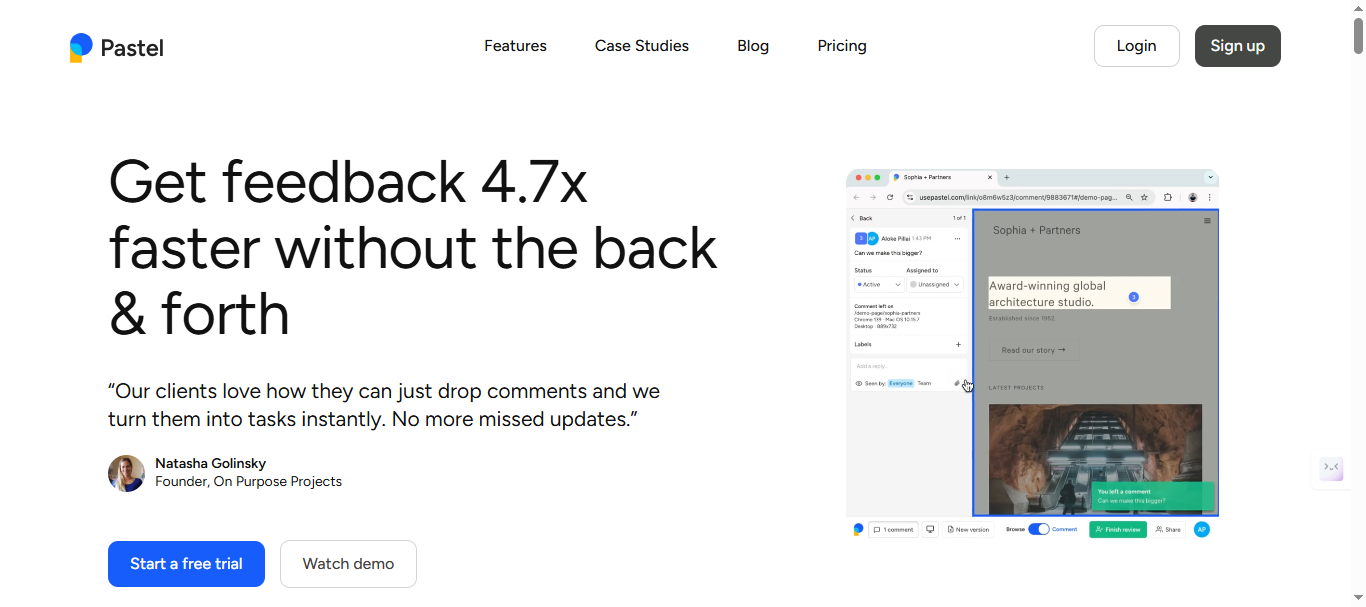
Pastel is a niche but well-executed tool for gathering feedback on live websites and creative assets. Reviewers click to leave comments directly on a webpage — the experience for non-technical clients is as smooth as it gets. It’s not built for SaaS product feedback management, but as a creative approval tool it’s strong.
Pros:
- Very simple, intuitive review experience for non-technical users
- Good for website and creative asset approvals
- Clean comment organization by page
Cons:
- No feature voting, roadmap, or changelog
- Not built for SaaS product feedback management
- Limited integrations
Best for: Marketing teams and creative agencies managing website or campaign asset reviews.
Pricing: Starts at $35/month.
Note: Visit Pastel pricing page for latest price for the plans.
8. Featurebase — Best Budget Option for Feature Voting
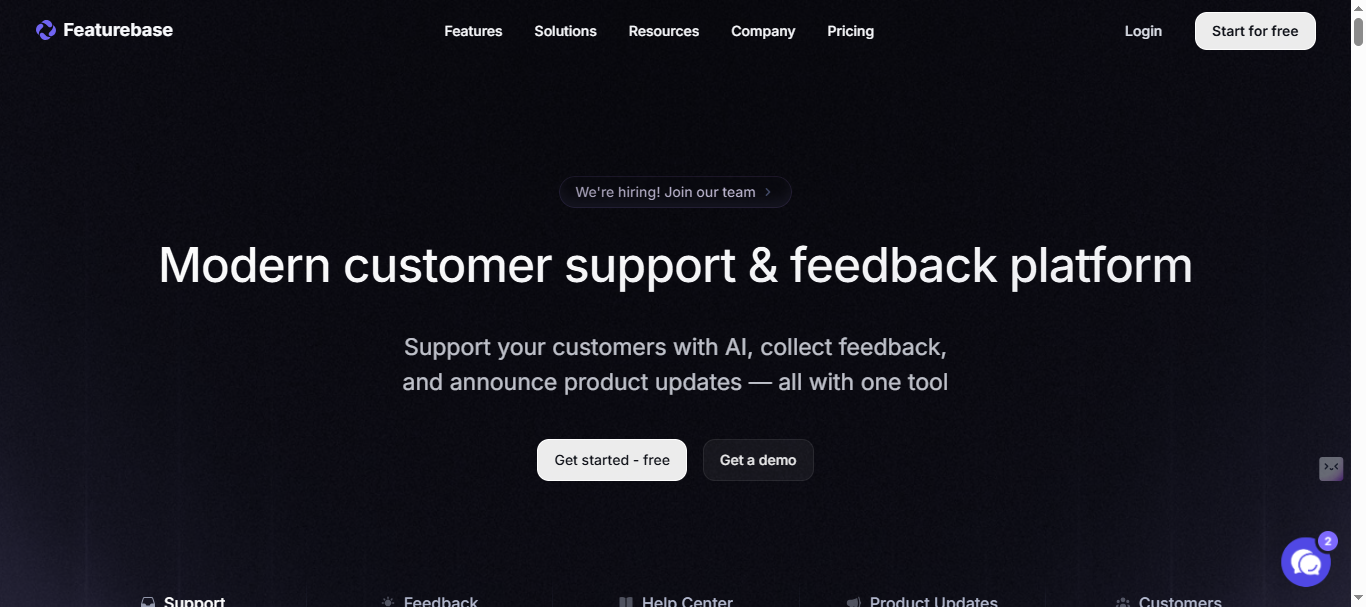
Featurebase is a lean, affordable alternative to Canny for teams that need feature voting and a basic changelog without a heavy price tag. Setup is quick, the public roadmap view is clean, and the entry pricing is hard to argue with. It lacks AI triage and visual bug reporting, but for early-stage teams starting to organize feature requests, it’s a practical first step.
Pros:
- Modern interface with seamless hub
- Simple feature voting and basic changelog
- Strong multilingual roadmaps for international SaaS
- Quick to set up
Cons:
- No AI post tagging/summaries
- Lacks 1-click Canny migration—setup takes 2-3x longer
- Weaker spam detection than AI-powered competitors
- Limited integration options
Best for: Early-stage startups that need basic feature voting without committing to a full platform.
Pricing: Free plan available. Paid plans start at $37/seat/month.
Note: Please verify current pricing tiers and feature breakdown at featurebase.app/pricing
9. Feedbucket — Best for Small Teams on a Budget
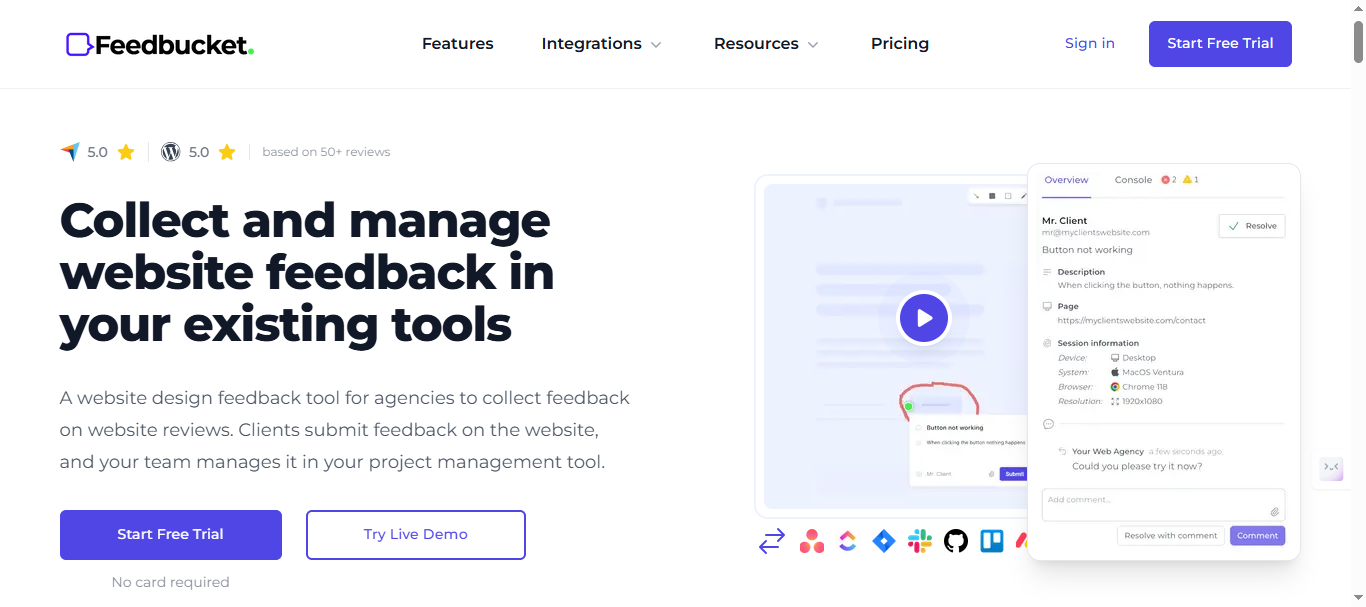
Feedbucket covers the basics — a lightweight website feedback widget, screenshot capture, and integrations with Jira and Slack. For small dev teams or freelancers who need client feedback without a complicated setup, it gets the job done. There’s no AI, no feature voting, and no roadmap, so growth-stage teams will migrate fairly quickly
Pros:
- Affordable pricing for small teams
- Simple setup and lightweight widget
- Basic integrations with Jira and Slack
Cons:
- No AI triage, roadmap, changelog, or voting
- Limited scalability for growing teams
Best for: Freelancers and very small dev teams needing simple, affordable website feedback capture.
Pricing: Starts at $39/month.
Note: Visit Feedbucket pricing page for latest pricing structure.
10. LaunchNotes — Best for Changelog and Release Communication
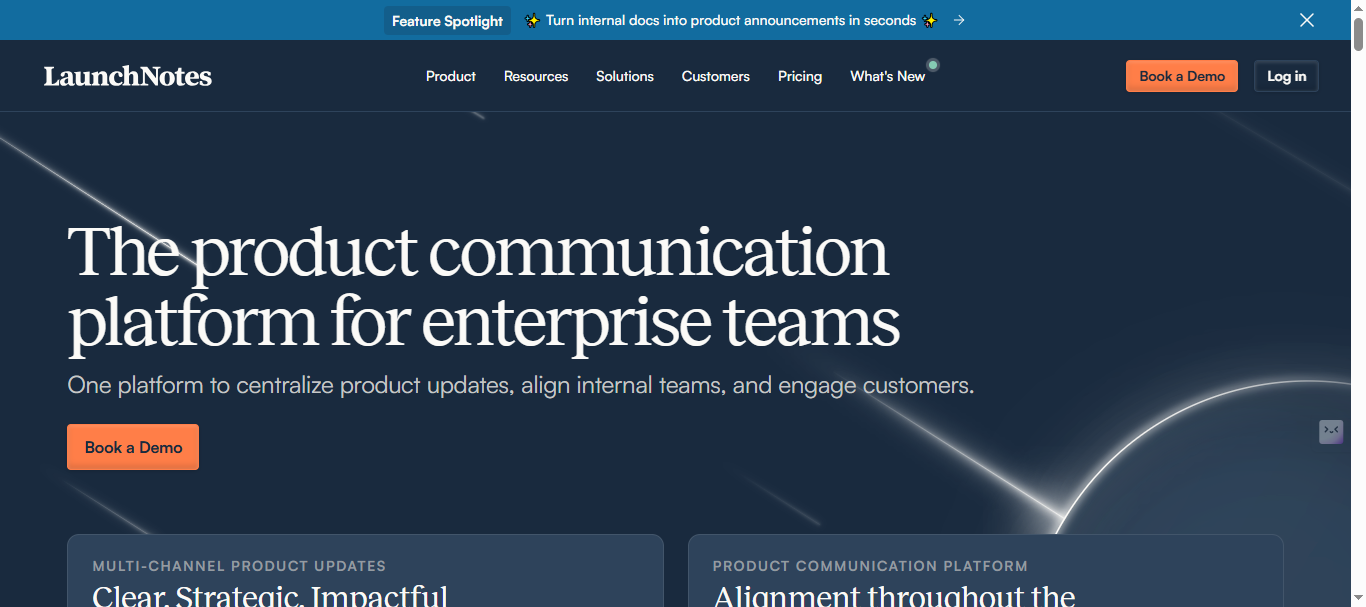
LaunchNotes rounds out the list with a focused specialization: communicating product updates to your users in a polished, structured way. Its changelog and release notes features are among the best in class, with subscriber notifications, embeddable update widgets, and clean public-facing release pages.
Where it diverges from the rest of this list is that it’s primarily an outbound communication tool, not an inbound feedback collection platform. You’re pushing updates out, not pulling structured feedback in. That makes it a strong complement to a tool like RightFeature rather than a replacement.
Pros:
- Best-in-class changelog and release note presentation
- Subscriber notifications for product updates
- Clean public-facing release pages
Cons:
- Lacks feature voting or AI triage
- Focused on outbound communication, not inbound feedback
- Expensive for startups—overkill beyond 1K users.
- Steeper learning curve, no free unlimited tier.
Best for: SaaS teams that need a polished way to communicate product updates and release notes to users.
Pricing: Starts at $299/month.
Note: Please verify current pricing tiers and feature breakdown at LaunchNotes Pricing page
Side-by-Side Comparison of the Top Visual Feedback Tools
When you stack these 10 tools against each other on the criteria that matter most, a few patterns emerge clearly.
On AI triage, RightFeature is the only tool in this list with fully automated duplicate detection, spam filtering, and priority assignment built in. Usersnap, BugHerd, and Marker.io offer none of it. Canny has limited AI functionality. Everyone else is essentially doing this manually.
On unlimited users, RightFeature stands alone at the top. Canny hits a hard wall at 25 on the free tier and scales expensively from there. Usersnap, BugHerd, Userback, and Marker.io all charge per seat. Featurebase and Feedbucket offer limited free tiers but restrict collaboration at paid tiers too.
On all-in-one coverage — visual bug reporting, feature voting, roadmap, and changelog under one roof — only RightFeature delivers all four. Canny covers voting and roadmaps but skips bug reporting. BugHerd and Marker.io handle bug reporting but skip everything else. LaunchNotes focuses purely on changelog. RightFeature is the only platform where a PM, a developer, and a customer success lead can each find their workflow without leaving the tool.
On migration support, RightFeature offers one-click import from Canny and BugHerd — votes, roadmap items, and user history included. Most other tools in this list require manual CSV exports at best.
On starting price, Feedbucket and Pastel are the most affordable for simple use cases. For teams that need real AI triage and unlimited collaboration, RightFeature’s free plan makes it the highest-value entry point by a significant margin.
If you’re a SaaS product team that needs one tool to handle everything from bug capture to AI-sorted feature requests to a published changelog, RightFeature is the only option on this list built to do all of it well. The others are good at their specific lanes — but they are specific lanes.
Conclusion
In 2026, the best visual feedback tools are the ones that stop your team from working across five different systems to collect, sort, prioritize, and communicate around feedback. The tools that make this list do that — but they do it at very different levels.
BugHerd and Marker.io are great if website QA is your only use case. Canny still leads on feature voting UX. LaunchNotes is the cleanest changelog publisher in the market. But for SaaS teams that need everything — AI triage, unlimited collaboration, bug reporting, roadmaps, changelogs, and a painless migration path — RightFeature is the clear answer.
Start your free trial today with no credit card required and unlimited users from day one. If you’re currently on Canny or BugHerd, the one-click migration means you can be fully set up within few minutes.
Explore more: Top Usersnap Alternatives · Top BugHerd Alternatives · Best Changelog Tools for SaaS
Ready to build products users love?
Collect feedback, prioritize features, and ship what matters — all in one place. Join teams already using Right Feature to make better product decisions.
No credit card required • Setup in 5 minutes