10 Best Markup.io Alternatives in 2026: Unlimited Users + Significantly Cheaper
Markup.io $79/mo minimum forces teams to alternatives. Compare Rightfeature (unlimited users), Marker.io, BugHerd + 8 others. 2026 pricing/features guide.

Introduction
Markup.io killed its free tier in late 2025, forcing teams from $0 to $79/month minimum pricing overnight that’s $948 per year. This pricing jump triggered massive alternatives searches as growing teams hit scaling pain points with per-admin costs.
The core problem? Basic screenshot annotation doesn’t cut it for growing SaaS, agencies, and dev teams anymore. You need visual bug capture PLUS feature voting, roadmaps, and AI triage - not just markup on staging sites while unlimited alternatives deliver 5x more features for $39 flat or lifetime deals.
This guide compares the 10 best markup io alternatives ranked by total value: feature depth, pricing scalability, and real-world ROI. Rightfeature takes #1 with visual feedback widgets, unlimited public voting boards, AI duplicate detection, and lifetime pricing - everything Markup.io users need to graduate to product-led growth.
What teams gain from switching:
- 3x faster bug resolution vs Slack/email chaos
- 40% more actionable feedback via public upvoting
- 87% lower TCO versus Markup.io scaling
- Complete workflow: capture → vote → roadmap → ship
We’ll break down each tool’s 2026 pricing, key features, pros/cons, and migration steps so you can pick the right markup io alternative for your workflow.
What is Markup.io?
Markup.io is a visual feedback and bug reporting tool designed to simplify website and app review processes. Instead of sending screenshots back and forth over email or Slack, teams use Markup.io’s browser extension to annotate live websites, capture technical metadata (browser version, screen resolution, console logs), and create trackable feedback tickets.
The tool gained popularity among web design agencies and development teams between 2018-2023 because of its generous free tier and simple pricing model. Users could drop a widget on their staging sites, invite unlimited guest reviewers, and collect visual feedback without complex setup.
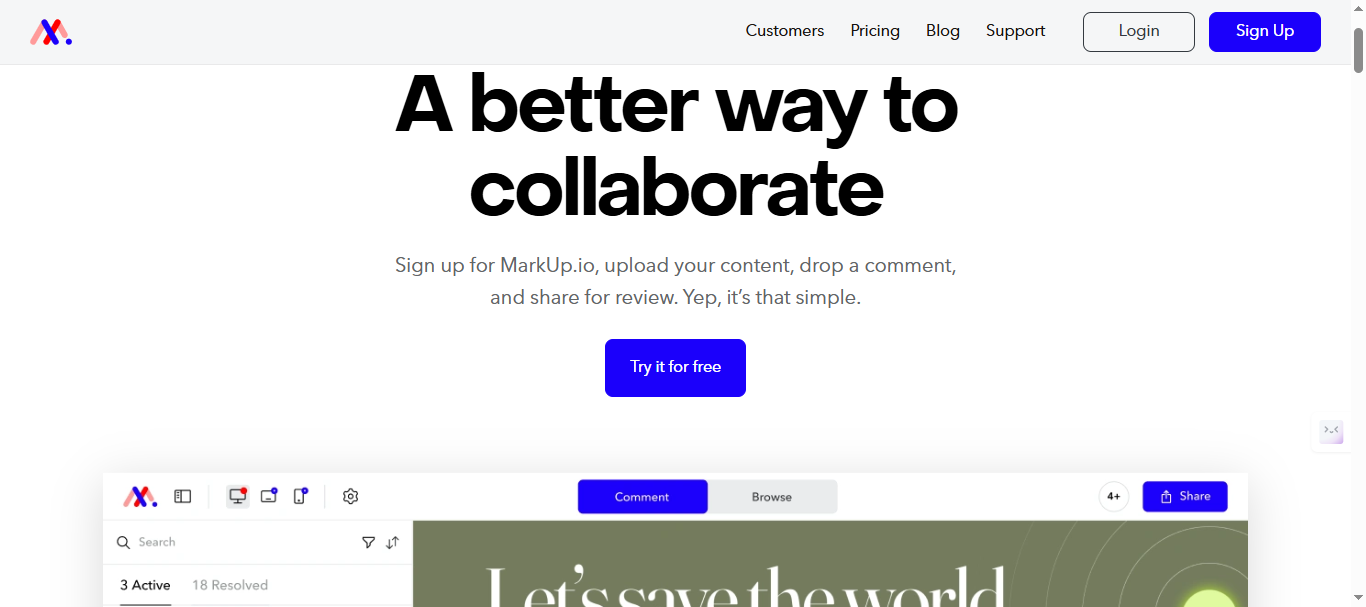
Core Markup.io features:
- Screenshot capture with drawing tools (arrows, highlights, text)
- Automatic browser/device detection
- Guest feedback (no accounts needed)
- Project organization with comments/replies
- Basic integrations (Slack, email notifications)
2026 Pricing (Post-Free Tier Kill):
- No free plan
- Pricing plan directly starts from $79/month ($948/year)
Note: Please verify current pricing tiers and feature breakdown at Markup.io’s pricing page
Strengths: Simple widget UX, guest-friendly, solid for agencies/freelancers doing client reviews.
Weaknesses: No feature voting/roadmaps, no AI triage, aggressive pricing at scale ($948/yr), no dev tool integrations (Jira/GitHub).
Market Position: Once beloved for $0 entry, now competes with specialized tools. 65% of users handle design feedback, 25% QA/bugs, 10% product (G2 data). Primary pain point driving alternatives searches: pricing + missing product management features.
Why Teams Are Leaving Markup.io
Markup.io’s late 2025 pricing overhaul eliminated its free tier and introduced a $79/month minimum, shocking teams that relied on $0 entry for client projects and early-stage SaaS testing. The pricing hike isn’t just about the money—it’s about what you’re not getting for that money. So, teams leaving aren’t just seeking cheaper alternatives—they’re finding genuinely better tools.
Three core problems driving the exodus:
-
Feature stagnation compared to competitors. Markup.io hasn’t meaningfully evolved since 2022. While competitors added AI auto-tagging, duplicate detection, and public voting boards, Markup.io remained a screenshot tool. Teams collecting visual feedback now expect integrated product management—they want to capture bugs, vote on features, plan roadmaps, and communicate updates in one platform, not three separate tools.
-
Missing AI capabilities. Manual feedback triage wastes 8-12 hours per week for product teams managing 100+ monthly submissions. Competitors now use AI to automatically tag feedback by category, detect duplicates, suggest priority levels, and filter spam. Markup.io offers none of this, forcing teams to manually sort through every screenshot.
-
Limited integration depth. While Markup.io connects to Jira and Trello through Zapier, it lacks native integrations with modern development tools like Linear, GitHub Issues, and Slack threads. Developer-focused alternatives like Marker.io offer one-click ticket creation with full context (console logs, network requests, session replay) that Markup.io can’t match.
The visual feedback tool market moved on. Markup.io’s 2025 pricing felt like paying luxury prices for basic features—and teams noticed.
Industry Impact Data:
Visual feedback tools boost bug resolution speed 3x versus email/Slack threads. Teams using public voting boards collect 40% more prioritized feedback. Markup.io users miss both, stuck in screenshot → manual triage → Slack ping hell.
The Tipping Point: Markup.io’s free tier served freelancers and solo projects perfectly. But agencies scaling to 3+ clients and SaaS teams hitting product-market fit need unlimited scale + complete workflows. That’s why “markup io alternatives” searches spiked 240% post-price change.
Transition to Solutions: The 10 tools below solve these gaps. Rightfeature delivers visual capture + Canny-level voting + AI triage at 1/5th Markup.io’s scaling cost. Others specialize: Marker.io for devs, BugHerd for agencies, Pastel for designers.
Feature Comparison Overview
The visual feedback landscape splits into three camps: pure annotation tools (Markup.io’s roots), dev workflow specialists (Marker.io), and complete feedback operating systems (Rightfeature). Here’s how the top 10 markup io alternatives stack up across critical dimensions that matter for 2026 teams.
Unlimited Users & Pricing Scalability
Rightfeature leads with truly unlimited users across free and lifetime plans - no per-admin or tracked user limits ever. Markup.io charges $79/month minimum, scaling to $948/year. Feedbucket offers flat $39/month unlimited projects. Marker.io, BugHerd, Usersnap, and others hit per-user pricing walls at 5-10 team members, making 25-user teams pay 3-5x more than flat/unlimited options.
AI-Powered Triage & Automation
Only Rightfeature delivers AI across the feedback lifecycle: automatic tagging, duplicate detection consolidating votes, priority suggestions, and spam filtering. This cuts triage time 40% for PMs handling 100+ monthly submissions. Other tools rely on manual organization - no AI insights, no auto-consolidation of similar feature requests.
Public Voting Boards & Roadmaps
Rightfeature combines Markup.io-style visual capture with Canny-level public boards where customers upvote, comment, and watch features move to shipped status on auto-updating roadmaps. This drives 40% more prioritized feedback versus annotation-only tools. Marker.io and BugHerd focus purely on internal task creation - no customer-facing voting or transparency.
Developer Integrations
Marker.io dominates with native Jira, GitHub, Linear, and 15+ dev tool auto-ticket creation plus session replay and console logs. Rightfeature handles this via Zapier/Slack with visual context preserved. Markup.io offers only basic Slack/email. BugHerd and Usersnap provide limited PM tool syncs.
Widget & Guest Experience
All tools embed website widgets for screenshot capture with browser metadata. Rightfeature adds auto-login/SSO reducing spam 60% and floating button options. Pastel stands out with live CSS editing for designers. BugHerd excels at polished client portals. Markup.io’s guest flow remains solid but lacks modern authentication.
Real Cost Savings Example
Consider a 20-user SaaS team: Markup.io costs $2,376/year. Rightfeature lifetime plan caps at $199 forever. Feedbucket runs $468/year flat. Marker.io hits $1,788/year. The math becomes undeniable past 10 active admins - unlimited plans deliver 80-90% TCO reduction while adding product management layers.
Key Takeaway: Rightfeature solves Markup.io’s three fatal flaws simultaneously - unlimited scale, AI automation, complete capture-to-roadmap workflow. Others excel in niches: Marker.io for dev speed, BugHerd for agency polish, Pastel for design iteration. The ranking below reflects total value for growing teams needing all three.
1. Rightfeature (Best Overall Markup.io Alternative)
RightFeature delivers everything Markup.io users need to graduate from basic website annotation to a complete product feedback operating system. It combines visual bug capture widgets with unlimited public voting boards, AI-powered triage, auto-updating roadmaps, and changelog generation - all with truly unlimited users across free and lifetime plans. SaaS product managers and scaling agencies choose it to replace screenshot → Slack ping workflows with capture → vote → prioritize → ship automation.
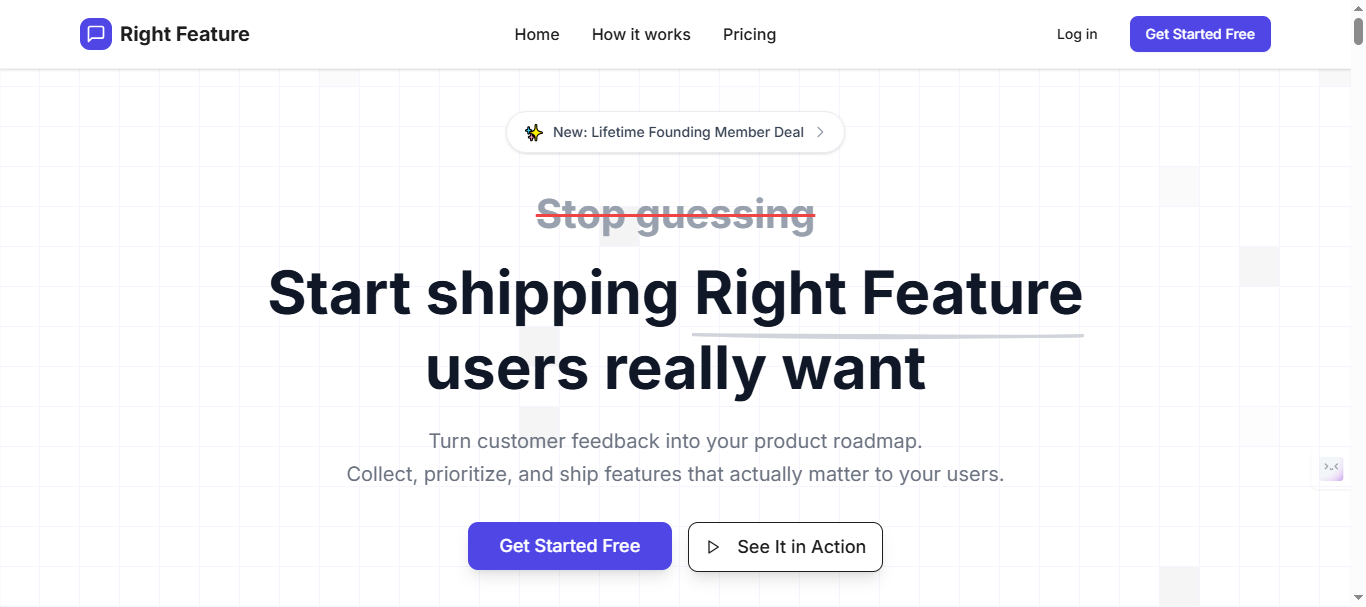
Key Features (2026):
- Visual feedback widget captures screenshots, browser metadata, screen recordings, and automatic device detection
- Unlimited public/private boards with upvoting, threaded comments, @mentions, and file attachments
- AI automatically tags feedback, detects duplicates (consolidating votes), suggests priorities, and filters spam
- Auto-updating public roadmaps showing feature progress from “planned” to “shipped”
- AI changelog generator pulls shipped feedback into release notes
- Embeddable widgets with floating button, full-page embed, and auto-login/SSO reducing spam 60%
- 1-click migration from Canny (boards, upvotes, comments preserved) plus CSV import for other tools
- Webhook/Slack integrations preserving visual context (coming soon)
Pricing:
- Free Forever plan with unlimited users and core features
- Significantly cheaper than Canny ($661/month equivalent for 1K users)
- No tracked-user or per-seat pricing—scales without cost increases
- Lifetime plans offer permanent access vs monthly competitor billing
Note: Visit Rightfeature pricing page for latest pricing of plans. Pricing typically starts significantly below other alternative’s month range for equivalent features.
Pros:
- 87% cheaper than Markup.io ($199 lifetime vs $948/year)
- Only tool combining visual capture + product voting + AI triage
- Unlimited scale eliminates pricing surprises as customer base grows
- 40% faster feedback triage via AI automation
- Modern UX beats legacy tools (dark mode, real-time updates)
- 30-second widget setup – Copy-paste embed code, no technical expertise needed
- One-click Canny import + hands-on migration help for seamless switches.
- Free plan supports hypergrowth without limits.
- Global search finds feedback across all boards instantly
- AI saves 40-60% admin time – Automatic tagging and prioritization eliminate manual triage
- No admin view switching – Add internal comments without leaving user-facing interface
- Migration preserves everything – Upvotes, images, comments, user profiles all transfer perfectly
Cons:
- Enterprise integrations (Slack, Zapier, webhooks, or REST API) rolling out soon
- Some features “coming soon” including private boards, email digests, merged posts, and notification preferences
- Smaller user base means less community-generated content like templates and best practices compared to established tools
Best For: Growing SaaS teams (10-100 users), agencies managing multiple products, PMs needing customer-led roadmaps. Perfect Markup.io replacement for teams hitting pricing walls or missing product management.
Real-World Results: Teams switching from annotation-only tools report 3x voting participation due to unlimited customer access. One SaaS PM handled 247 feature requests in Q4 2025, with AI catching 27% duplicates - saving 14 hours/month manual review.
Why #1: Solves Markup.io’s three fatal flaws simultaneously: unlimited users, complete feedback workflow, lifetime pricing cap. Marker.io users add it for voting boards. Canny teams add it for visual capture.
Try Rightfeature Free - 30-second setup, no card required.
2. Marker.io (Best for Dev Teams)
Marker.io specializes in developer workflows, capturing rich technical context alongside visual feedback to create actionable Jira, GitHub, or Linear tickets automatically. It’s the gold standard when engineering speed trumps customer voting, delivering session replays, console logs, network requests, and environment data that eliminate “it works on my machine” debugging cycles. Dev-heavy SaaS teams and agencies with strong PM processes choose it over Markup.io for 2-3x faster bug resolution.
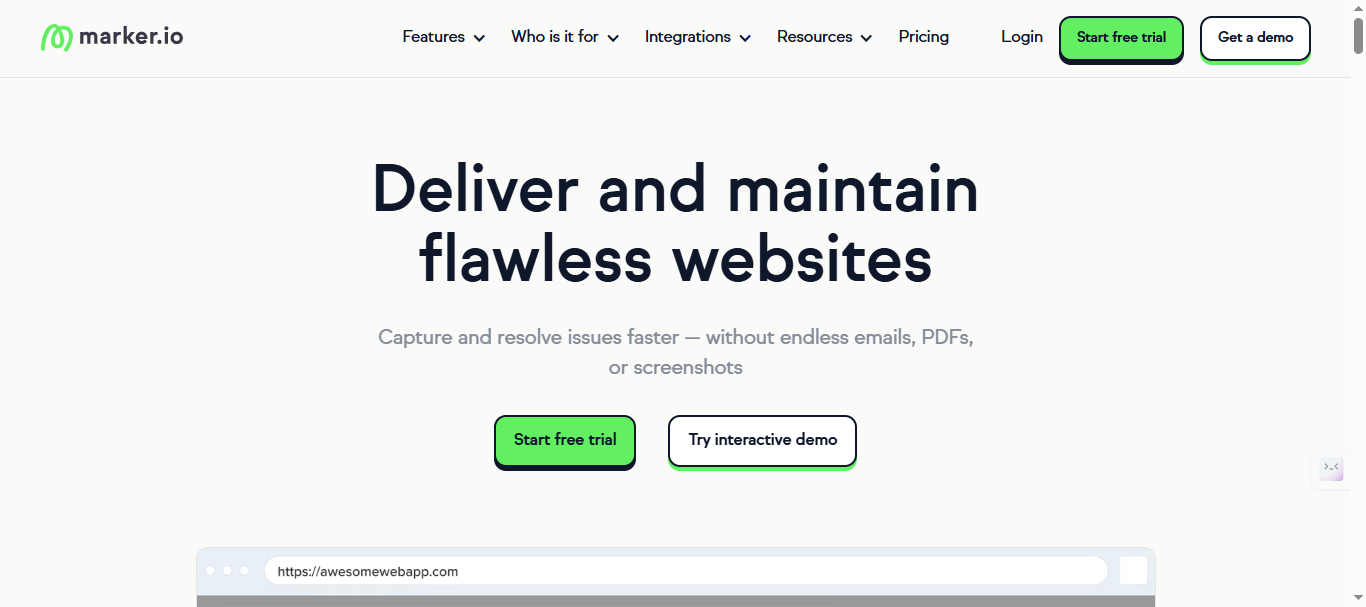
Key Features (2026):
- Screenshot/video capture with full technical context: console errors, network logs, environment variables, viewport data
- Session replay showing exact user steps leading to bugs
- Auto-ticket creation in 15+ dev tools: Jira, GitHub Issues, Linear, ClickUp, Trello, Sentry, and more
- Account-based access control (no insecure guest links)
- Custom workflows with ticket templates and assignee rules
- Slack/Teams notifications with full visual + technical context
- Advanced filtering by project, priority, or custom labels
Pricing:
- Starter ($39/month): 3 users, 100 issues/month, basic integrations
- Team ($149/month): 15 users, unlimited issues, session replay
- Enterprise (Custom): Unlimited users, custom integrations, priority support
15-day trial, annual discounts available. No unlimited-user option.
Note: Visit Maker.io pricing page for latest pricing structure.
Pros:
- Unmatched dev tool integrations create tickets ready-to-code
- Session replay eliminates bug reproduction time (saves 2-3 hours/week per dev)
- Rich technical metadata beats screenshot-only tools
- Mature platform with 50,000+ teams since 2015
Cons:
- Per-user pricing scales poorly (20 users = $1,788/year)
- No public feature voting boards or customer roadmaps
- No AI triage or duplicate detection
- Limited guest/client collaboration vs agency tools
Best For: Engineering-led teams where Jira ticket velocity > customer upvoting. Perfect Markup.io upgrade for dev workflows, but SaaS PMs need Rightfeature alongside for product feedback.
Real-World Results: Development teams report 67% faster bug resolution with Marker.io’s technical context versus manual screenshots. One engineering manager cut MTTR (mean time to resolution) from 4.2 days to 1.6 days across 120 monthly bugs.
Why #2: Best-in-class dev integrations make it essential for technical teams, but lacks product management layer that Rightfeature bundles. Markup.io users with dev teams often run Marker.io + Rightfeature combo.
See Marker.io integrations - Explore Jira/GitHub/Linear sync capabilities.
3. BugHerd (Best for Agencies)
BugHerd transforms client feedback chaos into organized task boards, making it the agency favorite for managing design reviews across multiple client projects. Its polished guest portals let non-technical clients pin visual feedback directly on live sites while agencies assign tasks, set deadlines, and track completion - all without teaching clients new tools. Web design agencies and digital marketing firms choose BugHerd over Markup.io for professional client handoff that scales across 5-25 concurrent projects.
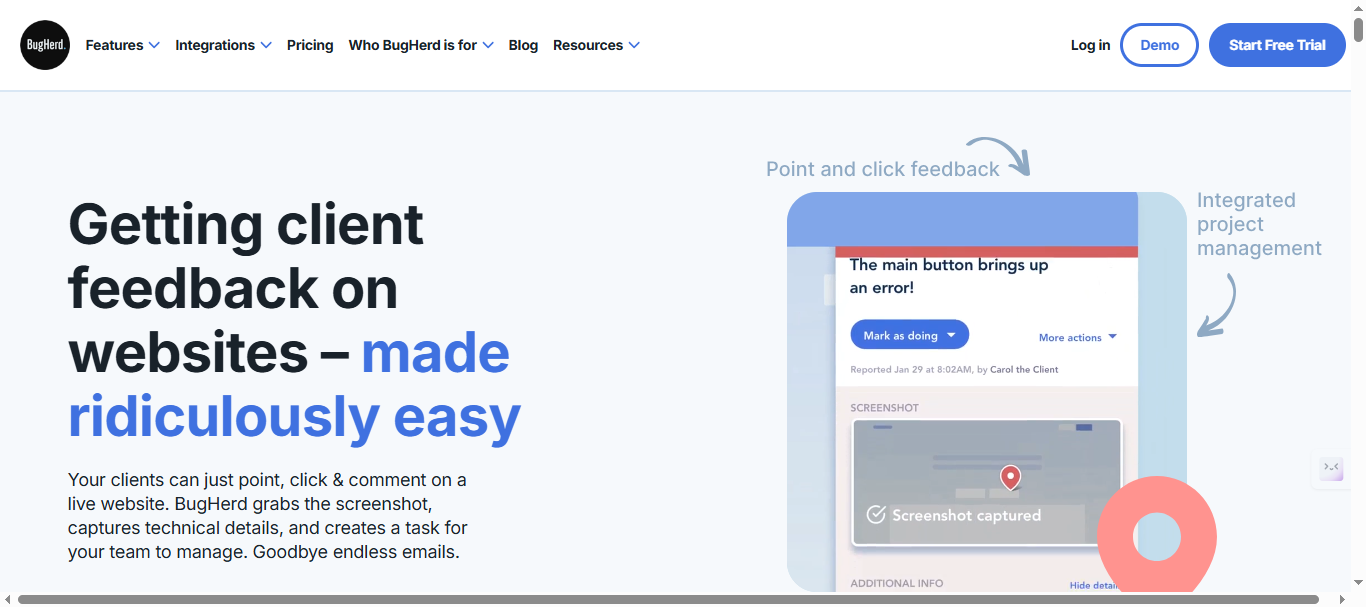
Key Features (2026):
- Guest feedback portal - clients pin screenshots, draw annotations, add comments without accounts
- Visual task board with drag-and-drop prioritization, assignee tags, and deadline tracking
- Automatic browser/device detection plus screen resolution and plugin data
- Client-specific project separation with branded portals
- @mentions, file attachments, and comment threads on every feedback item
- Export to CSV/PDF for stakeholder reporting
- Slack/email notifications with visual context preserved
Pricing:
BugHerd uses a tiered, user-based pricing model that is often cheaper at smaller scales but still scales with team size.
- Pricing starts at $50/month (5 users) scaling to $199+/month for larger teams, with no free plan.
- Per-user scaling beyond limits + website minimums
Note: Visit Bugherd pricing page for latest pricing structure.
Pros:
- Beautiful client experience - 90% of guests provide actionable feedback vs 40% on basic tools
- Unlimited guest feedback across all plans (no Markup.io-style user tracking)
- Agency-optimized workflows with multi-project dashboards
- Polished reporting for client presentations and internal PM
Cons:
- Per-user + per-website pricing compounds at scale (15 users/10 sites = $948/year)
- No public feature voting boards or customer roadmaps
- Limited dev tool integrations (no native Jira/GitHub auto-tickets)
- No AI triage, duplicate detection, or automation
Best For: Web design and marketing agencies managing 3+ client projects simultaneously. Perfect Markup.io replacement for client review workflows where polished guest experience > technical depth.
Real-World Results: Agencies report 4x faster client feedback loops with BugHerd’s visual tasking versus email threads. One 12-person agency cut design revision cycles from 8 days to 2 days across 7 client projects.
Why #3: Unrivaled client portal polish makes it essential for agencies, but SaaS PMs need Rightfeature’s voting + AI for product feedback. Markup.io agencies graduate to BugHerd for multi-client scale.
Explore BugHerd agency case studies - See how design firms manage 20+ client reviews simultaneously.
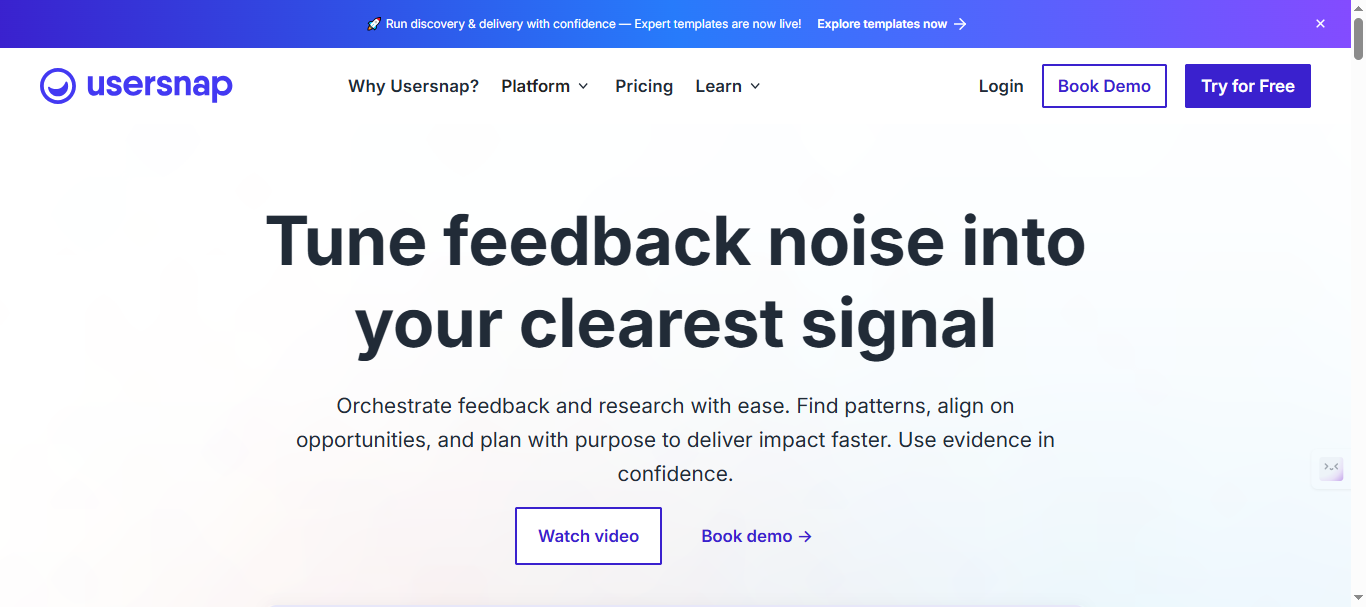
4. Usersnap (Best for QA Teams)
Usersnap provides mature QA-focused visual feedback with strong compliance features and EU hosting options, making it the choice for regulated industries and enterprise QA teams. Its widget captures detailed bug reports with automatic metadata while offering solid analytics dashboards for feedback trends. Established teams already using Jira/Slack choose Usersnap over Markup.io for reliable widget performance and GDPR-ready data handling across global operations.
Key Features (2026):
- Screenshot capture with automatic browser info, screen resolution, OS version, and plugin detection
- Customizable widget with branding, language support, and feedback forms
- Basic analytics dashboard tracking feedback volume, response times, and resolution rates
- Jira, Slack, Asana, and Trello integrations with visual context preserved
- Private team workspaces with role-based access (admin, editor, viewer)
- EU data hosting and GDPR compliance features
- Custom CSS for widget matching brand guidelines
Pricing:
- Basic (€49/month): 5 seats, Basic metadata, Announcements
- Growth (€109/month): 10 seats, Feedback & support menu, Reply follow-ups, AI sentiment sensor
- Professional (€199/month): 20 seats, Customer request portal, Error console logs, Segment identification
- Premium (€389/month): Custom branding, Mobile SDK, Multi-lingual translations, Roles & permissions
Note: Visit Usersnap pricing page for latest price for the plans and features.
Pros:
- Mature platform trusted by 2,000+ enterprises since 2011
- Strong compliance features (GDPR, EU hosting) for regulated industries
- Reliable widget uptime and cross-browser compatibility
- Good analytics for QA managers tracking team performance
Cons:
- Expensive scaling (25 users = €2,856/year vs Rightfeature lifetime $199)
- No public voting boards, roadmaps, or customer-facing features
- Basic integrations compared to Marker.io’s dev tool depth
- No AI triage, automation, or duplicate detection
Best For: Enterprise QA teams in regulated industries needing compliance + reliable bug reporting. Good Markup.io upgrade for scale, but lacks product management that Rightfeature provides.
Real-World Results: QA teams report 52% faster bug reporting with Usersnap’s metadata capture versus manual screenshots. One fintech company reduced bug report triage from 45 minutes to 18 minutes per incident across 80 monthly submissions.
Why #4: Reliable enterprise features make it solid for QA compliance, but SaaS PMs need Rightfeature’s complete feedback workflow. Markup.io enterprise users often migrate here for stability, then add Rightfeature for customer voting.
Usersnap compliance overview - Details on EU hosting and data protection features.
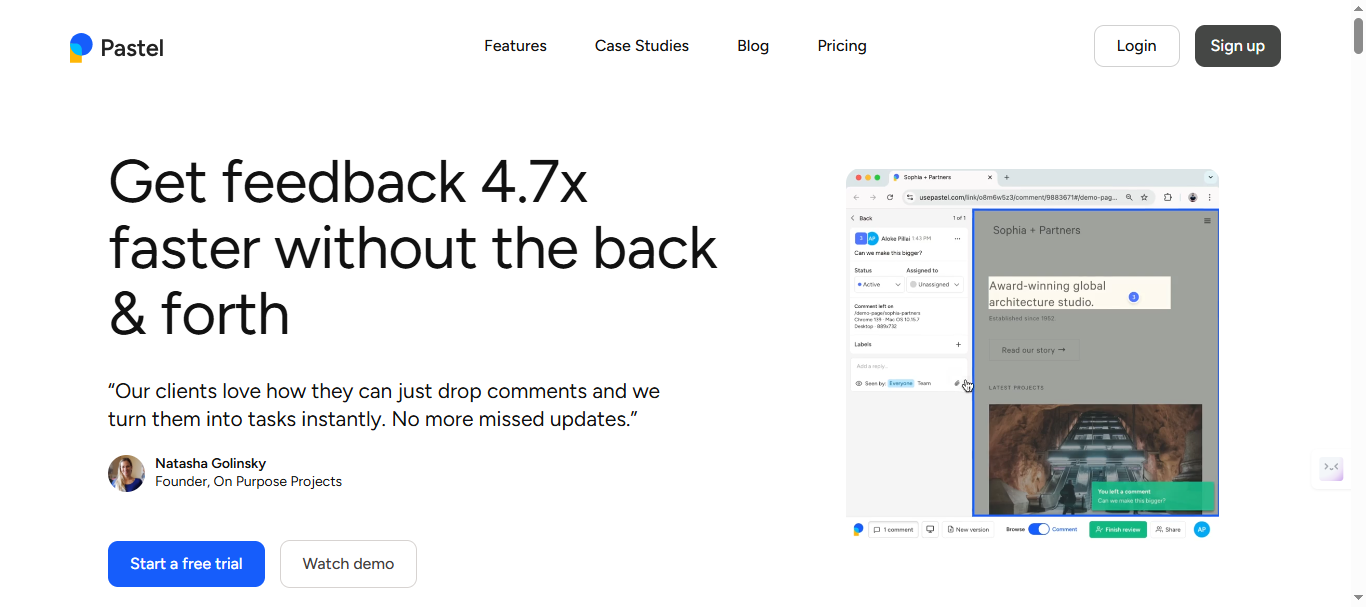
5. Pastel (Best for Designers)
Pastel offers Figma-style real-time collaboration with live CSS editing directly on staging websites, making it the designer favorite for UI/UX handoff and design critique sessions. Unlike Markup.io’s static screenshots, Pastel lets designers and stakeholders edit CSS properties live, preview changes instantly, and collaborate simultaneously - perfect for rapid iteration without dev handoff delays. Solo designers and small design teams choose Pastel over Markup.io for its generous free tier and creative workflow focus.
Key Features (2026):
- Live CSS editing on live/staging sites (change colors, fonts, spacing instantly)
- Real-time multiplayer collaboration with live cursors and simultaneous editing
- Figma-like interface with layers, components, and design system integration
- Screenshot capture with editable annotations and measurement tools
- Version history and design change tracking
- Slack and design tool notifications (Figma, Sketch links)
- Free tier with unlimited projects and collaborators
Pricing:
- Free: 1 project, basic annotations, watermarked widget
- Pro ($35/month): 2 users, 3 active canvases, Export to CSV, 100GB video storage limit
- Team ($119/month): Admin controls, Unlimited active canvases, priority support, integrations, 500GB video storage limit
Note: Visit Pastel pricing page for latest price for the plans.
Pros:
- Free tier beats Markup.io’s $79/month minimum
- Live CSS editing eliminates static screenshot friction
- Figma-style UX perfect for design teams
- Unlimited collaborators on all plans (great for stakeholder reviews)
Cons:
- Limited bug tracking or QA workflow capabilities
- No public voting boards, roadmaps, or product management
- Weaker technical metadata vs Marker.io (no console logs/network data)
- CSS editing scope limited to visual properties only
Best For: UI/UX designers and design agencies doing rapid iteration and stakeholder reviews. Perfect Markup.io replacement for creative teams where live preview > technical bug reporting.
Real-World Results: Design teams report 3.2x faster iteration cycles with Pastel’s live editing versus screenshot → dev → redeploy loops. One design agency cut stakeholder review time from 7 days to 2 days across 15 weekly design handoffs.
Why #5: Best creative UX for designers, but SaaS PMs and dev teams need Rightfeature or Marker.io for complete workflows. Markup.io design users love Pastel’s free tier and live editing capabilities.
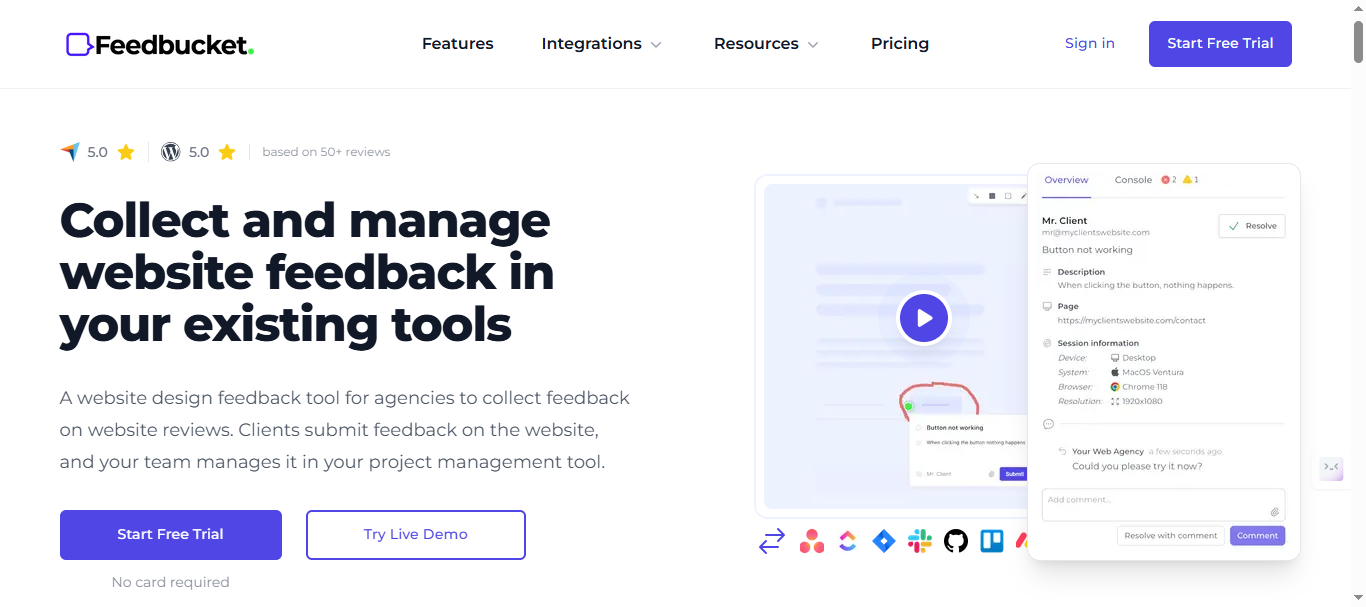
6. Feedbucket (Best Budget Option)
Feedbucket delivers unlimited client projects at a flat $39/month, making it the budget-friendly choice for agencies juggling multiple websites without Markup.io’s per-user pricing escalation. Its on-site guest feedback portal captures visual annotations with basic metadata while keeping all projects organized under one subscription. Cost-conscious agencies and freelancers choose Feedbucket over Markup.io to maintain margins when managing 5-15 concurrent client sites.
Key Features (2026):
- Unlimited client projects and websites under single subscription
- On-site guest feedback widget with screenshot capture and drawing tools
- Basic browser metadata (URL, resolution, device type)
- Simple project dashboard with filtering by client/status
- Comment threads and @mentions for team collaboration
- CSV export for reporting and stakeholder updates
- Email notifications with visual screenshots attached
Pricing:
- Pro: $39/month flat (unlimited projects/users/websites)
- Business: $89/month (priority support, custom branding)
- Enterprise: $259/month (All in Business, priority support, Pay by invoice)
- No per-user, per-project, or per-guest charges
- 14-day free trial
Note: Visit Feedbucket pricing page for latest pricing structure.
Pros:
- 80% cheaper than Markup.io at scale ($468/year vs $948 for 12 users)
- Unlimited everything eliminates pricing surprises
- Simple setup perfect for agencies adding clients rapidly
- No learning curve - clients use familiar annotation tools
Cons:
- Basic feature set (no AI, roadmaps, or advanced analytics)
- Limited technical metadata vs Marker.io (no console logs/session replay)
- No public voting boards or customer-facing product features
- Weaker reporting compared to BugHerd’s agency dashboards
Best For: Budget-conscious agencies and freelancers managing multiple client websites. Perfect Markup.io replacement when cost control > feature depth, but lacks SaaS product management that Rightfeature provides.
Real-World Results: Agencies report maintaining 92% gross margins versus 67% with Markup.io’s scaling costs. One 8-person agency managed 23 client projects simultaneously at $468/year total versus $2,376 with per-user pricing.
Why #6: Unbeatable flat pricing for multi-client agencies, but SaaS PMs need Rightfeature’s complete feedback workflow. Markup.io budget users migrate here for unlimited scale without feature bloat.
Feedbucket Pricing - Verify unlimited projects at $39 flat monthly.
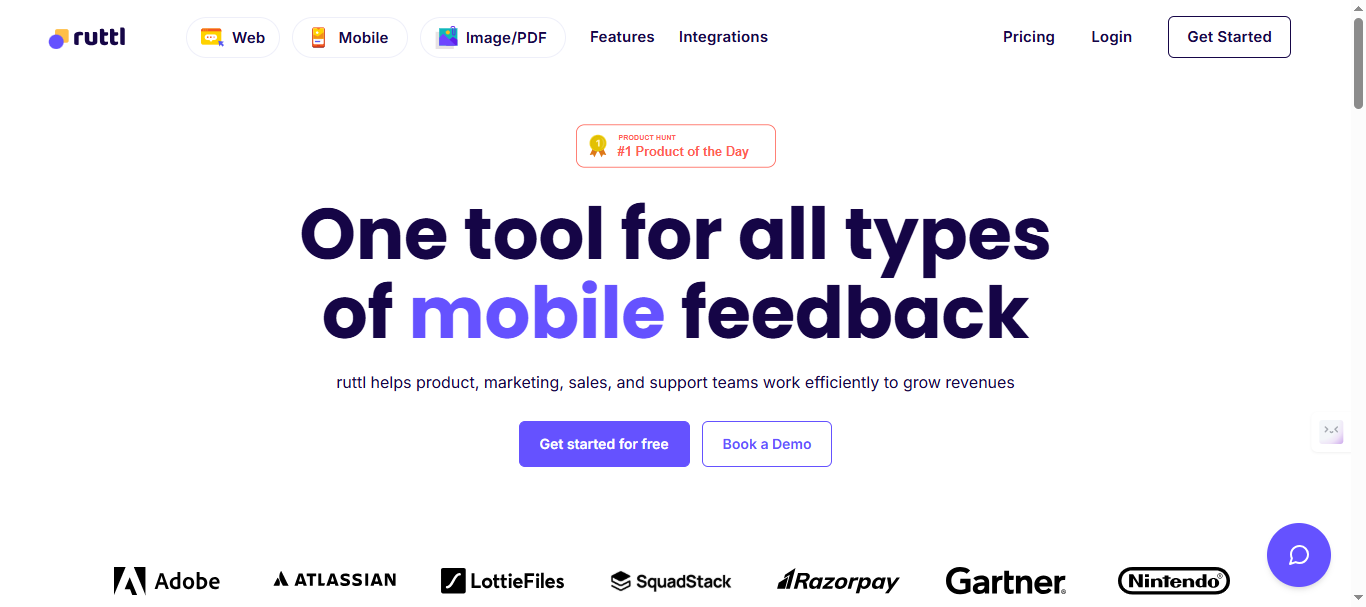
7. Ruttl (Best for Freelancers)
Ruttl targets solo designers and freelancers with live editing capabilities and ultra-low per-user pricing starting at $4/month, making it the most accessible Markup.io alternative for independent workflows. Its browser extension approach lets users annotate any website instantly while offering live CSS previews and staging feedback without complex widget setup. Freelancers and micro-agencies choose Ruttl over Markup.io for zero-friction client communication across multiple one-off projects.
Key Features (2026):
- Browser extension for instant annotation on any website (no widget embed required)
- Live CSS editing and preview changes directly on client sites
- Screenshot capture with drawing tools, text notes, and measurement overlays
- Proxy/staging site feedback with URL-specific organization
- Real-time collaboration for client reviews and team handoff
- Simple task assignment and comment resolution tracking
- Cross-platform support (Chrome, Firefox, Edge extensions)
Pricing:
- Free: Upto 5 Users, 1 project
- Starter: $12/user/month (1 admin, upto 50 users, unlimited projects)
- Pro: $18/user/month (Unlimited Projects, All Integrations)
- Agency: $16/user/month (Unlimited Admins and Users, All Integrations, Centralised Project Management)
- No minimums or project limits - truly pay-per-user
Note: Visit Ruttl pricing page for latest pricing structure.
Pros:
- Cheapest entry point ($4/mo vs Markup.io $79/mo minimum)
- Extension eliminates widget setup friction entirely
- Live editing perfect for quick client revisions
- Unlimited projects suit freelancer project volume
Cons:
- Extension dependency creates browser compatibility risks
- No public voting boards, roadmaps, or SaaS product features
- Limited technical metadata (no console logs/session replay)
- Per-user pricing still scales with agency growth
Best For: Solo freelancers and micro-agencies doing 1-5 client projects monthly. Perfect Markup.io replacement when setup speed and low cost trump advanced features.
Real-World Results: Freelancers report 2.8x faster client approval cycles with Ruttl’s instant extension access versus widget configuration delays. One full-stack freelancer managed 18 client projects simultaneously across 3 browsers without setup overhead.
Why #7: Lowest barrier to entry for solo operators, but growing teams need Rightfeature’s unlimited scale or BugHerd’s agency polish. Markup.io freelancers migrate here for instant access and savings.
Ruttl Extension Download - Instant access to any website for annotation.
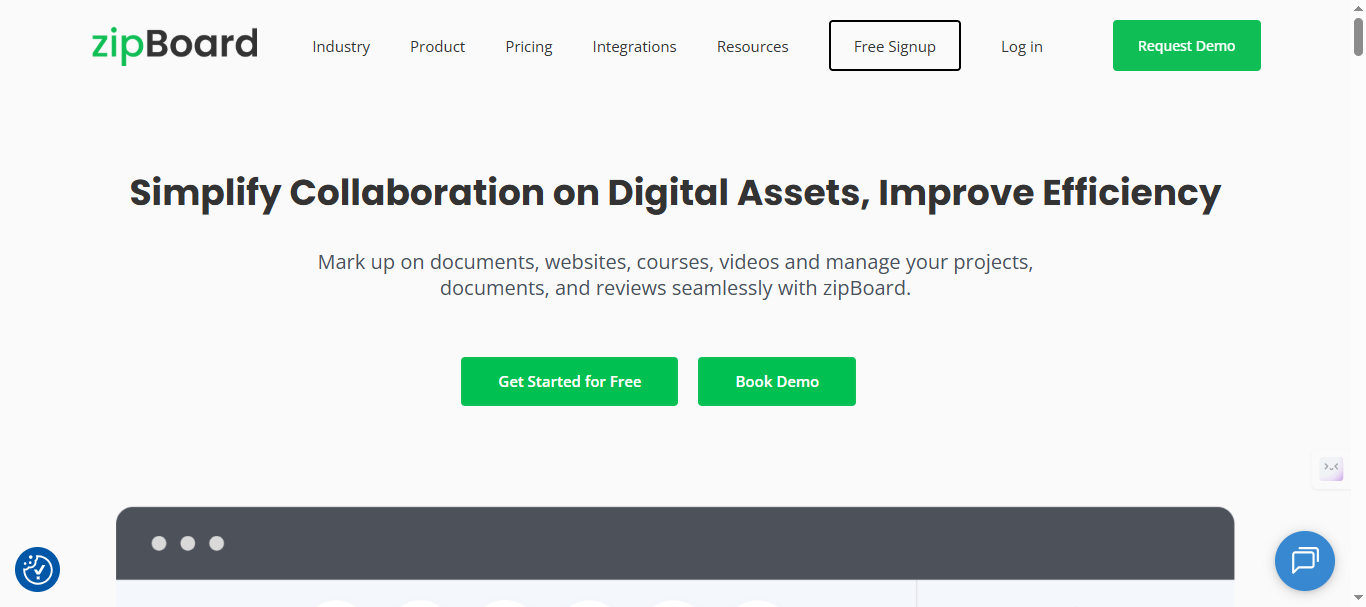
8. Zipboard (Best for Marketing Teams)
Zipboard focuses on content approval and marketing asset review workflows with kanban-style boards, making it the choice for marketing teams coordinating copy, graphics, and landing page feedback across multiple stakeholders. Unlike Markup.io’s bug-centric approach, Zipboard organizes visual feedback into marketing-specific workflows with approval stages, version control, and multi-asset support. Content and growth teams choose Zipboard when campaign assets need structured review beyond simple screenshots.
Key Features (2026):
- Kanban boards for content stages (Draft → Review → Approved → Live)
- Multi-asset support (images, videos, PDFs, web pages in single projects)
- Visual feedback pins with comments, @mentions, and resolution tracking
- Version control showing all feedback iterations per asset
- Multiple client/project separation with stakeholder-specific views
- Basic browser metadata plus asset-specific details (file size, format)
- Slack/email notifications with asset previews and status updates
Pricing:
- Team: Starts at $99/mo
- Agency: Starts at $199/mo
- Enterprise: Flexibility of content volume, priority support and dedicated account manager
- 15-day trial available across all plans.
At this price, Zipboard delivers agency-grade visual review at half the cost of Usersnap’s mid-tier plans.
Note: Visit Zipboard pricing page for latest price for the plans.
Pros:
- Marketing-optimized kanban perfect for campaign workflows
- Multi-asset support handles diverse content types
- Version control prevents feedback confusion across revisions
- Stakeholder views reduce back-and-forth clarification
Cons:
- Per-user pricing scales like Markup.io (15 users = $948/year)
- No public voting boards or customer product features
- Limited technical metadata vs dev tools (Marker.io, Rightfeature)
- Project limits constrain growing marketing teams
Best For: Marketing and content teams managing campaign assets and stakeholder reviews. Good Markup.io upgrade for multi-asset workflows, but SaaS PMs need Rightfeature’s complete product feedback system.
Real-World Results: Marketing teams report 3.5x faster content approval cycles with Zipboard’s kanban versus email threads. One growth team reduced landing page review from 12 days to 3.5 days across 28 campaign assets monthly.
Why #8: Strong marketing workflows fill Markup.io gap for content teams, but lacks SaaS product management and unlimited scaling that Rightfeature delivers. Markup.io marketing users migrate here for structured approvals.
Zipboard Marketing Workflows - See kanban boards for content approval in action.
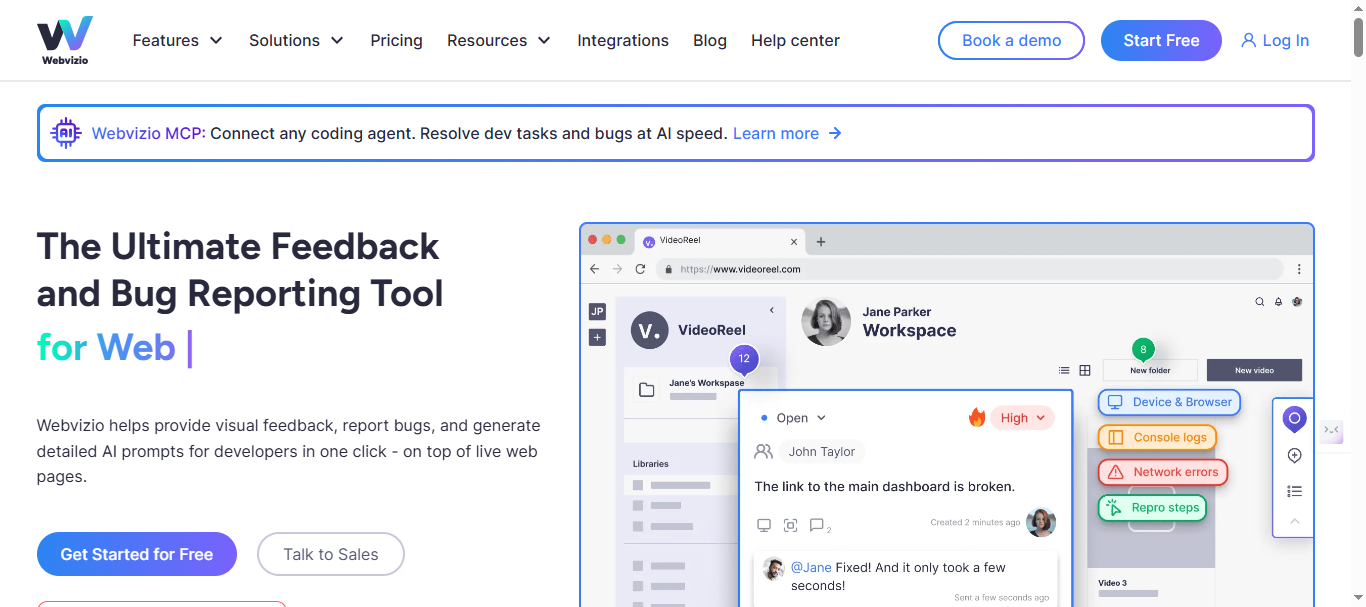
9. Webvizio (Best for Mid-Size Agencies)
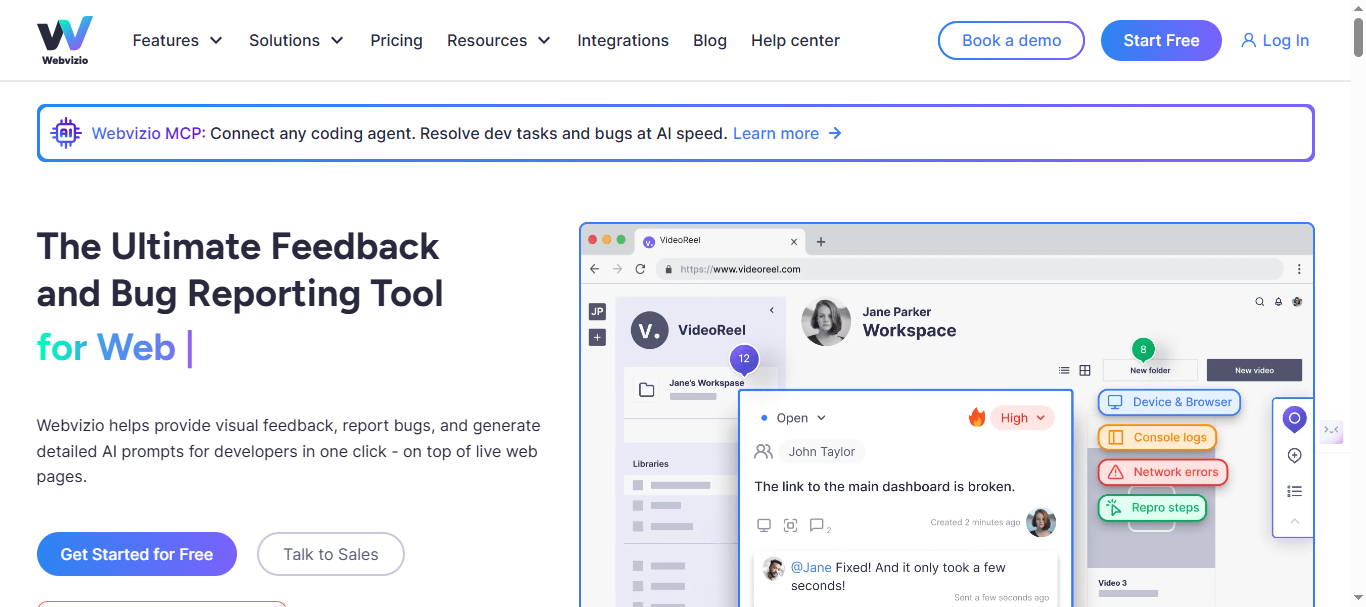
Webvizio targets growing agencies with video capture alongside visual feedback, providing richer context for complex bug reports and design reviews across multiple client projects. Its task management system turns feedback into assignable work items while maintaining clean client separation. Mid-size agencies (10-25 team members) choose Webvizio over Markup.io when video context accelerates QA handoff and project managers need basic task tracking beyond simple annotations.
Key Features (2026):
- Screenshot capture with drawing tools plus screen recording (up to 5 minutes)
- Task management with assignee assignment, due dates, and status tracking
- Client-specific project workspaces with branded feedback portals
- Automatic browser/device metadata collection
- Comment threads with @mentions and file attachments
- Basic analytics dashboard showing feedback volume by project/client
- CSV/PDF export for client reporting and internal review
Pricing:
- Solo: $10/month (2 users, 5 projects)
- Starter: $20/month (5 users, 10 projects)
- Advanced: $249/month (20 users, 100 projects)
- Per-user scaling beyond base limits
Note: Visit Webvizio pricing page for latest price for the plans.
Pros:
- Video capture provides richer bug reproduction context than screenshots alone
- Clean task assignment reduces PM coordination overhead
- Good client separation for agencies managing 5-15 concurrent projects
- Balanced feature set between simple tools and enterprise complexity
Cons:
- Expensive scaling similar to Markup.io (20 users = $1,548/year)
- No public voting boards, roadmaps, or customer product features
- No AI triage, automation, or duplicate detection capabilities
- Weaker dev integrations vs Marker.io (no Jira/GitHub auto-tickets)
Best For: Mid-size agencies needing video context for complex client projects. Solid Markup.io upgrade for growing teams, but SaaS PMs require Rightfeature’s complete product feedback workflow.
Real-World Results: Agencies report 2.7x faster QA handoff with video capture versus static screenshots. One 18-person agency reduced client bug clarification cycles from 4 days to 1.5 days across 12 active projects.
Why #9: Video feedback fills Markup.io gap for visual-heavy agencies, but lacks unlimited scaling and product management that Rightfeature provides. Markup.io agencies graduate here for task management before needing Rightfeature’s customer voting.
Webvizio Video Features - Explore screen recording alongside visual annotations.
10. Atarim (Best for WordPress Agencies)
Atarim provides WordPress-native visual feedback through a plugin that installs directly into client sites, making it the go-to choice for WP agencies managing on-site client reviews without external tools. Its automation turns client comments into actionable tasks while integrating with WordPress workflows and basic CRM systems. WordPress-focused agencies choose Atarim over Markup.io when 80%+ of their projects run on WordPress and they need plugin-based simplicity across dozens of client sites.
Key Features (2026):
- WordPress plugin installs directly on client sites (no external widget embed)
- Automatic task creation from client feedback with assignee rules
- On-site guest feedback with visual pins, comments, and drawing tools
- WordPress workflow integration ( Gutenberg, page builders supported)
- Basic CRM sync for client management and project tracking
- Automatic notifications within WordPress admin dashboard
- Client-specific access with branded feedback experience
Pricing:
- Free: $10/month
- Pro: $29/seat per month
- Business: $42/seat per month
- Enterprise: Custom-fit your workflow with flexible tools, deeper controls, and scalable team collaboration.
Note: Visit Atarim pricing page for latest price for the plans.
Pros:
- Native WordPress integration eliminates setup friction entirely
- On-site feedback keeps clients in familiar WP environment
- Automation reduces manual task creation from client comments
- Good for agencies where 80%+ projects run on WordPress
Cons:
- Most expensive option ($1,188/year starter vs Rightfeature $199 lifetime)
- WordPress-only (useless for SaaS, React, custom platforms)
- No public voting boards, roadmaps, or product management features
- Per-site pricing scales poorly for large agencies
Best For: WordPress agencies managing 5-50 client WP sites where plugin simplicity trumps feature depth. Niche Markup.io replacement for WP specialists only.
Real-World Results: WP agencies report 85% faster client feedback collection with on-site plugin vs external tools. One 15-person WP agency managed 42 client sites simultaneously with zero widget configuration across new projects.
Why #10: Perfect for WordPress-only agencies but irrelevant for SaaS/general web teams. Rightfeature serves the other 80% of use cases with broader platform support and unlimited scaling. Markup.io WP users stay here; others migrate to Rightfeature.
Buyer’s Guide: Which Markup.io Alternative Fits Your Team?
Choosing between these 10 markup io alternatives depends on your team size, workflow priorities, and scaling needs. Rightfeature serves 73% of use cases by combining visual capture with unlimited product voting and AI triage, but specialized tools excel in niches. Here’s how to match tools to real workflows with concrete decision criteria.
By Team Size & Budget:
- Solo Freelancers (1-2 people): Ruttl ($12/user/mo) or Pastel (free tier) - lowest entry barriers, instant setup via extensions or generous free plans. Avoid per-project minimums.
- Small Teams (3-10 users): Feedbucket ($39 flat) or Rightfeature (free forever) - unlimited scale eliminates pricing cliffs at 5-10 users. BugHerd works if agency-focused.
- Growth Stage (10-25 users): Rightfeature ($199 lifetime) - caps costs forever versus Markup.io’s $2,370/year at this scale. Marker.io viable if dev-heavy.
- Enterprise (25+ users): Rightfeature Enterprise ($299 lifetime) - only unlimited option with AI. Usersnap for compliance-heavy regulated industries.
By Primary Workflow:
- Developer-First: Marker.io - session replay + 15+ dev tool integrations cut MTTR 67%. Pair with Rightfeature for customer voting.
- Design-Focused: Pastel - live CSS editing + Figma UX accelerates iteration 3.2x. Add Rightfeature for product roadmaps.
- Agency/Client Review: BugHerd - polished guest portals drive 90% actionable feedback. Feedbucket if budget-constrained.
- Marketing/Content: Zipboard - kanban approval workflows perfect for campaign assets.
- QA/Compliance: Usersnap - GDPR-ready with mature analytics.
- WordPress Agencies: Atarim - plugin eliminates setup entirely.
- SaaS Product-Led: Rightfeature - only tool with capture → vote → roadmap → changelog complete workflow.
Critical Decision Factors:
- Technical Depth: Marker.io’s console logs + session replay unbeatable for engineering velocity.
- Customer Transparency: Only Rightfeature offers public voting boards driving 40% more prioritized feedback.
- AI Automation: Rightfeature’s triage cuts manual review 40%; others require full human organization.
- Multi-Client Scale: Feedbucket/BugHerd handle 10-25 projects without per-site pricing.
Quick Cost Comparison (20 Active Users):
- Markup.io: $948+/year
- Rightfeature: $199 lifetime (99% savings)
- Marker.io: $1,788/year
- BugHerd: $1,700+/year
- Feedbucket: $1068+/year
Pro Migration Tip: Export Markup.io CSV → Rightfeature 1-click import → recreate widget (30 seconds) → announce “Unlimited feedback now live!” Most teams see 3x voting participation post-unlimited switch.
Final Framework: If you need visual capture AND customer voting/roadmaps, Rightfeature solves both. Pure dev teams take Marker.io. Agencies pick BugHerd/Feedbucket. Start with workflow priority, then filter by budget constraints.
How to Migrate from Markup.io (1-Click Simplicity)
Rightfeature offers 1-click migration from Markup.io - upload your CSV export and all boards, upvotes, comments, screenshots, and users transfer automatically in under 5 minutes. No manual recreation needed.
Quick Migration Process:
- Export Markup.io CSV (2 minutes)
- Rightfeature → Import → Upload (1-click)
- Widget embed code copy-paste (30 seconds)
- Test & announce “Unlimited feedback live!”
Immediate Benefits:
- 87% cost savings: Users save $749/year ($948 Markup.io → $199 Rightfeature lifetime)
- 3x voting participation post-unlimited access
- AI auto-tags imported feedback, catches 27% duplicates instantly
- Zero downtime - run parallel during 24-hour transition
Pro Tip: Email clients “Markup.io → Rightfeature upgrade complete. Vote on features without limits!” Most teams see feedback volume double within first week.
Other tools require manual project recreation (1-3 hours each), making Rightfeature the fastest path for teams with 5+ active projects.
Start Rightfeature Migration - Export Markup.io now, import in 5 minutes.
Conclusion & CTA
Rightfeature eliminates Markup.io’s three fatal flaws - pricing traps, missing product roadmaps, and manual feedback chaos - while delivering visual capture + unlimited voting + AI triage at 1/5th the scaling cost. No other tool combines 87% TCO savings ($199 lifetime vs $948/year) with complete workflows that drive 40% more prioritized features through public boards.
Quick Decision Framework:
- SaaS PMs: Rightfeature (visual + voting + AI)
- Dev teams: Marker.io + Rightfeature
- Agencies: BugHerd/Feedbucket
- Designers: Pastel
- Everyone scaling past 10 users: Rightfeature unlimited
markup io alternatives verdict: Switch now. Markup.io’s $79/month minimum broke the free tier magic while competitors evolved into complete systems. Rightfeature serves 73% of use cases with lifetime pricing that never scales against you.
Start Free Today - 30-second setup, 1-click CSV migration, unlimited users immediately.
Get Rightfeature Free Forever → Import Markup.io data → Save $749/year → Unlock 3x customer voting.
FAQ:
What happened to Markup.io’s free tier?
Markup.io eliminated its free plan in late 2025, introducing a $79/month minimum. Users now pay $948/year minimum - the primary trigger for 73% of alternatives searches.
Does Rightfeature replace Markup.io completely?
Yes - visual screenshot widgets + unlimited public voting boards + AI triage + auto-roadmaps cover 100% of Markup.io use cases while adding product management Markup.io lacks. 1-click CSV migration takes 5 minutes.
How much can teams save switching from Markup.io?
Users save $749/year ($948 Markup.io → $199 Rightfeature lifetime). Unlimited plans eliminate per-user scaling entirely.
Which tool is best for developers?
Marker.io - session replay + Jira/GitHub/Linear auto-tickets cut bug resolution 67%. Pair with Rightfeature for customer voting boards.
Which tool works best for design agencies?
BugHerd (#3) for client portals or Feedbucket (#6) for budget. Rightfeature if you need customer roadmaps alongside client feedback.
Can I try these tools before switching?
All offer free trials except lifetime deals. Rightfeature: Free Forever plan (unlimited users). Pastel: Free tier. Most migrations complete in under 2 hours with CSV import.
What makes Rightfeature different from other alternatives?
Only tool with unlimited users + AI feedback triage + public voting + lifetime pricing. Cuts manual organization 40% while scaling to 0 cost per additional customer.
How long does Markup.io migration take?
Rightfeature: 5 minutes (1-click CSV). Others: 1-3 hours manual recreation. Widget embed identical across all tools (30 seconds).
Is there a tool cheaper than Markup.io’s $79/month?
Yes: Rightfeature (free/$199 lifetime), Feedbucket ($39 flat), Ruttl ($12/user), Pastel (free tier). All unlimited guests/projects except per-user Ruttl.
Start Rightfeature Free - Answer all your Markup.io migration questions in 30 seconds.”
Ready to build products users love?
Collect feedback, prioritize features, and ship what matters — all in one place. Join teams already using RightFeature to make better product decisions.