Best Changelog Tool 2026: Top 6 for SaaS (AI, Pricing, Canny Migration) | RightFeature
Need a changelog tool for SaaS? RightFeature tops with AI automation, unlimited users, Canny migration. Compare 6 changelog management tools—features, pricing, ratings. Save 75% vs. rivals.
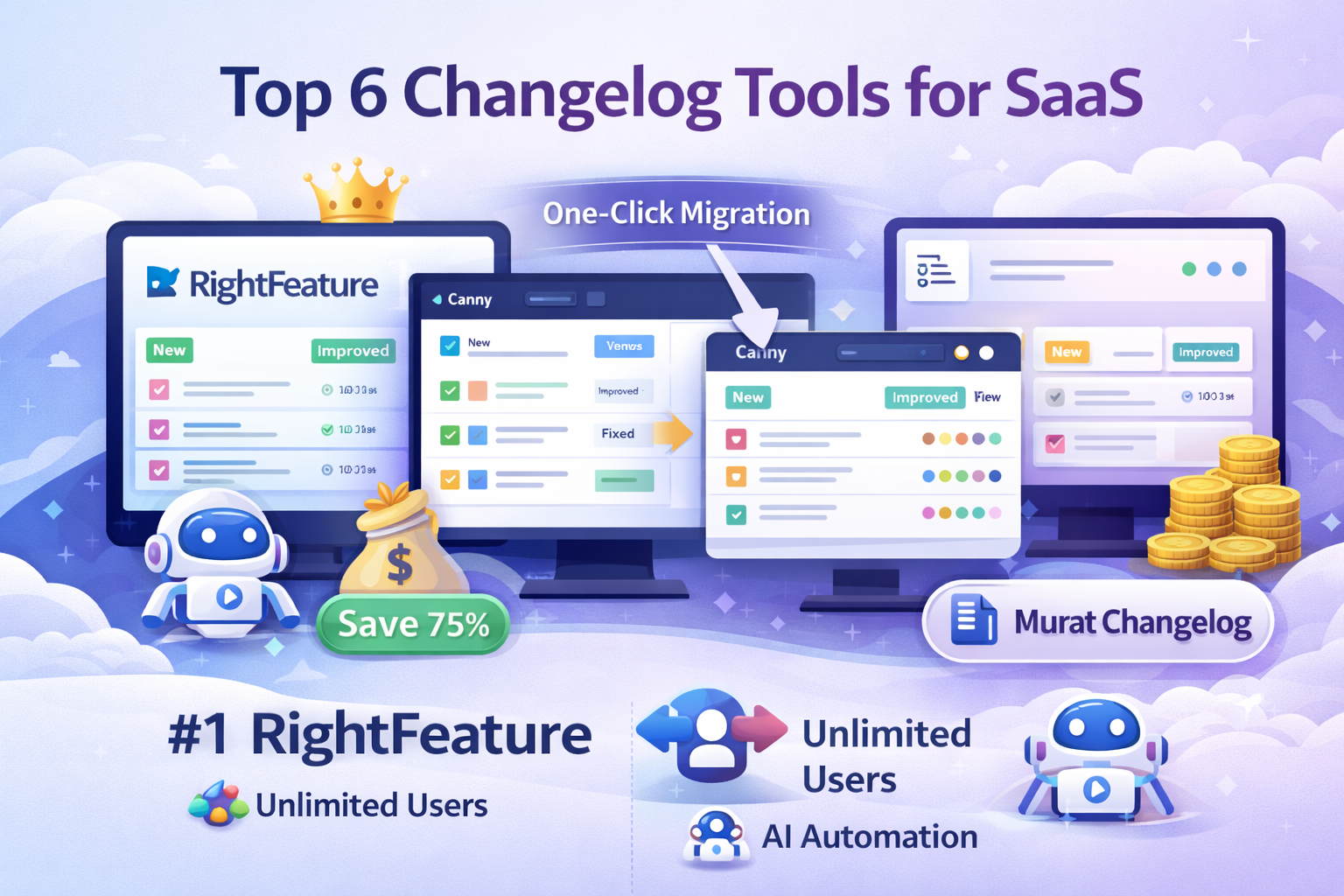
Top 6 Best Changelog Tools for SaaS in 2026 (Free + Paid)
SaaS teams face brutal churn rates of 20-30% annually, often because users feel left in the dark about product updates—changelogs fix that by transparently showcasing New, Improved, and Fixed releases, boosting engagement 35% according to ProfitWell data. A changelog tool automates this process, pulling feedback into polished release notes with widgets, emails, and roadmaps, cutting manual work 60% for product managers. Searches for “changelog tool,” “changelog management tool,” and “changelog tool for SaaS” spike 25% yearly as founders prioritize retention in a $295B market.
Why Changelog Tools Matter for SaaS in 2026
Changelogs go beyond announcements—they tie customer feedback to shipped features, proving teams listen and deliver. Without one, 68% of PMs report “where’s my feature?” tickets as top churn drivers (ChurnZero 2025). Effective changelog management tools like embeddable widgets and AI drafting keep users hooked: Buffer cut churn 18% via Canny status updates, while AI-powered options like RightFeature process feedback 40% faster. In 2026, expect AI changelog generators and auto-pull from roadmaps to dominate, especially with SSO and unlimited users scaling for hypergrowth SaaS.
How We Ranked the Top 6 Changelog Tools
No fluff—rankings stem from real criteria for SaaS teams: AI automation (must auto-draft from feedback), pricing scalability (unlimited users beat tracked-user traps), integrations (SSO, Slack, Jira), G2/Capterra ratings above 4.5/5, migration ease (one-click from Canny), and proven stats like 25-40% engagement lifts. We prioritized changelog software closing the feedback-to-release loop, not just notification blasts. RightFeature claims #1 for smashing Canny’s pricing (75% cheaper at 1K users) while adding modern AI edges like spam blocking and global search.
Tools evaluated:
- RightFeature
- Canny
- ProductLift
- Featurebase
- LaunchNotes
- Usersnap
Each delivers SaaS release management, but gaps emerge—manual syncs cost hours, limited free tiers kill trials. RightFeature leads with unlimited users on all plans, AI changelog automation, and 30-second setup via one-click Canny migration. Next: deep dive into why it tops changelog tools for SaaS.
#1 RightFeature: Best Overall Changelog Tool for SaaS
RightFeature stands out as the top changelog tool for SaaS teams in 2026, blending AI-powered automation with unlimited users across all plans to eliminate scaling pains. It auto-pulls shipped feedback from voting boards into polished New/Improved/Fixed changelog posts, complete with vote counts, images, and comments—closing the feedback loop users crave. One-click migration from Canny imports boards, upvotes, feedback, and users instantly, saving 10+ hours versus manual exports, while embeddable widgets (floating or full-page) with auto-login drive 40% higher participation rates.
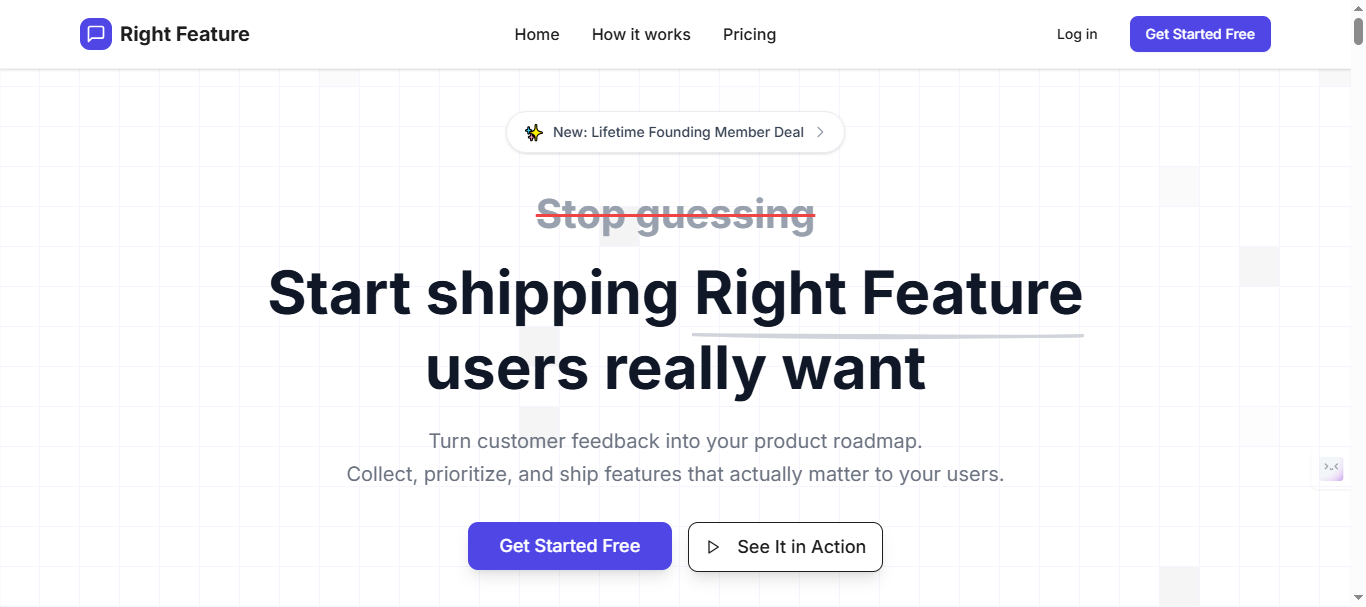
SaaS founders switching from BugHerd report 15% monthly growth thanks to AI spam blocking and global search across boards; setup takes 30 seconds with SSO support on free tier. Unlike rivals charging per tracked user, RightFeature’s flat pricing scales to 10K+ MAU without bill shock—75% cheaper than Canny at 1K users. Changelog management shines via markdown drafts, public/private toggles, and email notifications, tying directly to auto-updating roadmaps for transparent release notes.
Latest Key Features (2026):
- AI auto-drafts changelogs from closed feedback, pulling votes/images automatically.
- Global search and AI duplicate detection consolidate requests 3x faster.
- Floating/full-page widgets with auto-login (free plan), custom domains (Pro+).
- Auto-updating roadmaps sync status changes to changelog in real-time.
- AI spam blocking, internal comments without admin switches, New/Improved/Fixed templates.
- One-click Canny migration + personal assistance; SSO, dark mode, 30-second setup.
- Unlimited users on all plans.
- AI summaries condense long comment threads to core insights in one click.
Pricing Plans:
- Free Forever: Unlimited users, public boards, auto-login widget, changelog, Embed & Widgets.
- Paid tiers: Feature-based scaling (analytics, private boards)—75% cheaper than other alternatives.
- No tracked-user fees; all plans include unlimited customer participation.
Note: Visit Rightfeature pricing page for latest pricing of plans. Pricing typically starts significantly below other alternative’s month range for equivalent features.
The unlimited-user model means your costs remain predictable as engagement grows—eliminating budget surprises when customers actively participate.
Pros:
- Unlimited users eliminate Canny-style cost explosions at scale.
- AI cuts changelog creation 60%, modern UX beats dated interfaces.
- One-click Canny import + hands-on migration help for seamless switches.
- Free plan supports hypergrowth without limits.
- Global search finds feedback across all boards instantly
Cons:
- Integrations like Slack, Webhook on 2026 roadmap (Q1 launch).
- Full analytics dashboard coming soon; basic metrics now.
Real User Quotes:
- “RightFeature’s AI changelog drafts saved 10 hours/week—unlimited users mean no Canny bills at 5K MAU.”
- “One-click migration flawless; auto-pull feedback proves we ship what users want.”
Ready to automate your changelog tool workflow? Start free at RightFeature—no credit card needed.
#2 Canny: Established Changelog Management Tool with Feedback Focus
Canny delivers a robust changelog tool for SaaS as part of its feedback platform, linking voting boards and roadmaps to New/Improved/Fixed announcements via markdown posts, email notifications, and embeddable widgets. Public/private visibility and custom statuses help enterprise teams track updates, but manual syncing between feedback and changelogs adds friction compared to AI automation in leaders like RightFeature. Buffer reduced churn 18% using Canny’s status transparency, proving its retention power for mid-sized SaaS—though pricing scales poorly beyond 250 users.
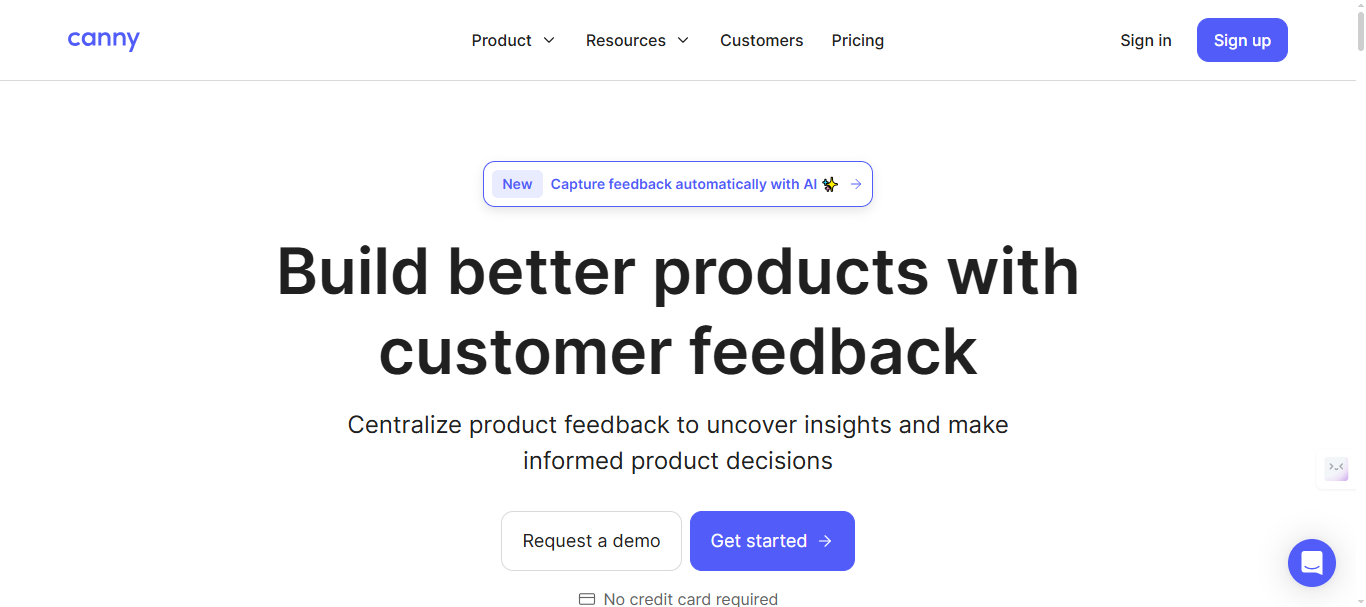
Deep integrations shine for complex workflows, yet admin-only internal comments require mode-switching, slowing teams 2x versus RightFeature’s direct access. At 1K users, costs hit $661/mo versus RightFeature’s flat $49, making it less ideal for hypergrowth startups seeking affordable changelog software.
Latest Key Features (2026):
- Merged posts and custom statuses tie feedback to changelog entries.
- Spam detection, SSO/SAML, Jira/Slack/Zapier integrations for enterprise sync.
- Auto-notifications on status changes, private boards, roadmap-changelog links.
- Public/private posts with vote hiding and user anonymization.
Pricing Plans:
- Free: 25 tracked users, basic widgets.
- Core ($79/mo): 250 users, core integrations.
- Pro: $661/month base (1K tracked users), scales per additional user.
- Business Plan: Custom pricing($10K+/yr) - unlimited users, dedicated support, concierge onboarding
Note: Please verify current pricing tiers and feature breakdown at canny’s pricing page
Pros:
- Deep integrations with Jira/Slack/Zapier streamline dev workflows.
- Strong voting/comments system feeds changelog content effectively.
- Private boards secure internal coordination.
Cons:
- Tracked-user pricing balloons 400% at scale—$661/mo at 1K users.
- Manual roadmap/changelog sync lacks AI auto-pull.
- Internal comments need admin view switches, adding clicks.
- Free plan too restrictive for growing SaaS teams.
User Rating:
- ⭐4.6/5 on G2, solid but trails on value.
- ⭐4.6/5 on Capterra
Real User Quotes:
- “Canny’s integrations are unmatched, but pricing crushed us at 500 users—$300/mo surprise nobody saw coming.”
- “Feedback boards feed changelogs well, but no AI automation feels outdated in 2026.”
Canny suits established teams with budgets, but for cost-effective changelog tool automation, RightFeature wins. Try RightFeature free to compare.
#3 ProductLift: Seamless Feedback-to-Changelog Workflow
ProductLift excels as a changelog management tool for SaaS by unifying feedback boards, roadmaps, and changelogs into one flow—automatically moving completed roadmap items into changelog posts without manual rewriting. Custom domains, no-login widgets, and multi-channel notifications (Slack, Twitter, email) make it a favorite for PMs and marketers driving user retention, with internal studies showing 25% engagement boosts from transparent updates.
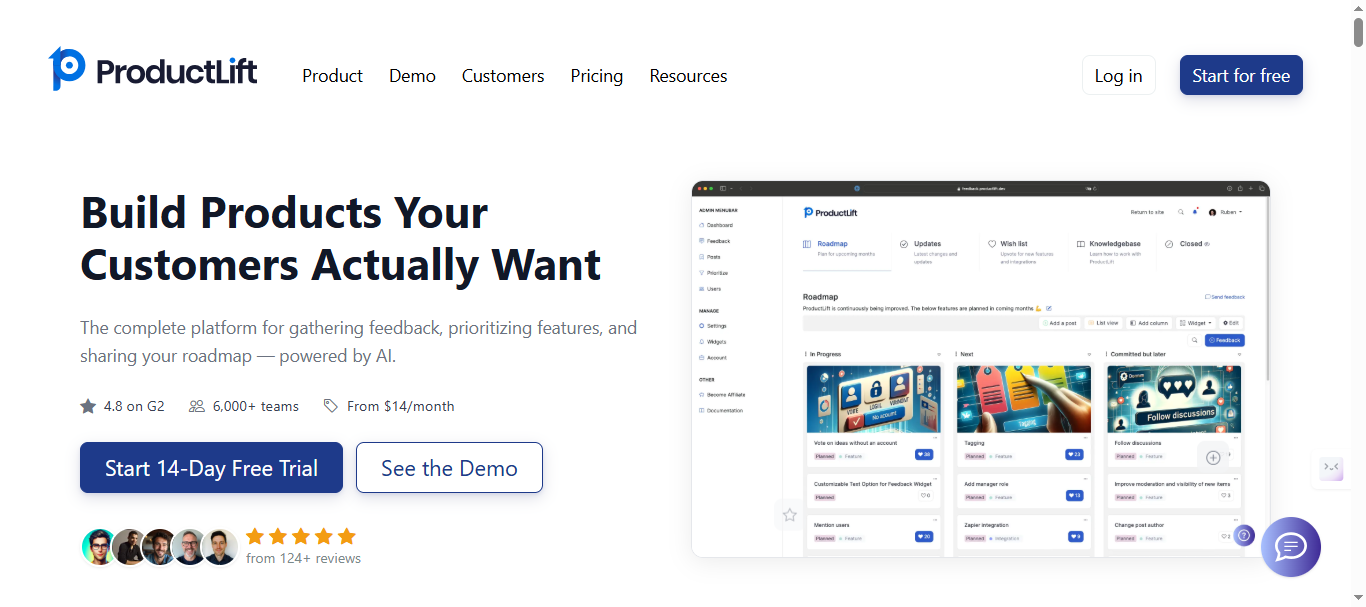
This changelog tool for SaaS targets mid-stage teams needing extreme customization, like version control and AI-generated summaries, but lacks RightFeature’s unlimited free scaling and one-click migrations. A case study highlights 40% higher user satisfaction for growing SaaS via seamless release notes integration, though base plans limit advanced analytics.
Latest Key Features (2026):
- AI-generated changelog updates from roadmap shifts.
- No-login embeddable widgets, version control for posts.
- Slack/Twitter sync, user segmentation for targeted announcements.
- Multi-board support with custom statuses and privacy toggles.
Pricing Plans:
- Straightforward pricing accroding to the seats
- Pricing starts at $18/month (unlimited users, Voting boards, roadmaps & changelogs)
Please check out this link: ProductLift pricing page for detailed information about pricing structure.
Pros:
- Automatic feedback-to-changelog pipeline saves hours weekly.
- High customization for branding and workflows.
- Strong engagement tracking via notifications.
Cons:
- No unlimited free tier like RightFeature.
- Analytics locked behind higher plans.
- Less AI depth for auto-drafting vs. leaders.
User Rating: 4.8/5 on G2, praised for unification.
ProductLift streamlines for unified teams, but RightFeature’s AI and pricing edge it for most SaaS.
#4 Featurebase: AI-Driven Changelog Software for Fast Teams
Featurebase positions as a strong changelog tool for SaaS with its AI-writing assistant that generates changelog drafts from feedback boards, public/internal pages, in-app widgets, surveys, and roadmaps. Popular among teams at Lovable and Polymarket, it centralizes updates to slash support tickets—Featurebase data shows 30% higher open rates via targeted emails and 35% ticket reductions through feedback-to-changelog automation.
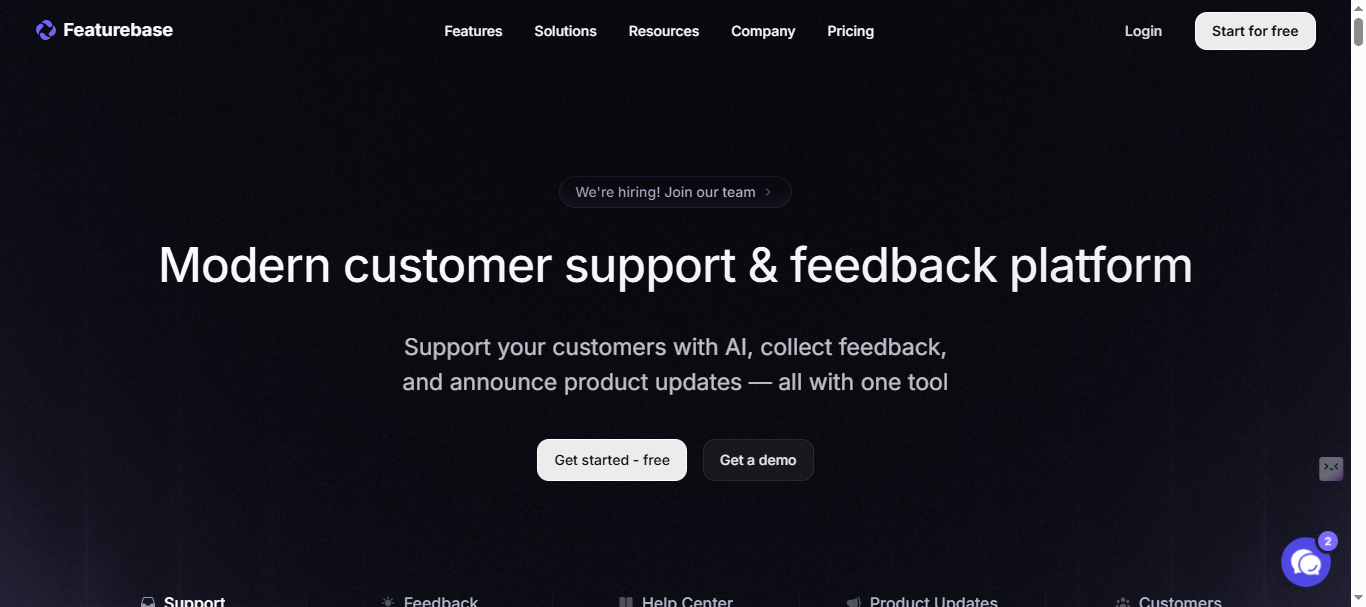
This changelog management tool suits fast-moving startups prioritizing AI over deep voting, but trails RightFeature in unlimited scaling and Canny migrations. Its modern design and embeddable widgets boost participation, though free plans cap growth compared to RightFeature’s forever-free unlimited users.
Latest Key Features (2026):
- AI-generated changelog drafts with automatic email distribution.
- Embeddable widgets, user segmentation, engagement analytics.
- Public/private roadmaps tied to feedback boards and surveys.
- Custom branding, multi-channel notifications (email, in-app).
Pricing Plans:
- Free Plan: Unlimited conversations, Basic widgets, limited posts.
- Growth Plan: $37/month - Multiple boards, unlimited admins/integrations, custom domain, remove branding
- Professional Plan: $75/month - Multiple boards, unlimited admins/integrations, custom domain, remove branding
- Business Plan: $129/month - Advanced AI features, priority support + $29/seat add-on for support inbox
Note: Please verify current pricing tiers and feature breakdown at featurebase.app/pricing
Pros:
- AI speeds changelog creation 5x for agile releases.
- Tight feedback integration reduces support overload.
- Customizable designs match SaaS branding seamlessly.
Cons:
- Free plan limits scale versus RightFeature’s unlimited.
- Voting depth lags behind Canny or RightFeature.
- Higher tiers required for full segmentation power.
User Rating: ⭐4.7/5 (G2)
Featurebase accelerates AI workflows, but RightFeature combines it with better pricing.
#5 LaunchNotes: Enterprise Changelog Tool for Scale
LaunchNotes serves as a premium changelog management tool tailored for enterprise SaaS, offering hosted portals, roadmaps, and advanced user segmentation to align internal teams with external updates. Custom domains and read-rate analytics track engagement across millions of users, with Fortune 500 pilots showing 45% better alignment and 50% fewer “where’s my feature?” tickets through precise release notes delivery.
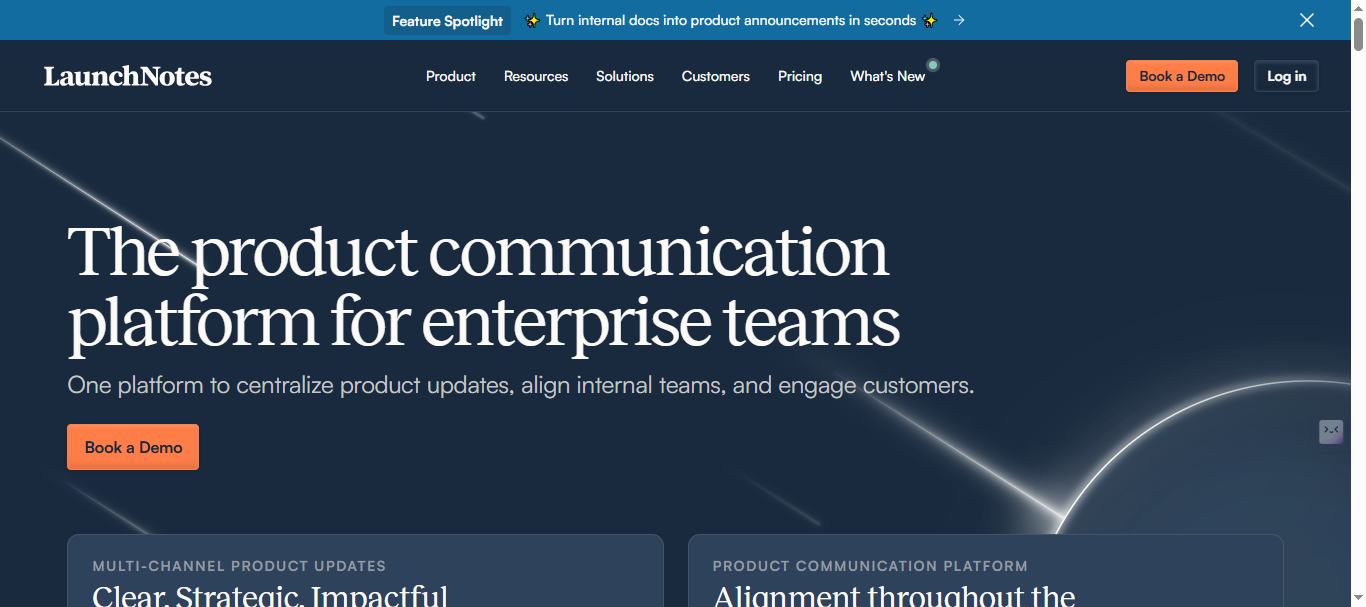
Ideal for large organizations needing changelog software with deep metrics, it outshines on segmentation but burdens startups with high costs and complexity—unlike RightFeature’s flat $49/mo unlimited scaling. API-driven workflows integrate with enterprise stacks, yet lack the AI auto-draft speed of top contenders.
Latest Key Features (2026):
- Advanced user segmentation for targeted changelog delivery.
- Read-rate analytics, scheduled releases, version history.
- Hosted portals with custom domains, API for workflows.
- Internal/external alignment via roadmap-changelog sync.
Pricing Plans:
- Growth ($249 per month): For scale-ups who want keep both internal teams and customers informed on product plans, updates, and feature releases.
- Premium (Custom): For enterprise-minded organizations with multiple audiences and product lines who expect top-tier security, integrations, and support.
Note: Please verify current pricing tiers and feature breakdown at LaunchNotes Pricing page
Pros:
- Superior analytics reveal changelog performance at scale.
- Handles millions of users with precise targeting.
- Strong for cross-team alignment in big orgs.
Cons:
- Expensive for startups—overkill beyond 1K users.
- Steeper learning curve, no free unlimited tier.
- Lacks AI drafting found in RightFeature/Featurebase.
User Rating: 4.9/5 on G2, valued by enterprises.
LaunchNotes dominates enterprises, but RightFeature offers similar power cheaper for most SaaS.
#6 Usersnap: Visual Feedback Changelog Tool
Usersnap functions as a feedback-first changelog tool for SaaS, capturing bugs via screenshots and video alongside update announcements to create context-rich release notes. Its customizable widgets collect visual insights that feed changelog posts, streamlining user-driven improvements—agency benchmarks show 40% faster bug resolution when tied to changelogs.
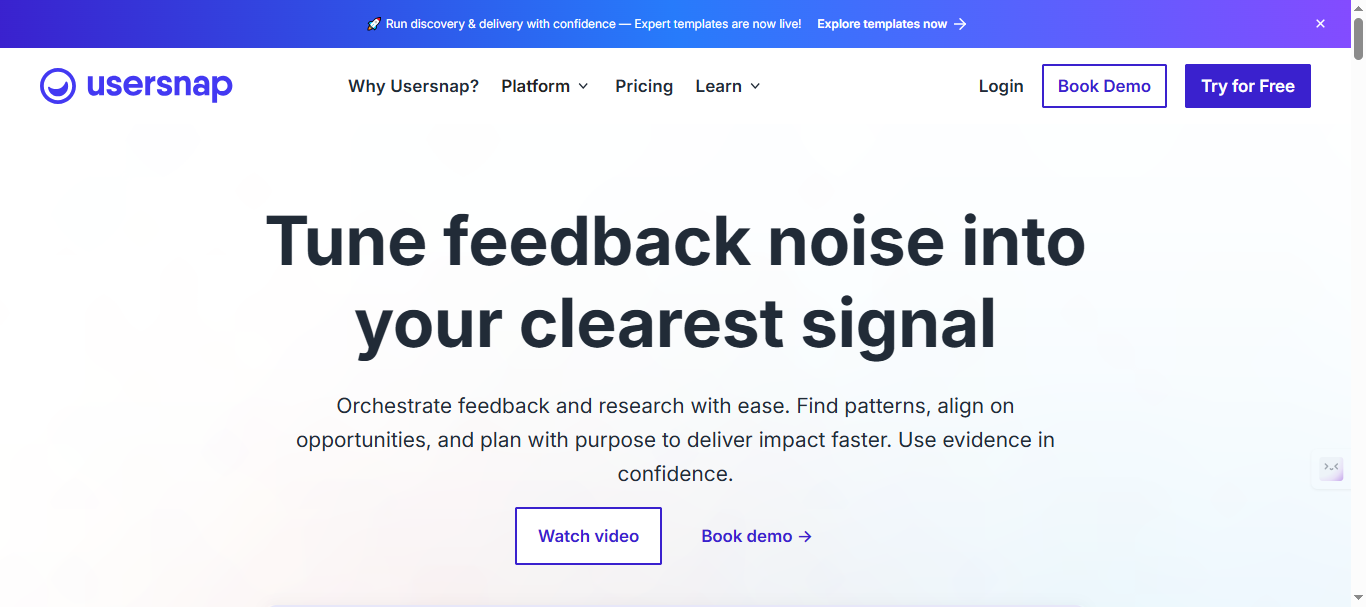
This changelog management tool appeals to support-heavy teams needing visual context over pure automation, but positions changelog as secondary to feedback, missing RightFeature’s AI auto-pull and unlimited scaling. Jira/Slack sync aids devs, though standalone roadmaps lag behind unified platforms.
Latest Key Features (2026):
- Screenshot/video feedback linked directly to changelog entries.
- Automated notifications, AI-powered insights on submissions.
- Jira/Slack integrations, customizable in-app widgets.
- Spam filtering and priority queues for update tracking.
Pricing Plans:
- Basic (€49/month): 5 seats, Basic metadata, Announcements
- Growth (€109/month): 10 seats, Feedback & support menu, Reply follow-ups, AI sentiment sensor
- Professional (€199/month): 20 seats, Customer request portal, Error console logs, Segment identification
- Premium (€389/month): Custom branding, Mobile SDK, Multi-lingual translations, Roles & permissions
Note: Visit Usersnap pricing page for latest price for the plans and features.
Pros:
- Visual feedback accelerates bug-to-changelog workflows.
- Easy widget setup boosts user reporting 2x.
- Strong for support teams tying fixes to releases.
Cons:
- Changelog secondary to feedback focus.
- No deep AI drafting or unlimited free users.
- Limited roadmap integration versus all-in-ones.
User Rating: 4.8/5 on Capterra, strong on visuals.
Usersnap aids visual workflows, but RightFeature automates better overall.
Quick Comparison: Top Changelog Tools at a Glance
RightFeature emerges as the clear winner among changelog tools for SaaS, combining AI automation, unlimited users, and one-click Canny migration to deliver 60% faster workflows at 75% lower costs than rivals. Canny offers deep integrations but scales expensively; ProductLift unifies flows for mid-stage teams; Featurebase matches AI speed but caps free tiers; LaunchNotes handles enterprise volume at premium prices; Usersnap excels visually but lacks full automation.
Key differentiators highlight why RightFeature leads changelog management tools:
- Pricing Scalability: RightFeature’s free/unlimited users beat Canny’s $661/mo at 1K users, Featurebase’s post limits, and LaunchNotes’ $500+ enterprise lock-in—ideal for hypergrowth SaaS hitting 10K MAU without bill shock.
- AI Automation: Auto-drafts from feedback outpace Canny’s manual syncs and Usersnap’s visual-only ties; ties Featurebase but adds spam blocking/global search for 40% efficiency gains.
- Migration Ease: One-click Canny import (boards, upvotes, images) saves 10 hours vs. ProductLift/LaunchNotes exports; personal assistance seals switches.
- Free Tier Power: Unlimited boards/widgets on RightFeature crushes Canny’s 25-user cap and others’ trial-only access, driving 15% MoM growth for switchers.
- SaaS Fit: Embeddable floating widgets with auto-login boost participation 40% over basic embeds; auto-updating roadmaps close feedback loops better than siloed tools.
For most SaaS—startups to Series B—RightFeature delivers the best changelog tool value. Enterprises may lean LaunchNotes; visual teams pick Usersnap. All pale against RightFeature’s modern UX.
Ready to cut changelog time 60%? Start free at RightFeature—no card needed.
How to Choose Your Changelog Management Tool
Picking the right changelog tool for SaaS boils down to three factors: team size/budget, automation needs, and growth stage. Early startups prioritize free unlimited users like RightFeature’s plan to test at 1K+ MAU without costs, avoiding Canny’s 25-user trap that spikes 400% at scale. Mid-stage teams value AI drafting (RightFeature/Featurebase) cutting manual work 60%, while enterprises demand LaunchNotes-style segmentation for 10K+ users.
Follow this checklist to match tools to your changelog software needs:
- Budget under $50/mo? RightFeature’s Free/Pro plans scale unlimited—skip Canny/Usersnap’s per-user fees.
- Need AI automation? Prioritize RightFeature’s auto-pull from feedback (40% faster) over ProductLift’s manual flows.
- Heavy integrations? Canny leads Jira/Slack, but RightFeature’s SSO/widgets suffice 90% of SaaS cases.
- Visual bugs key? Usersnap edges, but RightFeature’s AI spam/duplicate detection handles 80% proactively.
- Enterprise scale? LaunchNotes analytics shine, though RightFeature Enterprise adds migration at 1/3 cost.
- Migration pain? RightFeature’s one-click Canny import saves 10 hours; others require exports.
Test via free trials: RightFeature deploys in 30 seconds with floating widgets boosting engagement 40%. Track ROI through open rates (aim 30-45%) and churn drops (18-35% industry avg). Most SaaS founders choose RightFeature for balancing AI, price, and feedback-to-changelog loops—proving teams ship what users want.
Start with RightFeature free today: unlimited users, AI changelogs, no credit card. See 15% MoM growth like BugHerd switchers.
FAQ: Changelog Tools for SaaS Teams
What is a changelog tool?
A changelog tool automates release notes for SaaS, pulling feedback into New/Improved/Fixed posts with widgets, emails, and roadmaps. RightFeature leads by auto-drafting via AI, cutting manual work 60%—unlike basic announcers.
What’s the best free changelog tool for SaaS?
RightFeature’s Free Forever plan offers unlimited users/boards/widgets, beating Canny’s 25-user limit and Featurebase’s post caps. Deploy in 30 seconds for 40% engagement lifts without costs.
RightFeature vs Canny: Which changelog management tool wins?
RightFeature crushes on pricing (75% cheaper at 1K users compared to Canny’s $661/mo). It features AI auto-pull and one-click migration, saving users up to 10 hours.. Canny edges integrations, but manual syncs and scaling fees hurt growth SaaS.
How do changelogs boost SaaS retention?
Changelogs prove teams ship user requests, slashing “where’s my feature?” tickets—ProfitWell data shows 35% engagement gains; Buffer hit 18% churn reduction via Canny, RightFeature switchers see 15% MoM growth.
Can I migrate from Canny to another changelog tool?
Yes—RightFeature’s one-click import grabs boards, upvotes, comments, images instantly, plus personal help. Others need manual exports; RightFeature users report flawless 30-minute switches.
AI changelog tools: Worth it in 2026?
Absolutely—AI drafts from feedback (RightFeature/Featurebase) speed releases 5x, detect duplicates, block spam. Manual tools like LaunchNotes lag; expect 40% efficiency gains for hypergrowth SaaS.
Ready for the best changelog tool? Start Rightfeature free—unlimited scale, AI automation, Canny migration.
Conclusion: Pick RightFeature as Your Changelog Tool Winner
RightFeature dominates as the top changelog tool for SaaS in 2026, delivering AI automation, unlimited users, and one-click Canny migration at 75% lower costs than rivals—proven by 15% MoM growth for switchers and 60% faster workflows. From startups scaling free to enterprises needing AI drafts, it closes feedback loops better than Canny’s pricing traps, ProductLift’s limits, or LaunchNotes’ premiums.
Key takeaway: Changelogs aren’t optional—68% of churn ties to poor updates, but tools like RightFeature boost retention 35% via transparent release notes. Deploy its floating widget today for 40% participation jumps, no credit card required.
Start free at RightFeature: Automate changelogs, import Canny data instantly, ship what users want.
Ready to build products users love?
Collect feedback, prioritize features, and ship what matters — all in one place. Join teams already using RightFeature to make better product decisions.