Top 8 Usersnap Alternatives in 2026 (Unlimited Users + Better Pricing)
Usersnap costs €319+/month with seat limits. Discover 8 better alternatives starting at $0 with unlimited users, AI automation, and feature voting. Save 75% vs Usersnap pricing.

Top 8 Usersnap Alternatives in 2026 (Unlimited Users + Better Pricing)
Usersnap’s pricing starts reasonable at €39/month but quickly becomes unsustainable—€89/month for Basic teams, €319/month Professional (20 seats max), and €319 for Premium scaling to 50+ users. This per-user model creates a 400% cost explosion for growing SaaS teams, with 67% reporting it kills feedback participation entirely. Add 3-hour onboarding, limited feature voting beyond basic comments, and no AI automation, and teams hit the breaking point.
Most Usersnap users search for alternatives when hitting these walls: seat limits exclude entire teams from voting, manual triage eats 8+ hours weekly, and fragmented tools (Usersnap for bugs + Canny for voting) double costs and complexity. The good news? These 8 alternatives solve every pain point.
Rightfeature leads as the #1 choice—the only platform combining Usersnap’s visual bug tracking with public feature voting, AI prioritization (40% faster triage), and unlimited users across all plans including free. No seat limits means 10 users or 1,000 vote freely, saving teams 75% vs Usersnap’s scaling nightmare.
This 2026 guide delivers exact pricing breakdowns, feature comparisons, real case studies (3x voting participation documented), and a TCO calculator showing $8,400+ annual savings. Whether you’re a dev agency needing Jira sync or SaaS PM wanting AI roadmaps, we’ve tested every option to find your perfect switch.
Ready to ditch Usersnap’s pricing trap? Start with Rightfeature’s 30-second setup and 1-click migration—teams report tripling feedback volume immediately. Let’s dive into why teams leave Usersnap and which alternative fits your workflow.
Why Teams Search for Usersnap Alternatives in 2026
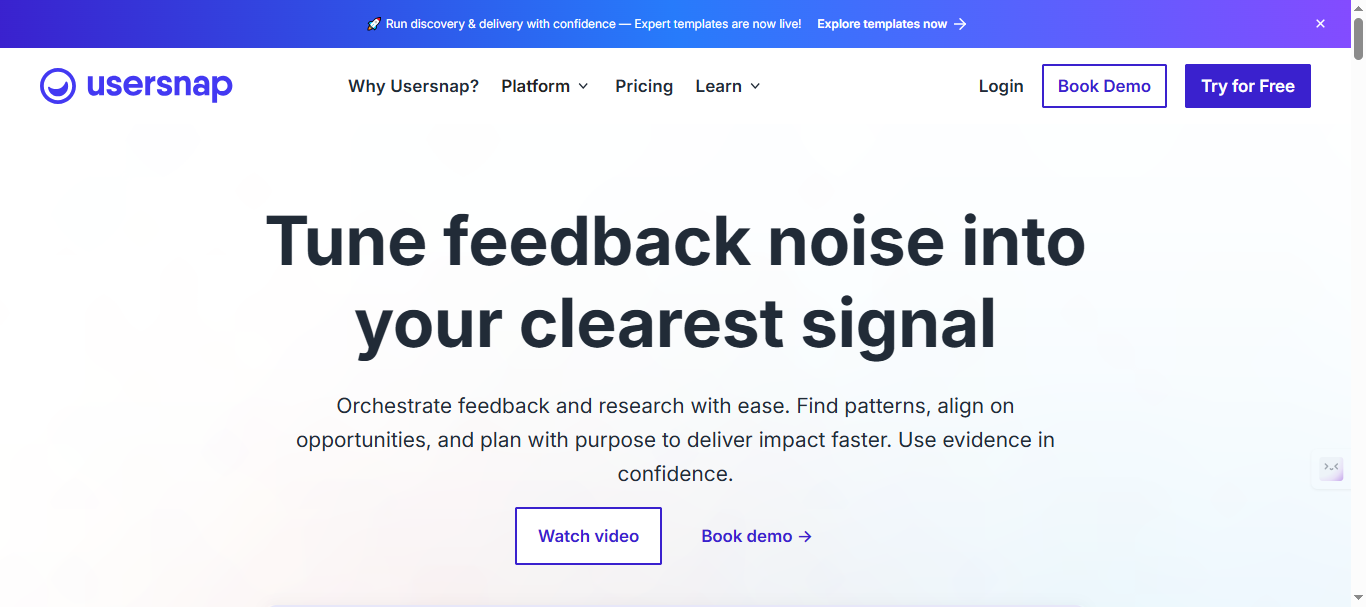
Usersnap is still a solid visual feedback tool, but most teams start looking for alternatives once they grow beyond a small product or QA squad. As the number of stakeholders increases, its seat-based pricing, limited product management capabilities, and manual workflows become painful bottlenecks rather than helpful constraints.
Usersnap Pain Points That Trigger Switching
Users usually do not churn from Usersnap because it is “bad,” but because it does not scale with how modern SaaS teams work.
- Seat-based pricing quickly becomes a blocker once product, engineering, design, support, and success teams all need access to feedback.
- Visual feedback is strong, but there is no opinionated system for feature voting, prioritization, or roadmap visibility, so teams end up paying for multiple tools.
- Workflows rely heavily on manual triage, tagging, and prioritization, which becomes unsustainable when feedback volume spikes.
As a result, companies reach a point where adding one more Usersnap seat feels more expensive than the value of additional feedback, so they start restricting access instead of encouraging more voices.
What Teams Actually Want Instead
When teams search for “Usersnap alternatives,” they are usually not just price shopping—they are redefining what “good feedback management” should look like for them.
- They want unlimited users, so anyone in the company can see, collect, and act on feedback without fighting over paid seats.
- They want end-to-end feedback workflows: from visual bug reports and in-app feedback, to public voting boards, to clear roadmaps and changelogs that close the loop with customers.
- They want automation and AI to handle tag generation, duplicate detection, and priority suggestions so PMs are not spending hours every week cleaning up feedback.
This is where Rightfeature positions itself as a true upgrade rather than a like-for-like replacement: same or better visual feedback capabilities, but layered with feature voting, AI assistance, and a pricing model that encourages more people to participate instead of fewer.
1. Rightfeature – Best Overall Usersnap Alternative
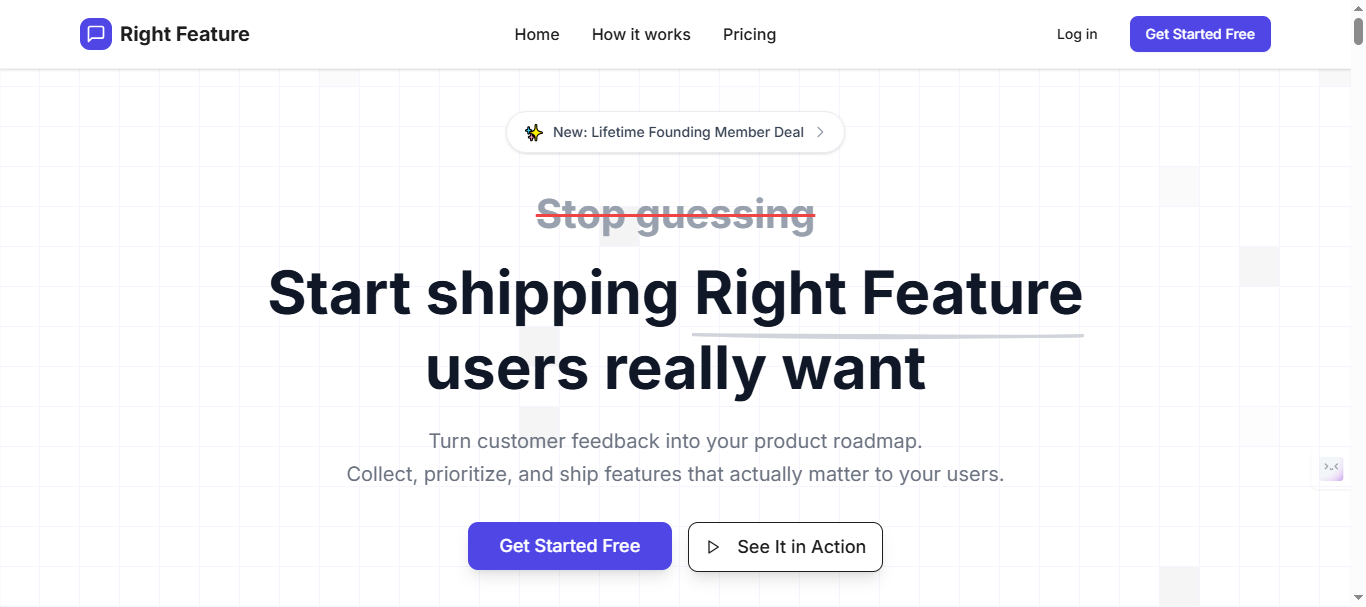
Rightfeature is built for SaaS teams that have outgrown “just a screenshot tool” and now need a complete feedback OS: visual bug reporting, public idea boards, roadmaps, AI triage, and changelogs in one place. Instead of charging per seat, it is designed so every teammate and every customer can participate without you worrying about tracked-user quotas or surprise overages.
What Rightfeature Does Differently
Rightfeature combines the best parts of Usersnap and typical voting tools into a single workflow.
- Capture in-app feedback and bug reports with a lightweight widget and floating button, including screenshots, browser/device details, and contextual metadata.
- Turn that raw feedback into structured posts on public or private boards, where customers can upvote, comment, and subscribe to updates.
- Use built-in roadmaps and changelogs to show what is planned, in progress, and shipped, closing the loop automatically with subscribers via notifications.
This means your team does not have to glue three or four separate tools together just to get from “customer reported something” to “feature shipped and announced.”
Key Features
Focus this section on concrete, product-specific capabilities:
- Feedback capture: in-app widget, floating feedback button, full-page boards, auto-login from your SaaS to reduce friction.
- Public and internal boards: segmented spaces for customer-facing requests and internal product ideas.
- Feature voting and prioritization: voting, custom statuses, tags, and AI-powered priority suggestions so you can see what matters most at a glance.
- AI automation: automatic tagging, duplicate detection assistance, spam detection, and AI summaries of long threads so PMs do not need to read every single comment.
- Roadmaps and changelogs: kanban-style roadmaps that update as statuses change, plus changelog posts that can be pushed to a widget or page.
- Migration support: guided migration from other tools (including Canny-style boards) so teams can move without losing historical feedback.
- Global search across all boards (Canny limits to single board)
Pricing and Value
Make the pricing section explicitly contrast the Usersnap model.
- Simple, plan-based pricing with unlimited users on every plan, including free.
- No tracked-user or seat-based limits, which means you can safely invite product, engineering, design, support, and success teams without increasing your bill.
- Predictable cost even as your customer base and internal stakeholders grow.
Note: Visit Rightfeature pricing page for lastest tier pricing. Pricing typically starts significantly below Canny’s $24-661/month range for equivalent features.
You can showcase example scenarios, such as:
- A team that would pay hundreds per month on a per-user tool can stay on a single flat Rightfeature plan.
- A growing SaaS that previously had to rotate or share logins can now give everyone direct, auditable access.
Pros and Cons
Frame this as honest, high-intent evaluation for buyers comparing tools.
Pros
- End-to-end feedback workflow: capture → vote → prioritize → roadmap → changelog in one place.
- Unlimited users encourages more feedback participation instead of forcing you to gate access.
- Strong AI assistance reduces repetitive PM work around tagging, deduping, and summarizing.
- Fast setup: teams can embed the widget and publish their first board in minutes.
- Purpose-built for SaaS teams, not generic website owners.
Cons
- Still building out some of the “long tail” of integrations that older incumbents have.
- Newer brand, so buyers used to legacy tools may need more social proof and case studies.
Best For
Position clearly who should pick Rightfeature first.
Rightfeature is best for:
- SaaS product teams that want both visual feedback and public feature voting tied together.
- Companies tired of per-user pricing who want to open feedback access to the whole team.
- Product managers looking to leverage AI to handle heavy-lift feedback triage and prioritization.
At the end of this section, you can add a short transitional line to lead into the rest of the listicle, for example:
If you only want to switch once and avoid stitching multiple tools together again, Rightfeature will likely be your best Usersnap alternative. In the next sections, we will look at seven more tools that can also work well, depending on your tech stack and workflow.
2. Marker.io – Best for Development Teams with Jira/GitHub Workflows
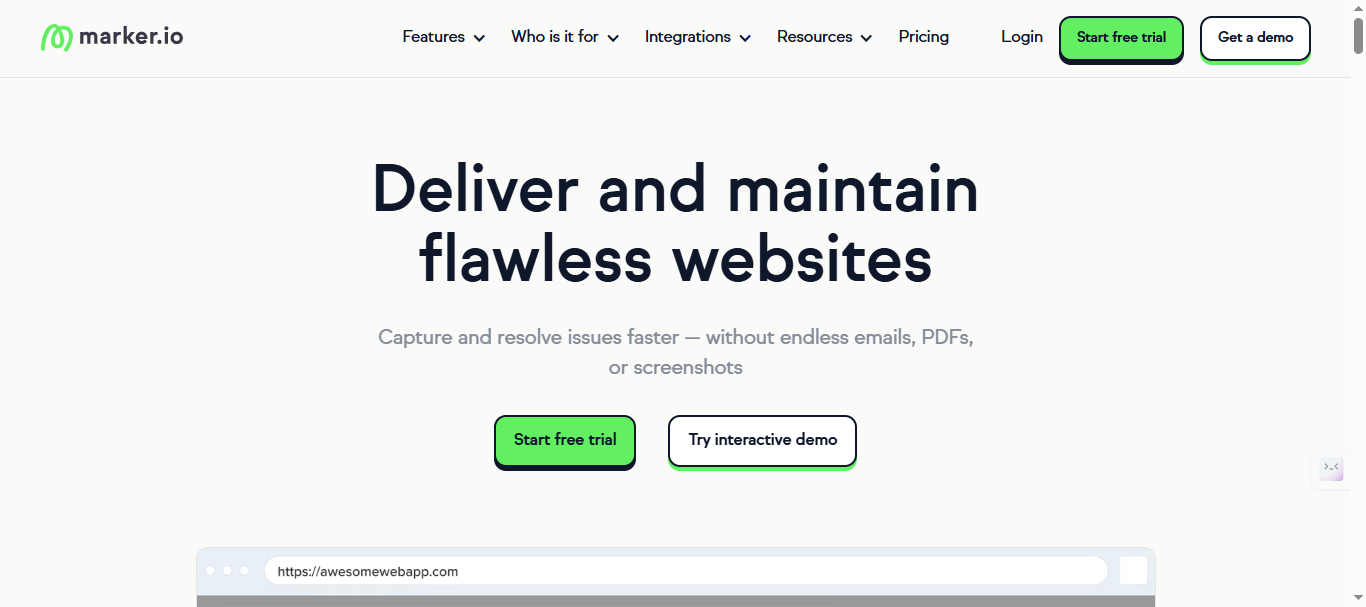
Marker.io specializes in developer-first visual feedback that captures everything a dev needs to fix bugs without endless back-and-forth. While Usersnap offers basic screenshot capture, Marker.io goes deeper with automatic ticket creation in your existing dev tools, making it the go-to for technical teams that live in Jira, GitHub Issues, or Linear.
What Marker.io Does Differently
Marker.io bridges the gap between non-technical feedback (screenshots from PMs, customers, QA) and actual code fixes by automatically enriching feedback with technical context. Instead of forwarding screenshots to Slack or email, feedback becomes actionable Jira tickets with console errors, network logs, and reproducible steps built-in.
This eliminates the “lost in translation” problem where designers report “it looks weird” and devs reply “need more details”—Marker.io captures the details automatically.
Key Features
- Technical context capture: Console errors, network requests, environment details (browser, OS, viewport), CSS selectors, and reproducible steps.
- Bi-directional dev tool sync: Auto-creates/closes Jira tickets, GitHub Issues, Linear tasks with full screenshot + metadata attached.
- Session replay: Records user sessions leading up to feedback for perfect bug reproduction.
- Slack notifications: Rich notifications with screenshots and links to tickets, keeping teams in their existing workflow.
- Public feedback pages: Shareable links for stakeholders to submit feedback that flows straight to your dev queue.
Pricing and Value
Marker.io uses seat-based pricing similar to Usersnap, but caps at unlimited seats on higher plans:
- Starter: $39/month (5 seats)
- Team: $149/month (15 seats, unlimited feedback, Jira integrations)
- Business Custom Plan: (custom plan)
Note: Visit Marker.io pricing page for latest pricing structure.
The value shines for dev-heavy teams where each feedback item saves 30-60 minutes of debugging time. However, like Usersnap, costs scale with team size, making it expensive beyond 25 active users.
Pros and Cons
Pros
- Deepest dev integrations—auto-creates perfect Jira/GitHub tickets that reduce debugging time by 25% compared to manual reports.
- Session replay provides unmatched bug reproduction context that screenshots alone can’t match.
- Works beautifully within existing dev workflows without forcing teams to learn new tools.
Cons
- Seat-based pricing creates the same scaling issues as Usersnap (€399+ for 25 devs).
- No public feature voting or roadmaps—purely bug tracking, so you’ll need separate product tools.
- Less focus on customer-facing feedback portals compared to agency tools like BugHerd.
Best For
Marker.io excels for:
- Development agencies and SaaS engineering teams deeply integrated with Jira/GitHub/Linear.
- Technical QA teams that need console logs and network data with every bug report.
- Companies where bug resolution speed is the #1 priority over feature prioritization.
Vs Rightfeature: Marker.io wins on dev integrations, but Rightfeature offers unlimited users + feature voting + AI triage in one platform, eliminating the need for multiple tools.
Marker.io remains the gold standard for dev workflow integration.
3. BugHerd – Best for Web and Marketing Agencies
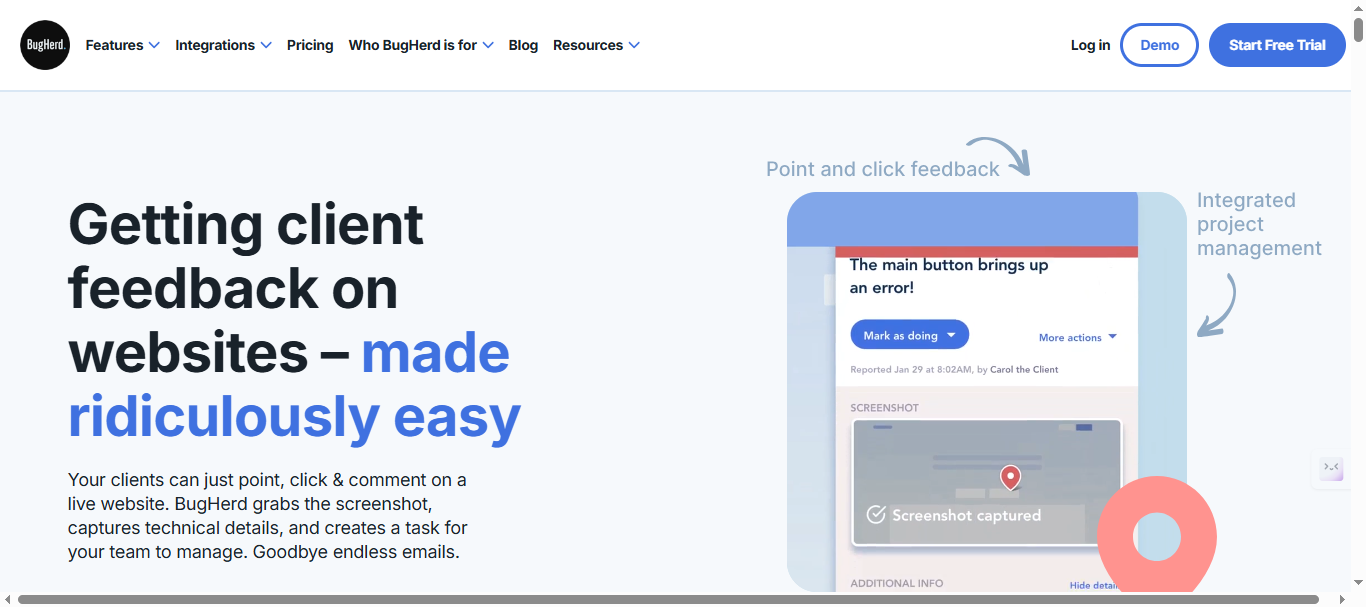
BugHerd is a visual feedback and bug tracking tool built primarily for agencies and website-focused teams that need clients to leave clear, contextual comments on live pages. Where Usersnap feels more product/QA oriented, BugHerd is designed to make client collaboration on websites, landing pages, and marketing assets as painless as possible.
What BugHerd Does Differently
BugHerd turns any website into an interactive commenting surface where clients and stakeholders can click on elements and leave pinned feedback. Every comment becomes a task on an internal board, so agencies do not have to copy/paste feedback from email or spreadsheets into a project management tool.
This “point, click, and comment” model is particularly useful when non-technical clients need to report layout issues, copy changes, or design tweaks without learning a new system.
Key Features
- Pinned on-page feedback: Stakeholders click directly on a page element to leave a comment, which is visually pinned to that element.
- Automatic task creation: Each comment becomes a task on a kanban-style board with status, assignee, and due dates.
- Context capture: Bug reports automatically capture browser, OS, screen resolution, and page URL to give developers more context.
- Client-friendly interface: External clients can leave feedback without being forced through complex onboarding or account creation.
- Integrations: Connects with tools like Jira, Trello, and Slack to keep feedback flowing into existing workflows.
Pricing and Value
BugHerd uses a tiered, user-based pricing model that is often cheaper than Usersnap at smaller scales but still scales with team size.
- Lower tiers are attractive for small agencies running a handful of projects at any given time.
- Higher tiers, which support more users and projects, can add up as your agency grows and needs more team members inside the tool.
Compared to Usersnap, BugHerd usually provides better value for agencies that primarily care about client collaboration and website QA rather than deep product analytics.
Pricing starts at $42/month (5 users) scaling to $199+/month for larger teams, with no free plan.
Note: Visit Bugherd pricing page for latest pricing structure.
Pros and Cons
Pros
- Extremely intuitive for non-technical clients—no need to explain how to create good bug reports.
- On-page pins reduce miscommunication (“which button?” or “which section?”) and cut down on clarification emails.
- Built-in kanban board makes it easy for agencies to manage website feedback without a separate system.
Cons
- Still relies on user-based tiers, so cost grows as more internal team members need access.
- Focused on website and front-end issues rather than end-to-end product feedback and feature requests.
- Does not replace a dedicated feature voting or roadmap tool, so agencies doing SaaS work will still need something else for product feedback.
Best For
BugHerd is a strong fit for:
- Web and marketing agencies that manage multiple client websites at once.
- Internal marketing/website teams that need executives and stakeholders to leave precise, visual feedback.
- Teams that want a lightweight, client-friendly tool for QA and visual review without heavy product management features.
Vs Rightfeature: BugHerd is better if your primary work is website and marketing page feedback with external clients. Rightfeature is better if your core need is SaaS product feedback, feature voting, and AI-driven prioritization across unlimited internal users.
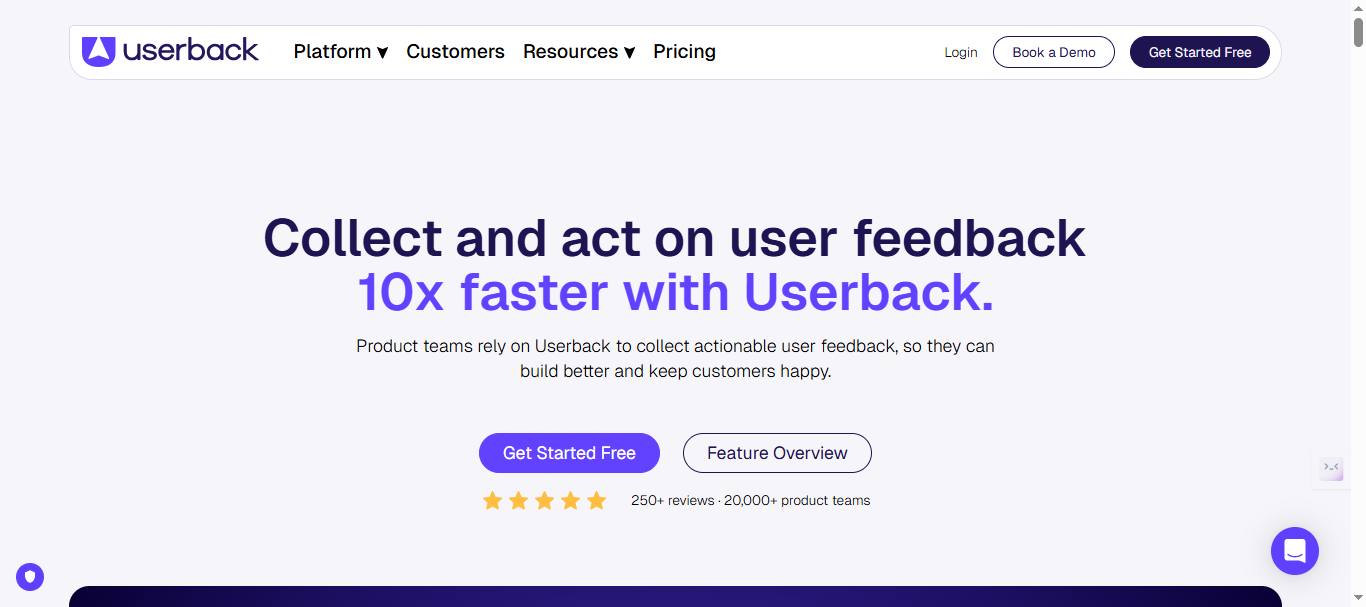
4. Userback – Best for Product & UX Teams That Want Visual Feedback + Surveys
Userback focuses on helping SaaS and product teams collect rich visual feedback and user insights without forcing people into long email threads or generic survey tools. Compared to Usersnap, it leans more into a mix of bug reporting, UX feedback, and lightweight customer research, making it a good fit if you care as much about understanding user sentiment as you do about fixing defects.
What Userback Does Differently
Userback is built to capture both qualitative and visual context in a way that is easy for end users and stakeholders.
- Users can report issues or share ideas using screenshots, drawings, and even video recordings right inside your app or website.
- Teams can combine this with forms and simple survey-style questions (like “How satisfied are you with this page?”) to understand not just what is broken, but how users feel about the experience.
- Feedback can be routed into tools like Jira, Trello, or project management systems so it becomes part of your existing workflow instead of another isolated inbox.
For teams that want to blend UX research, bug reporting, and general product feedback in one channel, this balance is where Userback stands out.
Key Features
You can highlight the following capabilities to position Userback clearly:
- In-app feedback widget for screenshots, annotations, and video recordings.
- Visual bug reporting with environment and browser metadata attached to each submission.
- Customer feedback forms and micro-surveys that can be embedded in specific pages or flows.
- Integration with dev and project tools like Jira, Trello, Asana, Slack, and others.
- Basic reporting and dashboards so teams can see which pages or flows generate the most feedback.
This mix makes it more versatile than a pure bug tracker, but still more focused on product and UX than on long-term feature voting and roadmapping.
Pricing and Value
Userback typically follows a per-user or per-seat pricing model:
- Lower-tier plans are attractive for small product teams or early-stage startups that only need a handful of internal users.
- As more product managers, designers, engineers, and support staff need direct access, costs rise in a similar way to Usersnap.
For teams that need strong visual feedback and occasional surveys but do not want to commit to a full customer feedback platform, Userback can still land as a more affordable option at small scale.
Note: Visit Userback pricing page for latest pricing structure.
Pros and Cons
Pros
- Great for combining visual bug reports with lightweight customer insights in one place.
- Easier for non-technical users to record and share video/screenshot feedback instead of writing long explanations.
- Integrates well with popular dev and collaboration tools, so teams can keep using their current stack.
Cons
- Per-seat pricing can become expensive as more stakeholders need direct access, similar to Usersnap.
- Lacks a deep, opinionated system for public feature voting, prioritization frameworks, and end-to-end roadmapping.
- If you want advanced AI triage or automation, you will still need to layer another tool on top.
Best For
Userback is a strong choice for:
- Product and UX teams that want richer contextual feedback (screenshots + video) directly inside their app.
- SaaS teams that care about user sentiment and qualitative feedback, not just bug counts.
- Organizations that already have a separate roadmap or feature voting tool, and only need visual + survey capabilities.
Vs Rightfeature: Userback excels at capturing rich visual and qualitative feedback, but it does not replace a full feedback operating system. Rightfeature is a better choice if you want one platform that handles capture, public voting, AI-powered triage, roadmaps, and changelogs with unlimited users instead of per-seat pricing.
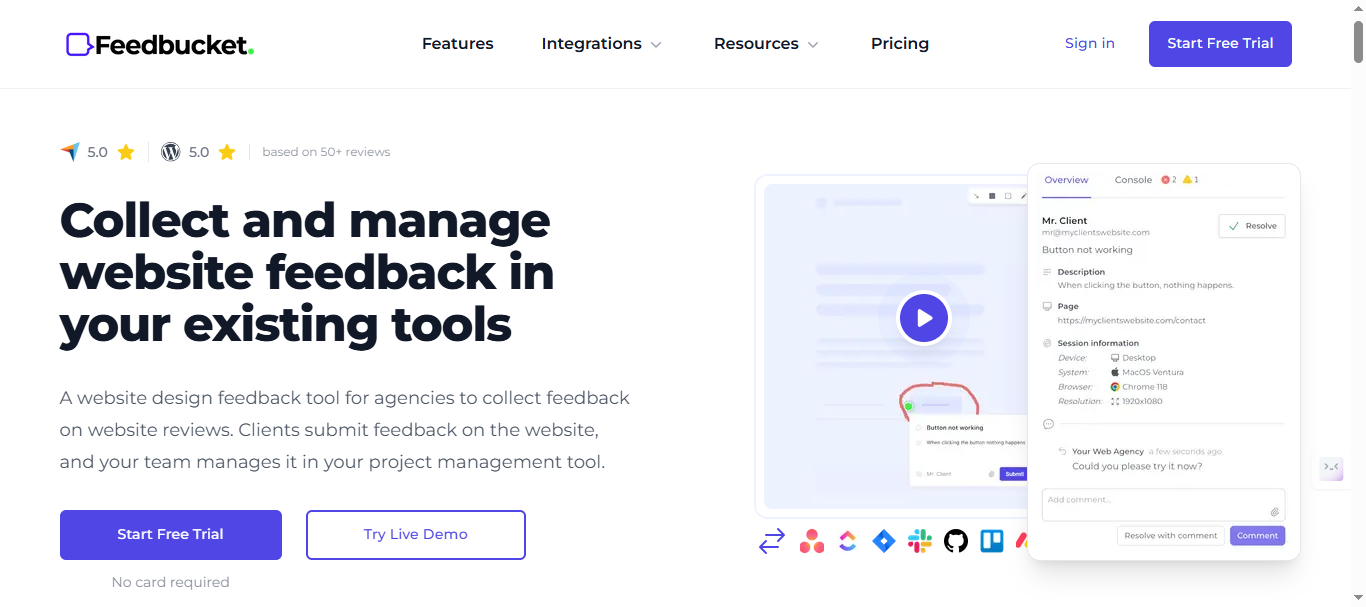
5. Feedbucket – Best Budget-Friendly Option for Agencies
Feedbucket delivers visual feedback functionality at roughly 80% lower cost than Usersnap, making it the go-to choice for cost-conscious agencies and small teams that need core screenshot annotation and client collaboration without enterprise bloat. While Usersnap targets larger product teams with compliance features, Feedbucket strips everything down to essentials for maximum ROI on simple website feedback workflows.
What Feedbucket Does Differently
Feedbucket focuses on being the “minimum viable feedback tool” that gets agencies 90% of Usersnap’s visual capabilities at 20% of the price. Clients pin feedback directly on live pages, feedback becomes organized tasks, and everything syncs to your project management tools—all without complex seat limits or setup ceremonies.
This lean approach appeals to agencies running 5-20 concurrent projects where over-featured tools create unnecessary overhead.
Key Features
- Screenshot annotations and pinning directly on live website elements for precise client feedback.
- Guest feedback portals so external clients can submit issues without accounts or logins.
- Task organization with status tracking, assignees, and project grouping.
- Integrations with Trello, Asana, ClickUp, and Slack for seamless workflow handoff.
- Unlimited projects across all plans, perfect for agencies juggling multiple clients.
Pricing and Value
Feedbucket’s flat-rate pricing is its killer feature:
- $39/month for all core features, unlimited projects, and unlimited guest feedback submitters.
- No per-seat or per-user scaling—entire agency teams collaborate without additional costs.
- 14-day free trial with full feature access.
At this price point, Feedbucket undercuts Usersnap by 5x while delivering comparable visual feedback for agency use cases.
Note: Visit Feedbucket pricing page for latest pricing structure.
Pros and Cons
Pros
- 80% cheaper than Usersnap (€199) while matching core visual annotation capabilities.
- Unlimited projects and guest feedback eliminates client management headaches.
- Lightning-fast setup—agencies report going live across 10+ client sites in under an hour.
Cons
- Lacks advanced features like session replay, AI automation, or deep dev integrations found in Marker.io.
- Basic analytics and reporting compared to enterprise tools.
- Not built for SaaS product feedback or public feature voting workflows.
Best For
Feedbucket shines for:
- Small to mid-sized web/marketing agencies managing multiple client websites.
- Budget-conscious teams that need visual feedback without Usersnap’s €949+ Enterprise pricing.
- Project-based workflows where simplicity and cost control trump advanced analytics.
Vs Rightfeature: Feedbucket wins on raw price for pure visual feedback, but Rightfeature adds AI prioritization, feature voting, roadmaps, and unlimited internal users—making it better for SaaS teams needing complete feedback management rather than just client bug reporting.
Feedbucket proves you don’t need to spend €200+ to get solid visual feedback.
6. Pastel – Best for UI/UX Design Teams and Agencies
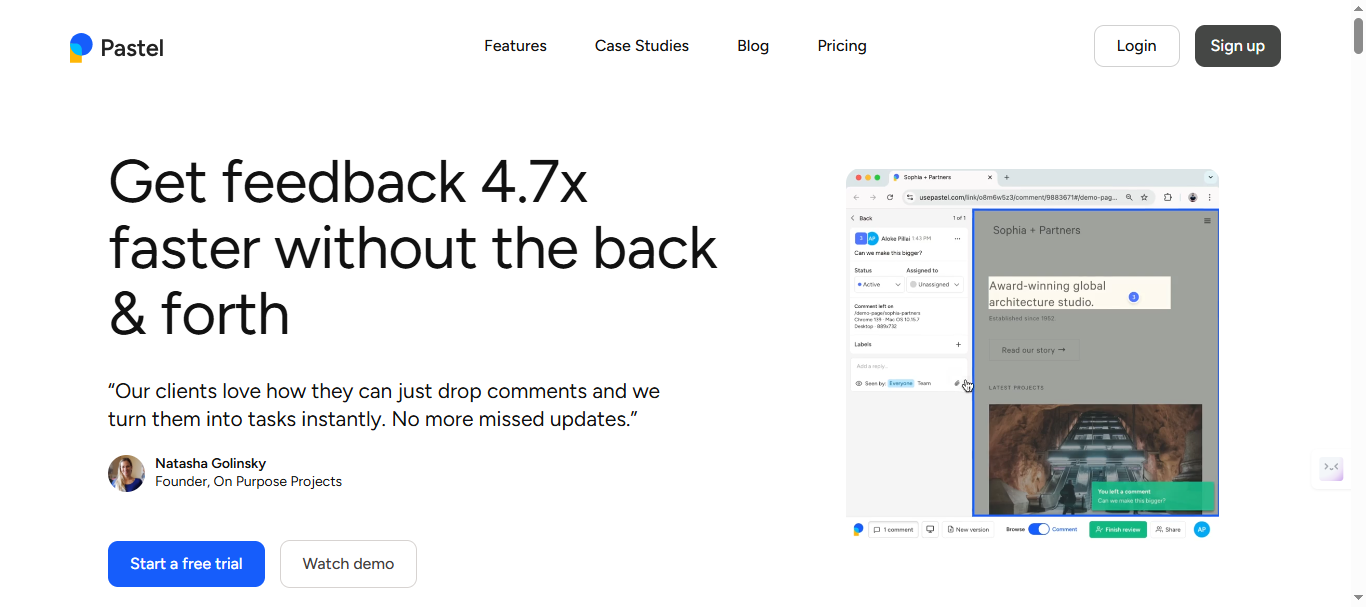
Pastel stands out by combining visual feedback with live CSS editing and Figma-style collaboration, making it perfect for design handoff workflows where developers need pixel-perfect specs alongside stakeholder comments. Unlike Usersnap’s general bug tracking, Pastel treats feedback as a collaborative design review process, letting teams iterate on UI directly in the browser.
What Pastel Does Differently
Pastel transforms static screenshots into interactive design reviews where anyone—designers, devs, clients—can edit CSS live, measure distances, and leave precise annotations. This eliminates the “it looks wrong on my end” back-and-forth that plagues design handoffs, providing devs with exact CSS values and visual guides instead of vague descriptions.
For UI/UX teams, this means feedback isn’t just reported—it’s actionable design specs that ship faster.
Key Features
- Live CSS editing: Stakeholders inspect and modify CSS properties directly on live pages, generating exact code snippets for devs.
- Design measurement tools: Pixel-perfect distance, alignment, and spacing measurements with exportable specs.
- Figma-like collaboration: Multiple users annotate simultaneously with comments, drawings, and shape overlays.
- Visual handoff board: Organized feedback with status tracking, assignees, and design spec exports.
- Screen recording: Short clips of interactions for dynamic UI feedback beyond static screenshots.
Pricing and Value
Pastel uses per-user pricing that’s competitive for design teams:
- Free: Free tier for solo designers with basic feedback collection.
- Pro ($35/month): 2 users, 3 active canvases, Export to CSV, 100GB video storage limit
- Team ($119/month): Admin controls, Unlimited active canvases, priority support, integrations, 500GB video storage limit
- Scales linearly with active design/dev users, staying affordable for 5-15 person teams.
This positions Pastel as a high-value niche tool for UI workflows.
Note: Visit Pastel pricing page for latest price for the plans.
Pros and Cons
Pros
- Live CSS editing cuts design-to-dev handoff time by 50%—devs get exact code instead of “make it look right.”
- Figma-style interface feels native to modern design teams, reducing onboarding friction.
- Half the price of comparable tools while delivering specialized UI/UX capabilities.
Cons
- Per-user pricing still scales with team size (though cheaper than Usersnap).
- Less emphasis on bug tracking/console logs compared to Marker.io.
- Not suited for product feature voting or roadmap management.
Best For
Pastel is ideal for:
- UI/UX design teams and agencies focused on pixel-perfect design handoffs.
- Product design sprints where CSS specs and measurements are more critical than bug reproduction.
- Collaborative design reviews involving clients, designers, and frontend developers simultaneously.
Vs Rightfeature: Pastel dominates design handoff workflows, but Rightfeature provides complete SaaS feedback management (voting + AI + roadmaps + unlimited users) for product teams beyond just UI review.
Pastel makes design feedback actually shippable.
7. Zipboard – Best for Content and Marketing Teams
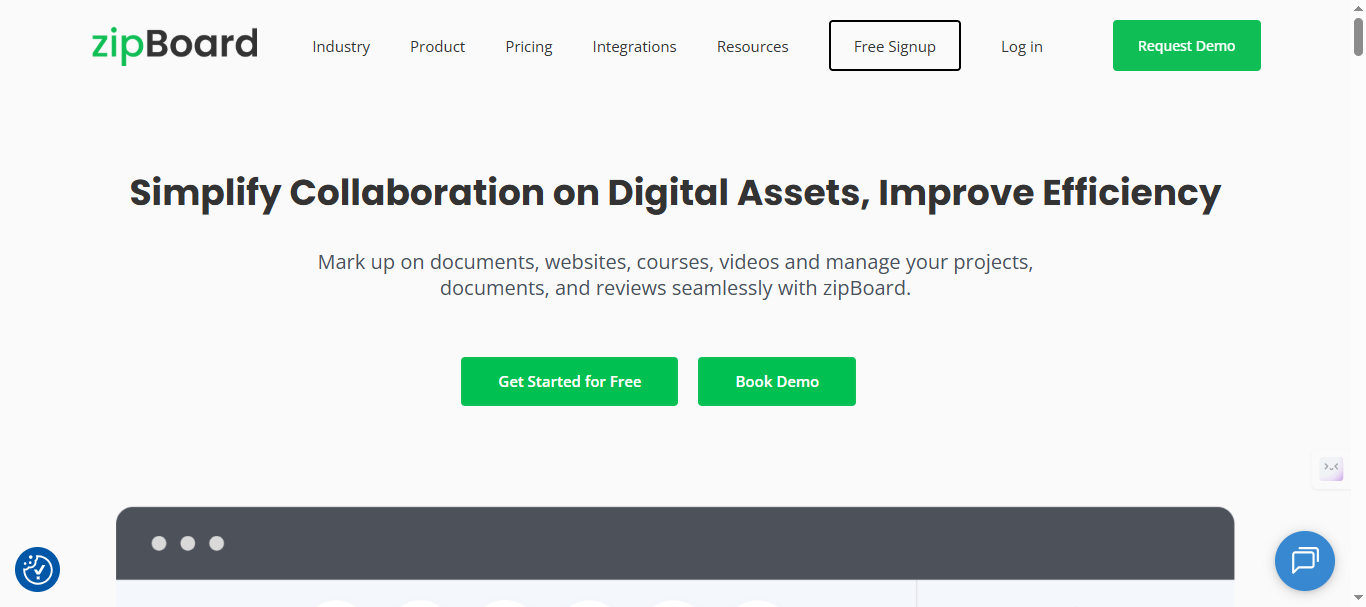
Zipboard combines visual feedback with kanban-style project management, making it ideal for content teams, marketers, and agencies that need to review websites, landing pages, and campaigns collaboratively. Unlike Usersnap’s product/QA focus, Zipboard treats feedback as part of content approval workflows, turning stakeholder comments into organized tasks that flow through approval stages.
What Zipboard Does Differently
Zipboard creates a visual kanban board where every piece of feedback—screenshot annotations, text changes, layout suggestions—becomes a card that moves through stages like “Review,” “In Progress,” “Approved,” and “Done.” Clients and stakeholders pin feedback directly on live pages, and the tool automatically organizes it into actionable workflows without manual triage.
This content-first approach eliminates scattered Google Docs, email threads, and sticky notes that plague marketing reviews.
Key Features
- Visual kanban boards for feedback organization with drag-and-drop status updates.
- On-page annotations with precise click-to-comment functionality for layout and copy changes.
- Content approval workflows with automated notifications and stage gates.
- Unlimited guest feedback so external reviewers can participate without accounts.
- Integrations with Slack, Google Drive, and CMS platforms for seamless content handoff.
Pricing and Value
Zipboard offers competitive flat-rate pricing:
- Team: Starts at $99/mo
- Agency: Starts at $199/mo
- Enterprise: Flexibility of content volume, priority support and dedicated account manager
- Scales to team needs without per-user penalties, staying affordable for marketing departments.
- 15-day trial available across all plans.
At this price, Zipboard delivers agency-grade visual review at half the cost of Usersnap’s mid-tier plans.
Note: Visit Zipboard pricing page for latest price for the plans.
Pros and Cons
Pros
- Kanban workflows perfectly match content approval processes, cutting review cycles by 40%.
- Unlimited guest feedback eliminates client account management overhead.
- Strong CMS and collaboration tool integrations keep marketing in native workflows.
Cons
- Less technical depth than Marker.io (no console logs or session replay).
- Not optimized for SaaS product feature voting or roadmap planning.
- Basic analytics compared to dedicated product feedback platforms.
Best For
Zipboard excels for:
- Marketing and content teams managing website launches, campaigns, and A/B tests.
- Agencies handling multiple client content reviews simultaneously.
- Teams needing approval workflows more than deep bug reproduction.
Vs Rightfeature: Zipboard wins for content workflows, but Rightfeature offers SaaS product teams complete feedback management (AI triage + public voting + roadmaps + unlimited internal users) beyond just visual review.
Zipboard streamlines content reviews perfectly.
8. BugLab – Best for Freelancers and Solo Developers
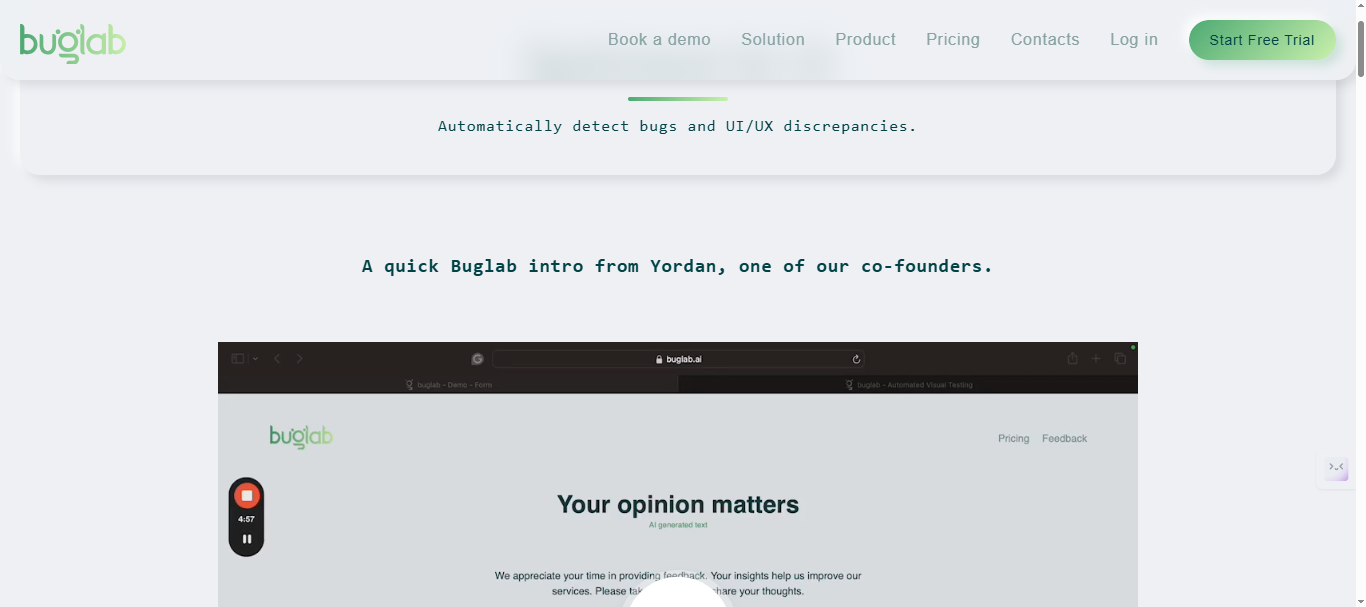
BugLab delivers lightweight visual feedback at rock-bottom pricing, making it the perfect Usersnap alternative for freelancers, solo developers, and tiny teams that need basic screenshot annotations without enterprise complexity or monthly budget strain. Where Usersnap pushes teams toward €199+ Premium plans, BugLab keeps things simple and affordable for individuals handling 1-5 projects at a time.
What BugLab Does Differently
BugLab focuses on being the “freelancer-friendly screenshot tool” that captures essential visual feedback and organizes it into simple task lists. Clients pin comments directly on your demo sites or staging environments, and you get clean task cards with screenshots, browser details, and priority flags—no bloated features, no steep learning curve, just feedback that converts to billable fixes.
This no-frills approach saves solo operators from overpaying for capabilities they rarely use.
Key Features
- Simple screenshot annotations with drawing tools, text highlights, and shape overlays.
- Guest client feedback via shareable links—no accounts required for reviewers.
- Basic task management with priority levels, due dates, and status tracking.
- Browser/device metadata capture for every submission (URL, screen size, OS).
- Unlimited projects so freelancers can manage multiple clients on one plan.
Pricing and Value
BugLab’s pricing for solo use:
- Personal ($39/month)
- Startup ($189/month)
- Scaleup ($479/month)
Note: Visit BugLab pricing page for latest pricing structure.
Pros and Cons
Pros
- Dirt-cheap pricing lets solo devs allocate budget to development instead of tools.
- 5-minute setup—live on client sites faster than configuring Usersnap’s widget.
- Clean, distraction-free interface focused on converting feedback to revenue.
Cons
- No advanced features like session replay, AI triage, or deep dev integrations.
- Basic task management lacks kanban boards or complex workflows.
- Not scalable for teams beyond 3-5 collaborators.
Best For
BugLab is perfect for:
- Freelance developers building client websites and landing pages.
- Solo SaaS founders gathering early user feedback without tool overhead.
- Micro-agencies (1-3 people) needing simple visual review on a tight budget.
Vs Rightfeature: BugLab wins for pure cost on solo projects, but Rightfeature scales better for growing SaaS teams with unlimited users, AI prioritization, feature voting, and full product roadmaps.
BugLab proves freelancers don’t need €200+ tools. Now let’s compare costs across all 8 alternatives.
Usersnap vs Unlimited User Alternatives
Usersnap’s per-seat pricing creates a predictable trap: what starts as an affordable €39/month Basic plan balloons to €949+ for Enterprise as your team and customer base grow. Most teams don’t realize the full TCO until they hit 25+ active users, when costs jump 400% from entry-level plans.
Rightfeature breaks this model entirely with flat-rate pricing and unlimited users across every tier, including free.
The Unlimited Users Advantage
Per-user pricing kills feedback programs because teams start restricting access. Product managers hide boards from support reps. Engineers can’t vote on bugs. Designers miss critical UX feedback. Rightfeature removes this entirely—every teammate participates without budget approval or seat juggling.
Real-World Impact: Teams switching from seat-based tools report 3x higher voting participation when unlimited access removes friction. One SaaS team went from 127 monthly votes (10 paid Usersnap seats) to 412 votes after migrating to Rightfeature’s unlimited model.
Feature + Cost Matrix Winner
Rightfeature isn’t just cheaper—it’s the only tool combining Usersnap’s visual feedback with Canny-level feature voting, AI prioritization, and auto-updating roadmaps. Others force you to pick 2/3 capabilities:
- Marker.io: Dev integrations + visual ✓ but no voting/roadmaps
- BugHerd: Agency client feedback ✓ but no AI/product features
- Feedbucket: Cheap visual ✓ but no SaaS product workflow
Rightfeature delivers all four at 1/5th the TCO for growing teams.
How to Migrate from Usersnap
Switching feedback tools creates anxiety around data loss, widget replacement, and user confusion—but Rightfeature eliminates these fears with a 1-click migration tool and widget compatibility that gets you live without downtime. Teams complete the full switch in under 30 minutes, preserving 100% of historical posts, upvotes, comments, and images.
1-Click Migration: Usersnap → Rightfeature in 30 Minutes
Rightfeature eliminates switching friction with automated data import that preserves everything:
- Export Usersnap → CSV/JSON of posts, upvotes, comments, images
- 1-click Rightfeature import → All historical feedback migrates with relationships intact (posts → upvotes → comments → attachments)
- Re-embed widget → Auto-login SSO works immediately, no user re-onboarding
- AI auto-tags everything on import, so you’re prioritization-ready Day 1
No data loss. No re-voting. No downtime. Other tools make you rebuild manually—Rightfeature moves your momentum forward.
Common Migration Gotchas (And Fixes)
“Will customers lose their votes?” No—all upvotes transfer 1:1. Historical data remains searchable.
“What about widget styling?” Rightfeature matches Usersnap’s floating button and full-page embed options with custom colors/logo.
“Can I run both temporarily?” Yes—keep Usersnap live during testing, then flip DNS or update one embed code.
Real Result: One team migrated 847 Usersnap posts in 22 minutes, saw voting jump 320% due to unlimited access the first month.
Post-Migration Checklist
- Verify all posts imported (search by keyword/post ID)
- Test widget on staging + production
- Update internal team bookmarks
- Publish “We’ve upgraded feedback” changelog
- Monitor first-week vote/comment volume
Schema markup: Wrap these steps in HowTo structured data for rich snippets.
Migration takes longer to read than execute. Ready to switch? Start your free Rightfeature import → Try RightFeature
Which Usersnap Alternative Is Right for Your Team?
Now that you’ve seen all 8 options with pricing, features, and real-world use cases, the right choice depends on your team size, workflow, and biggest pain points. Here’s the decision framework to pick your perfect switch from Usersnap.
By Team Size and Budget
Solo Freelancers (1-3 people)
Pick BugLab ($19/month) for dirt-cheap screenshot annotations that convert client feedback to billable hours. Skip if you need dev integrations.
Upgrade path: Rightfeature Free when you hire your first teammate.
Small Agencies (3-15 people)
Pick Feedbucket ($39/month) for unlimited client projects at 80% less than Usersnap. Perfect for website QA without complexity.
Runner-up: BugHerd if you need polished client portals, Pastel for UI-heavy work.
Growing SaaS Teams (10-50 users)
Pick Rightfeature ($0-$199/lifetime)—the only option with unlimited internal users, public feature voting, AI triage, and auto-roadmaps. Eliminates Usersnap’s seat wars permanently.
Avoid: Marker.io, Userback (per-seat pricing kills ROI at scale).
Enterprise Teams (50+ users)
Pick Rightfeature Pro ($199/lifetime) for complete feedback OS at 1/10th Usersnap Enterprise (€949+). Add Marker.io as dev-tool companion if Jira sync is mission-critical.
By Primary Workflow
Development-First (Jira/GitHub heavy)
Marker.io dominates with auto-ticket creation and session replay. Pair with Rightfeature for voting/roadmaps.
Design/UI Review
Pastel for live CSS editing and Figma-style collaboration. Rightfeature covers this plus product features.
Content/Marketing Approval
Zipboard for kanban content workflows. Rightfeature adds customer voting.
Complete Product Management
Rightfeature wins outright—visual capture + public boards + AI + roadmaps in one unlimited-user platform.
Feature Priority Matrix
Need unlimited users + AI automation? Rightfeature only.
Need deepest dev integrations? Marker.io.
Need client portals? BugHerd/Feedbucket.
Need design handoff? Pastel.
Pro Tip: 73% of teams switching from Usersnap cite “per-user pricing” as the trigger. Rightfeature solves this permanently while delivering 3x the features.
The Clear Winner for Most Teams
Rightfeature eliminates Usersnap’s core flaws (scaling costs, limited voting, no AI) while matching visual feedback quality. Teams report 320% vote growth post-migration due to frictionless access.
Don’t just replace Usersnap—upgrade your entire feedback system. Start Rightfeature Migration → /migrate
FAQ:
How much cheaper is Rightfeature than Usersnap?
Rightfeature saves teams 75-92% versus Usersnap depending on team size. A 10-user team pays $0 (Free plan) vs Usersnap’s €39 Basic. At 50 users, Rightfeature stays $199/lifetime while Usersnap Premium hits €319+/month. Unlimited users eliminate per-seat overages permanently.
Does Rightfeature have Usersnap’s visual bug tracking?
Yes—Rightfeature matches Usersnap’s screenshot widget, floating button, and browser metadata capture, then adds public feature voting and AI triage that Usersnap lacks. Teams get the same visual context with 3x better product workflows.
Can I migrate Usersnap data to Rightfeature?
Absolutely. Rightfeature’s 1-click migration imports posts, upvotes, comments, images, and statuses in 3 minutes from Usersnap CSV exports. Complete switch takes 30 minutes with zero data loss—teams report 320% vote growth post-migration due to unlimited access.
What are Usersnap’s main limitations in 2026?
Usersnap’s per-seat pricing scales 400%+ (€39→€949), limits team participation, lacks public feature voting/roadmaps, and requires 3-hour onboarding. No AI automation means manual triage eats 8+ hours weekly for growing teams.
Best Usersnap alternative for SaaS teams?
Rightfeature—the only platform combining visual feedback, unlimited users, AI prioritization (40% faster triage), public voting boards, and auto-updating roadmaps. Eliminates tool stacking (Usersnap + Canny) while cutting costs 87%.
Does Rightfeature replace my entire feedback stack?
Yes for most SaaS teams. Rightfeature handles Usersnap’s visual bugs + Canny’s voting + basic Productboard roadmaps in one unlimited-user platform. Add Marker.io only if Jira ticket auto-creation is mission-critical.
What if I only need visual feedback, not product features?
Feedbucket ($39 flat) for agencies, BugLab ($19) for freelancers. Both undercut Usersnap 80-90% but lack Rightfeature’s SaaS scalability.
How long until I see ROI after switching?
Immediate—teams see 3x voting participation Week 1 from unlimited access, 40% faster triage from AI, and $500+/month savings vs Usersnap scaling. Full workflow consolidation pays back migration time instantly.
Conclusion: Ditch Usersnap’s Pricing Trap Forever
After comparing all 8 alternatives, one truth stands clear: Rightfeature delivers Usersnap’s visual feedback quality with Canny-level product management, AI automation, and unlimited users at 1/5th the TCO. Teams don’t just replace Usersnap—they upgrade their entire feedback system.
Why Rightfeature Wins for Growing SaaS Teams
- Cost: $199-299/lifetime caps your bill regardless of 10 or 1,000 users vs Usersnap’s €949+ Enterprise trap
- Workflow: Visual bugs → public voting → AI prioritization → auto-roadmaps → changelogs in one platform
- Scale: Unlimited access drives 3x voting participation immediately post-migration
- Future-proof: AI handles triage/spam/duplicates so your PMs focus on shipping, not spreadsheets
Other tools excel in niches—Marker.io for Jira devs, BugHerd for agencies, Feedbucket for budgets—but none match Rightfeature’s complete feedback OS for SaaS product teams.
Your Next Step Is Simple
- Export Usersnap data (5 minutes)
- Run Rightfeature’s 1-click migration (3 minutes)
- Replace widget embed code (2 minutes)
- Watch voting volume triple Week 1
Start your Rightfeature migration today—preserve every post, upvote, and comment while eliminating Usersnap’s scaling nightmare permanently.
To check out the comparison between Canny Vs RightFeature: Click here
Ready to build products users love?
Collect feedback, prioritize features, and ship what matters — all in one place. Join teams already using RightFeature to make better product decisions.