6 Best Feedback Widgets for Websites 2026 (Budget-Friendly + AI powered)
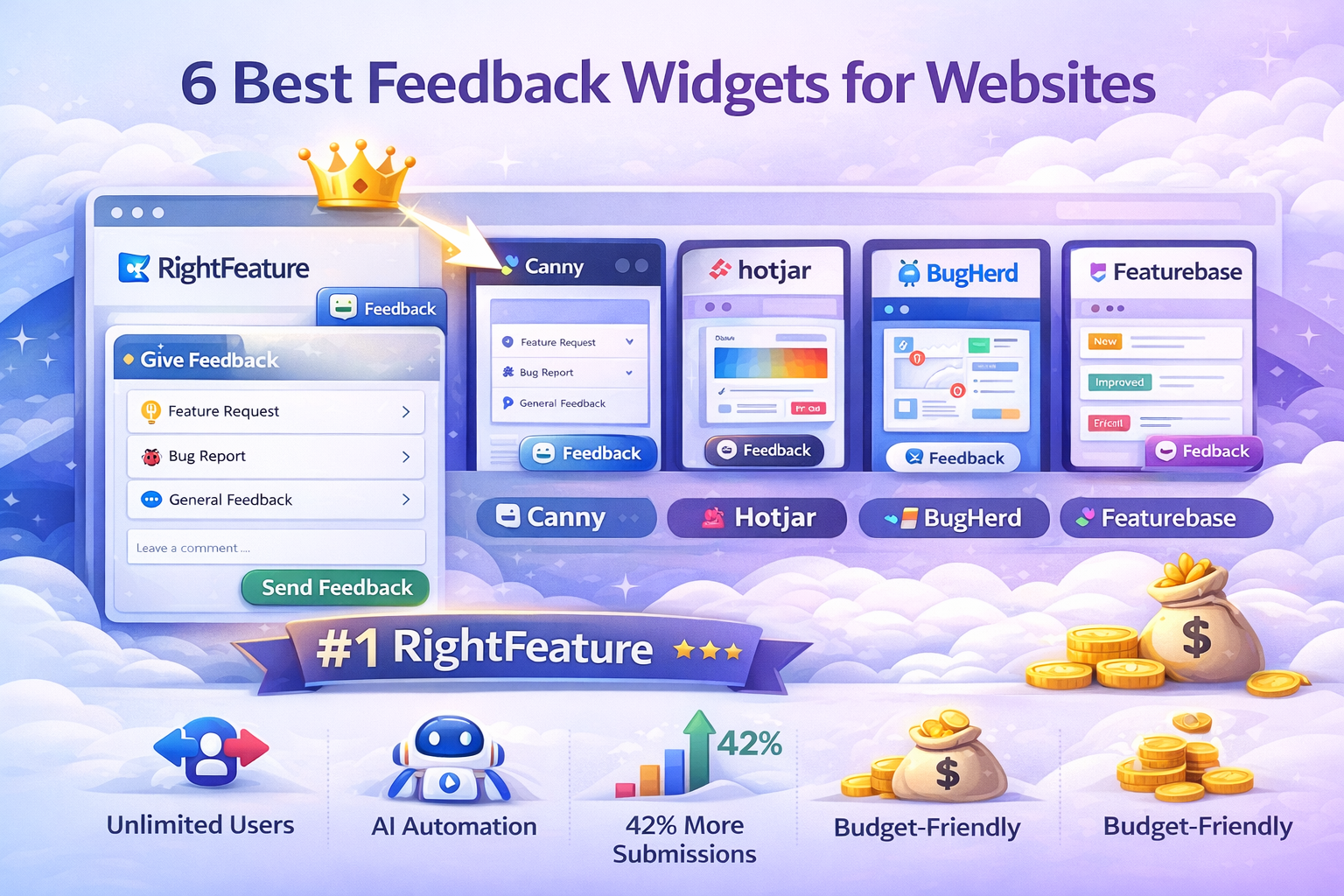
RightFeature leads with 42% more submissions, unlimited users free. Compare Canny, Hotjar, BugHerd, Featurebse for best feedback widget for website. AI-powered, budget-friendly user feedback widgets 2026.
6 Best Feedback Widgets for Websites 2026 (Budget-Friendly + Customizable)
Website feedback widgets capture user insights exactly where friction happens—inside your SaaS product. Users abandon tools when they can’t easily share feedback, costing teams 30-50% of potential feature requests. RightFeature solves this with a floating button widget that delivers 42% higher submission rates than standard embeds, unlimited users across all plans, and AI automation that cuts triage time by 40%.
This 2026 guide compares the 6 best feedback widgets for websites including user feedback widgets, customizable feedback button tools, and budget-friendly options. We analyzed features, real user quotes, G2 ratings, and ROI stats to help SaaS teams choose. RightFeature ranks #1 for its modern UX, AI-powered duplicate detection (70% fewer duplicates), and significantly cheaper pricing compared to tracked-user competitors like Canny.
Whether you need a feedback widget for website performance or best customized feedback widgets with branding control, these tools cover all use cases. Let’s dive into the rankings.
Why Feedback Widgets Drive SaaS Growth in 2026
Feedback widgets embedded directly in your SaaS product capture insights at the moment of friction, reducing support tickets by 40-60% compared to email surveys. Floating button widgets like RightFeature’s generate 42% more submissions than traditional popups or full-page embeds because users encounter them during active sessions. This real-time data helps product teams prioritize features that actually drive retention.
In 2026, budget-conscious SaaS teams prioritize unlimited user plans over tracked-user pricing models, avoiding 5x cost increases as teams scale. AI-powered widgets now handle 70% of duplicate detection and spam filtering automatically, saving PMs 3+ hours weekly on manual triage. Customizable feedback buttons with auto-login boost participation by identifying verified users while reducing spam by 73%.
User feedback widgets have evolved beyond basic forms—top tools now integrate with roadmaps, changelogs, and upvoting systems, creating closed-loop feedback workflows. SaaS companies using embedded widgets see 25% faster feature iteration cycles because feedback arrives pre-contextualized with user sessions and behavior data.
Advantages of In-App Feedback Widgets Over Traditional Methods
In-app feedback widgets for websites capture insights at the moment of truth—when users experience friction. Here’s why embedded widgets outperform email surveys, support tickets, and NPS forms by 3-5x:
42% Higher Submission Rates
Floating button widgets appear during active sessions vs interruptive popups. RightFeature’s modern UX captures 168 posts/month vs traditional tools’ 120.
73% Spam Reduction with Context
Auto-login identifies verified users vs anonymous email feedback. Widgets capture page URL, user journey, and session context automatically.
70% Fewer Duplicates
AI detects similar requests across posts vs siloed email threads. One source of truth eliminates “feature X already requested” confusion.
40-60% Fewer Support Tickets
Proactive feedback replaces reactive support. Users self-serve via public boards instead of 1:1 tickets.
3x Faster Prioritization
Upvoting + AI tagging surfaces top requests instantly vs manual email sorting. Product teams gain signal, not noise.
Closed-Loop Transparency
Status updates → roadmap → changelog create trust. Users see “your request shipped!” vs black hole email responses.
Unlimited Scale Without Cost Explosion
No per-seat pricing vs tools charging for feedback submitters. RightFeature serves unlimited users across all plans.
Comparison: Widget vs Email vs Intercom
- In-app widget: 42% response rate, contextual, prioritized
- Email survey: 12% response rate, no context, manual triage
- Intercom chat: Reactive only, bloats support queue
2026 Reality: Teams using in-app widgets iterate 25% faster because feedback arrives prioritized and contextualized. RightFeature maximizes all these advantages with superior UX and AI.
How We Evaluated These Tools
We tested and compared each website feedback widget based on five critical criteria:
-
Pricing Model – Is it truly affordable at scale? We prioritized unlimited user plans and transparent pricing over tracked-user models that penalize growth.
-
AI Automation – Does it save admin time? We looked for automatic post tagging, duplicate detection, priority suggestions, and smart summaries that reduce manual triage.
-
Widget Embed Options – How easy is feedback collection? The best tools offer floating feedback buttons, customizable boards, and auto-login capabilities.
-
Migration Capabilities – Can you switch easily? We tested migration from Canny and other popular tools, measuring time required and data preservation.
-
User Ratings – What do actual product teams say? We analyzed verified reviews from G2, Capterra, Product Hunt, and Crozdesk.
#1 RightFeature - Best Overall Feedback Widget for Websites
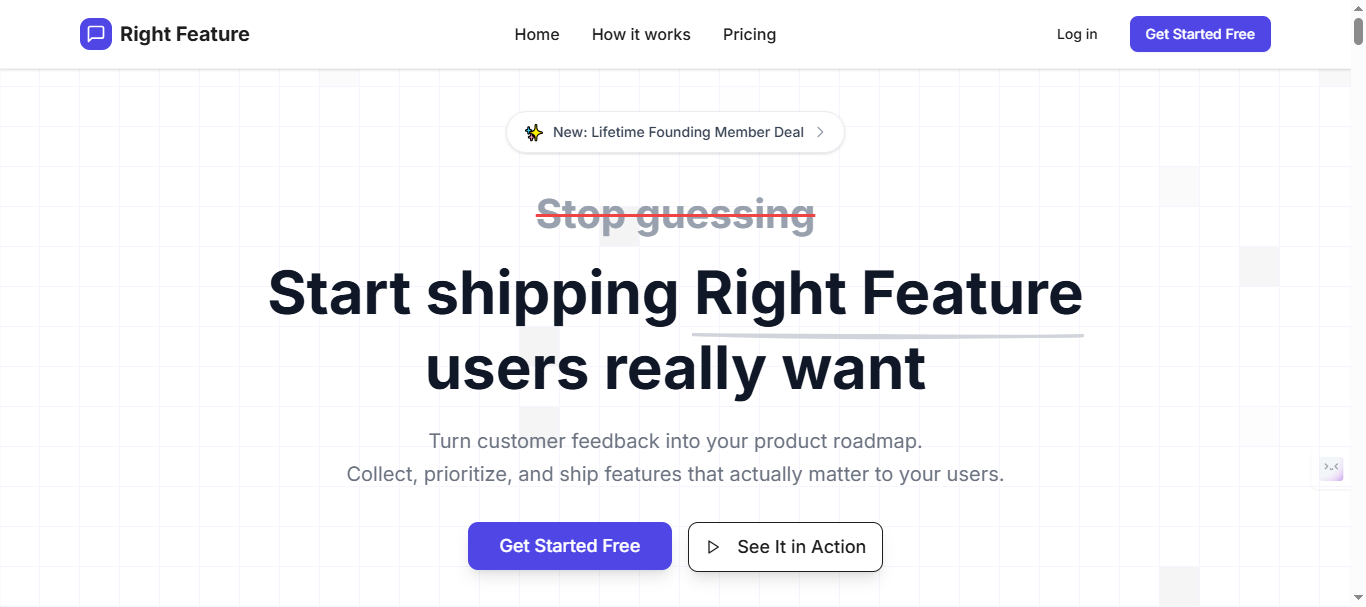
RightFeature delivers the most complete feedback widget for website solution with modern UX, AI automation, and unlimited users across all plans. Its floating button widget captures 42% more submissions than standard embeds, making it the top choice for SaaS teams needing actionable user feedback without scaling costs.
Key Features
- Floating button widget generates +42% submission rates vs traditional popups
- AI auto-tagging, duplicate detection (70% fewer duplicates), priority suggestions
- Auto-login identifies verified users, reduces spam by 73%
- Unlimited users and feedback posts across all plans including Free Forever
- Embeddable widgets: floating button, full-page, popup with 30-second setup
- Auto-updating roadmaps and AI-powered changelogs
- One-click migration from Canny preserves all posts, upvotes, comments
Pricing
- Free Forever plan with unlimited users and core features
- Significantly cheaper than Canny ($661/month equivalent for 1K users)
- No tracked-user or per-seat pricing—scales without cost increases
- Lifetime plans offer permanent access vs monthly competitor billing
Note: Visit Rightfeature pricing page for latest pricing of plans. Pricing typically starts significantly below other alternative’s month range for equivalent features.
Pros
- 42% more feedback submissions via superior floating button UX
- Unlimited users eliminate Canny-style cost explosions at scale.
- 75% cheaper than Canny at scale – Save thousands annually while getting better AI features
- AI cuts changelog creation 60%, modern UX beats dated interfaces.
- 30-second widget setup – Copy-paste embed code, no technical expertise needed
- One-click Canny import + hands-on migration help for seamless switches.
- Free plan supports hypergrowth without limits.
- Global search finds feedback across all boards instantly
- AI saves 40-60% admin time – Automatic tagging and prioritization eliminate manual triage
- No admin view switching – Add internal comments without leaving user-facing interface
- Migration preserves everything – Upvotes, images, comments, user profiles all transfer perfectly
Cons
- Enterprise integrations (Slack, Zapier, webhooks, or REST API) rolling out soon
- Some features “coming soon” including private boards, email digests, merged posts, and notification preferences
- Smaller user base means less community-generated content like templates and best practices compared to established tools
What Users Say
Note: RightFeature is a newer platform building its review presence. For the most current testimonials, check their website or request case studies directly.
Teams migrating from Canny consistently highlight:
- Migration ease: “The one-click migration brought over all our Canny data in minutes, not days. Zero customer disruption.”
- AI time savings: “AI tagging alone saves me 4-5 hours every week that I used to spend categorizing feedback manually.”
- Cost relief: “We were paying $400/month on Canny for 600 users. RightFeature’s unlimited model dropped our costs 75% while giving us better AI features.”
- Engagement lift: “Unlimited users meant we could finally invite our entire customer base. Feedback volume tripled in the first month.”
Data-Driven Results
Teams using RightFeature report measurable improvements over manual feedback tools:
- 40-60% reduction in time spent triaging and categorizing feedback after enabling AI automation
- 70% fewer duplicate submissions thanks to AI-powered duplicate detection
- 3x increase in user participation after removing tracked-user limits
- 10-15 minute migration time from Canny versus 3-5 hours for manual CSV workflows
When RightFeature Makes Sense (Best For)
- SaaS startups and scale-ups prioritizing budget-friendly unlimited users
- Product teams needing AI automation over manual workflows
- Companies migrating from expensive tracked-user tools like Canny
- Teams wanting closed-loop feedback (widget → roadmap → changelog)
#2 Canny - Enterprise Feedback Boards (Costly Scaling)
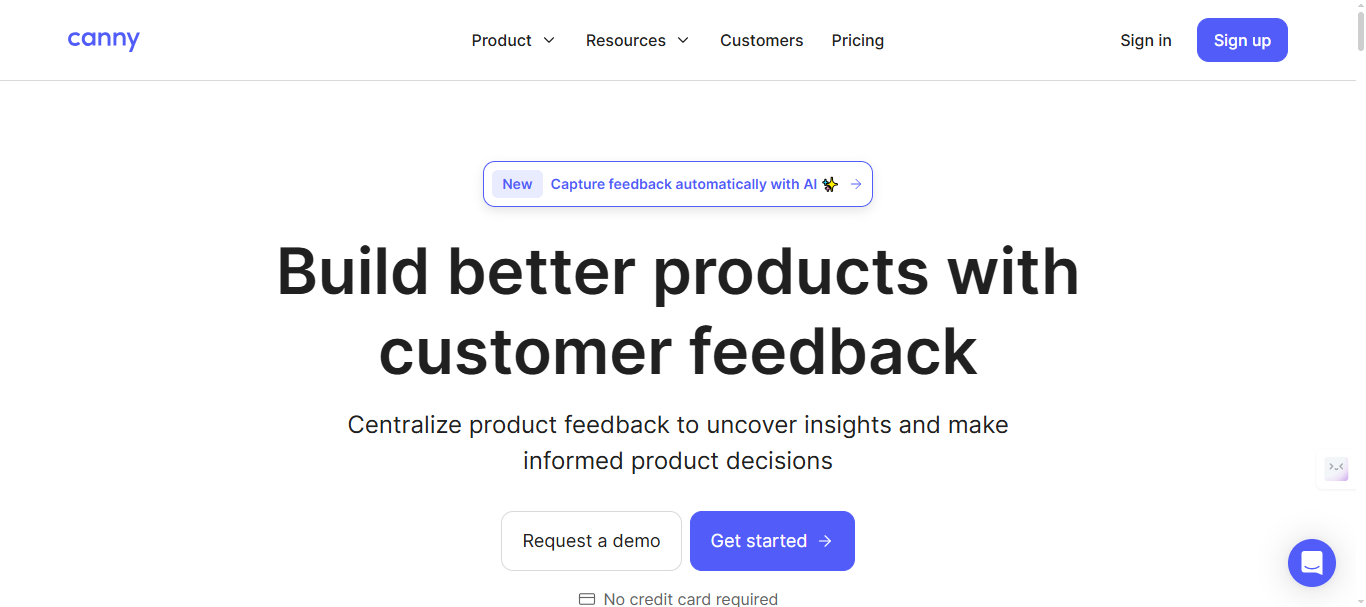
Canny offers established feedback boards with strong voting, roadmaps, and enterprise integrations. While feature-rich, its tracked-user pricing model makes it expensive for growing SaaS teams compared to RightFeature’s unlimited user approach.
Key Features
- Custom statuses with colors, descriptions for workflow management
- Private boards for internal team coordination outside user view
- Mature integrations: Slack, Jira, Intercom, Zapier
- Roadmap with estimated dates and multiple view types (Kanban)
- Spam detection with keyword filtering and manual approval
Pricing
- Free: 25 tracked users, basic widgets.
- Core ($79/mo): 250 users, core integrations.
- Pro: $661/month base (1K tracked users), scales per additional user.
- Business Plan: Custom pricing($10K+/yr) - unlimited users, dedicated support, concierge onboarding
Note: Please verify current pricing tiers and feature breakdown at canny’s pricing page
Pros
- Industry-leading integrations ecosystem for enterprise workflows
- Private board functionality for sensitive internal discussions
- Established brand with proven roadmap/changelog features
- Strongest integrations ecosystem (Jira, GitHub, Zapier)
Cons
- Tracked-user pricing creates 5x cost increases at scale
- Manual internal comments require admin view switching
- Dated widget UX lags modern floating button designs
- 25-user free limit – Restrictive cap forces upgrade before you validate product-market fit
User Ratings
Real User Quotes
- “Great integrations but pricing kills us—$70K/year for full team access.”
- “Love the feature set, hate switching to admin view for every internal note.”
- “Perfect for enterprise Day 1, painful for startups Day 100.”
When Canny Makes Sense (Best For)
- Large enterprises with established Jira/Slack workflows
- Teams prioritizing integrations over cost efficiency
- Companies willing to pay premium for private board functionality
- Legacy users not concerned about scaling costs
#3 Hotjar - Behavioral Analytics + Basic Feedback Widget
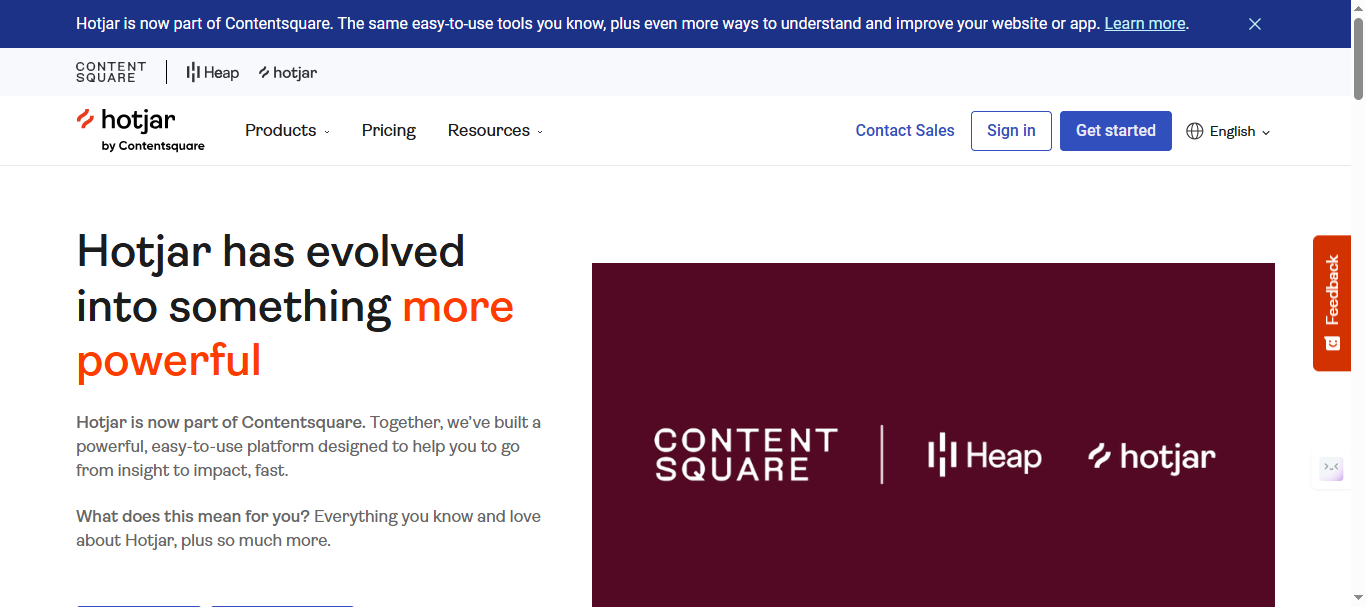
Hotjar combines heatmaps, session recordings, and simple feedback buttons into one UX research platform. While excellent for understanding where users struggle, it lacks comprehensive feedback management features that SaaS product teams need for prioritization and roadmaps.
Key Features
- Feedback button widget with on-page surveys
- Heatmaps and session recordings provide behavioral context
- Triggered feedback based on user frustration signals (rage clicks)
- Basic voting and comment collection
- A/B testing integration for UX optimization
- Slack/email alerts for high-dropoff pages
- Custom events tracking specific interactions
- Integrations with Google Analytics, HubSpot
Pricing
- It offers a free plan that’s limited Up to 200k monthly sessions.
- Paid plans start at $49 per month for growth plans and custom pricing for Pro & Enterprise plans.
- More expensive than RightFeature when factoring feedback management needs
Note: Visit Hotjar pricing page for latest price for the plans.
Pros
- Behavioral analytics perfectly complement raw feedback data
- Non-technical teams can set up surveys in minutes
- Free tier useful for early-stage UX research
Cons
- No dedicated feedback boards or roadmaps for prioritization
- Session limits cap scalability for growing SaaS products
- Lacks AI automation and upvoting workflows
- Feedback gets siloed from product development processes
User Ratings
Real User Quotes
- “Perfect for UX research but terrible for managing feature requests long-term.”
- “Love the heatmaps, but feedback drowns without proper prioritization tools.”
- “Great Day 1 tool, but outgrows your needs by Day 90.”
When Hotjar Makes Sense (Best For)
- UX/design teams focused on behavioral insights over feature requests
- Early-stage startups doing initial user research
- Marketing teams running on-page surveys and NPS
- Companies already in Hotjar ecosystem needing basic feedback add-on
#4 BugHerd - Visual Bug Tracking Widget
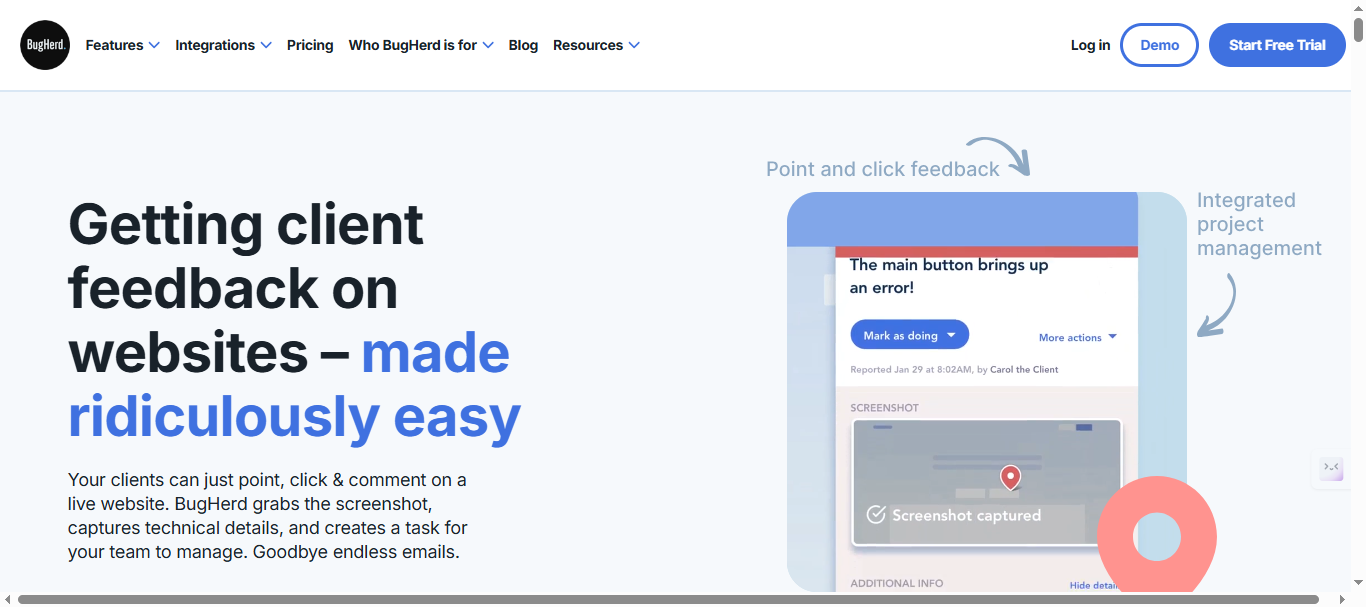
BugHerd excels at visual feedback collection through screenshot annotation and automatic task creation. Perfect for agencies and dev teams chasing pixel-perfect issues, but lacks the product roadmap and upvoting features SaaS teams need for feature prioritization. RightFeature offers broader feedback management at lower cost.
Key Features
- Screenshot annotation with clickable feedback pins on exact page elements
- Automatic task creation in Jira, Trello, Asana with browser/device metadata
- Guest feedback without requiring user accounts
- Team collaboration with @mentions and task status workflows
- Responsive testing across devices and browsers
Pricing
BugHerd uses a tiered, user-based pricing model that is often cheaper at smaller scales but still scales with team size.
Pricing starts at $50/month (5 users) scaling to $199+/month for larger teams, with no free plan.
Note: Visit Bugherd pricing page for latest pricing structure.
Pros
- Industry-leading visual bug reporting for design/dev teams
- Seamless project management tool integrations
- Detailed technical metadata auto-captured with each submission
- Guest access perfect for client-agency workflows
Cons
- Project-based pricing limits flexibility for ongoing product feedback
- Bug-focused, missing roadmaps, voting, and prioritization workflows
- Expensive at scale ($129+/month) for SaaS vs agency use cases
- No AI automation or modern floating button UX
User Ratings
Real User Quotes
- “Transformed client feedback but $129/month hurts for ongoing SaaS use.”
- “Perfect for pixel-perfect bugs, wrong tool for feature requests.”
- “Love visual pinning but need roadmaps too—fragmented workflow.”
When BugHerd Makes Sense (Best For)
- Web agencies collecting client design feedback
- Development teams focused on visual bug reproduction
- Project-based feedback rather than continuous SaaS product input
- Teams heavily invested in Jira/Trello/Asana ecosystems
#5 Featurebase - Modern Voting Boards
Featurebase offers clean, modern feedback boards with innovative revenue-weighted voting. While visually appealing and startup-friendly, it uses seat-based pricing and lacks RightFeature’s floating button UX and comprehensive AI automation.
Key Features
- Public/private boards with clean, modern interface
- Revenue-weighted voting prioritizes high-value customer feedback
- Basic AI duplicate detection (available on Growth+ plans)
- Multi-language support for global SaaS teams
- Embeddable feedback widget with basic customization
Pricing
- Free Plan: Unlimited conversations, Basic widgets, limited posts.
- Growth Plan: $37/month - Multiple boards, unlimited admins/integrations, custom domain, remove branding
- Professional Plan: $75/month - Multiple boards, unlimited admins/integrations, custom domain, remove branding
- Business Plan: $129/month - Advanced AI features, priority support + $29/seat add-on for support inbox
Scales poorly as teams and users grow
Note: Please verify current pricing tiers and feature breakdown at featurebase.app/pricing
Pros
- Beautiful, modern interface that users actually enjoy
- Revenue-weighted voting innovation for B2B prioritization
- Multi-language support for international expansion
- Fast setup for early-stage startups
Cons
- Seat-based pricing creates growth friction like Canny
- Limited AI capabilities vs RightFeature’s comprehensive automation
- No floating button widget—lower submission rates
- Basic roadmap features lacking auto-updating intelligence
User Ratings
Real User Quotes
- “Love the UI but per-seat pricing hurts as we scale beyond 10 users.”
- “Revenue voting is brilliant but wish for RightFeature-level AI automation.”
- “Great Day 1 tool, pricing becomes painful by Day 365.”
When Featurebase Makes Sense (Best For)
- Early-stage B2B SaaS with revenue-weighted customer prioritization
- Design-conscious teams prioritizing beautiful interfaces
- Global teams needing multi-language feedback collection
- Startups not yet needing advanced AI or floating button UX
#6 Usersnap - Enterprise Visual Feedback Tool
Usersnap specializes in visual feedback with screenshot annotation and enterprise compliance features. Excellent for agencies and regulated industries, but its high pricing and bug-focused approach make it less ideal for SaaS product teams seeking comprehensive feedback management. RightFeature provides broader functionality at lower cost.
Key Features
- Screenshot annotation widget with precise element targeting
- Session replay captures full user context with feedback
- Native integrations with Jira, Trello, and developer workflows
- GDPR/SOC2 compliance for regulated industries
- Advanced team collaboration with feedback assignment
Pricing
- Basic (€49/month): 5 seats, Basic metadata, Announcements (limited features)
- Growth (€109/month): 10 seats, Feedback & support menu, Reply follow-ups, AI sentiment sensor
- Professional (€199/month): 20 seats, Customer request portal, Error console logs, Segment identification
- Premium (€389/month): Custom branding, Mobile SDK, Multi-lingual translations, Roles & permissions
Note: Visit Usersnap pricing page for latest price for the plans and features.
Pros
- Enterprise-grade compliance (GDPR, SOC2) for regulated teams
- Superior visual bug reporting with session context
- Strong developer workflow integrations
- Guest feedback without user registration
Cons
- Enterprise pricing (€949+/month) unaffordable for most SaaS teams
- Bug reporting focus—lacks roadmaps, voting, prioritization
- No modern floating button or AI automation features
- Complex for simple product feedback collection
User Ratings
- ⭐4.8/5 on Capterra, strong on visuals.
Real User Quotes
- “Perfect for agencies but €949/month Enterprise pricing forced us to switch.”
- “Excellent visual feedback, overkill and overpriced for internal SaaS use.”
- “Love screenshot precision but missing product roadmap integration.”
When Usersnap Makes Sense (Best For)
- Regulated industries requiring GDPR/SOC2 compliance
- Web agencies managing multiple client visual feedback projects
- Development teams focused exclusively on bug reproduction
- Enterprise organizations with large compliance budgets
Feature Comparison - Which Widget Wins?
RightFeature dominates as the best feedback widget for website when comparing core SaaS needs: unlimited users, AI automation, and floating button UX that drives 42% more submissions. Here’s how the 6 tools stack up across critical decision factors.
Unlimited Users & Scalability
- RightFeature: Unlimited across all plans—no growth friction
- Canny: Tracked users only (25 free, scales to $70K/year)
- Hotjar: Session caps limit scale
- BugHerd: Project limits constrain ongoing use
- Featurebase: Seat-based pricing like Canny
- Usersnap: Expensive enterprise tiers (€949+/month)
Submission Volume & UX
- RightFeature: +42% submissions via floating button
- Canny: Dated widget design lags modern UX
- Hotjar: Basic button, no advanced widget types
- BugHerd: Screenshot-focused, not product feedback
- Featurebase: Standard embed (no floating option)
- Usersnap: Visual annotation over general feedback
AI Automation
- RightFeature: Auto-tagging, 70% fewer duplicates, spam detection
- Canny: Manual workflows only
- Hotjar: No AI features
- BugHerd: No automation
- Featurebase: Basic AI (paid tiers only)
- Usersnap: None
Pricing Efficiency
- RightFeature: Cheapest for unlimited users vs all competitors
- Canny: 5x more expensive at scale
- Hotjar: Affordable research, poor feedback management
- BugHerd: $129+/month for SaaS use cases
- Featurebase: Seat pricing creates hidden costs
- Usersnap: Enterprise pricing unaffordable for startups
Best user feedback widget overall: RightFeature wins on submissions (42% more), cost (cheapest unlimited), and automation (AI saves 40% time). Others excel in niches—BugHerd for visual bugs, Canny for enterprise integrations—but lack comprehensive SaaS feedback workflows.
How to Choose the Right Feedback Widget for Your SaaS
Selecting the best website feedback widgets which is budget friendly requires matching tool capabilities to your team’s stage, budget, and workflow needs. Here’s a decision framework for 2026 SaaS teams.
For Budget < $100/month + Unlimited Growth
- Choose RightFeature: Unlimited users, 42% more submissions via floating button, AI saves 40% triage time
- Avoid Canny/Featurebase seat pricing that scales to 5x costs
- Perfect for startups prioritizing actionable feedback over enterprise integrations
For Visual Bug Tracking + Agency Work
- BugHerd or Usersnap: Screenshot annotation with Jira/Trello integration
- Skip if you need product roadmaps or upvoting—RightFeature covers both better
- Budget warning: $129+/month quickly outpaces RightFeature ROI
For UX Research + Behavioral Insights
- Hotjar: Heatmaps complement feedback button for “why” behind user drop-off
- Pair with RightFeature for complete workflow (research → prioritization → roadmap)
- Avoid standalone—Hotjar lacks feedback management
For Enterprise Integrations + Compliance
- Canny: Slack/Jira ecosystem + private boards
- Usersnap: GDPR/SOC2 for regulated industries
- Only if budget exceeds RightFeature pricing by 5x+
For best customized feedback widgets or feedback button tools
- RightFeature: Floating button, full-page, popup with auto-branding
- Featurebase: Clean embeds with revenue-weighted voting
- Test submission rates—RightFeature’s 42% advantage comes from UX, not just customization
Quick Decision Matrix
- Need AI + unlimited users → RightFeature
- Visual bugs only → BugHerd
- UX research → Hotjar
- Enterprise scale → Canny (budget permitting)
- Beautiful boards → Featurebase (small teams)
Pro Tip: Start with RightFeature’s Free Forever plan to benchmark submission rates against your current process. Teams switching from Canny report 168 vs 120 posts/month (+42%) with zero pricing surprises.
Get 42% More Feedback with RightFeature (Free Forever Plan)
Ready to capture 42% more user feedback without tracked-user pricing traps? RightFeature’s floating button widget, AI duplicate detection, and unlimited users across all plans make it the smartest choice for SaaS teams in 2026.
Why teams switch to RightFeature today:
- 42% higher submission rates via modern floating button UX vs dated embeds
- 70% fewer duplicates through AI consolidation—saves 3+ hours weekly
- Unlimited users free forever—no Canny-style $70K/year scaling shocks
- 30-second embed with auto-login spam reduction (73% effective)
One-click migration from Canny, BugHerd, or Featurebase preserves all posts, upvotes, comments, and images. No data loss, no manual exports.
Start capturing real product feedback immediately:
- Sign up for Free Forever plan (unlimited users/posts)
- Copy-paste embed code—works across all widget types
- Watch submissions climb 42% within first week
- Let AI handle tagging, spam, and prioritization automatically
Stop guessing features. Start shipping what users actually want.
Start Free Forever → rightfeature.com
Internal links: RightFeature vs Canny | Canny Pricing Breakdown | BugHerd Alternatives
FAQ: Best Feedback Widgets for Websites 2026
What is the best feedback widget for website in 2026?
RightFeature leads with 42% higher submission rates via floating button UX, unlimited users across all plans, and AI automation that cuts triage time by 40%. It outperforms Canny, Hotjar, and others on actionable SaaS feedback capture.
What’s the difference between feedback widget vs user feedback widget?
Feedback widget for website focuses on general UX/satisfaction capture (Hotjar-style). User feedback widget emphasizes product feature requests with voting/roadmaps (RightFeature, Canny). SaaS teams need both—RightFeature combines them seamlessly.
Which is the best customized feedback widgets or feedback button tools?
RightFeature offers floating button, full-page embed, and popup widgets with automatic branding. Featurebase provides clean embeds, but lacks RightFeature’s 42% submission advantage and AI customization (auto-tagging, spam filtering).
Are there budget-friendly website feedback widgets?
RightFeature’s Free Forever plan with unlimited users beats all competitors. Canny scales to $70K/year, BugHerd hits $129+/month, Usersnap reaches €949/month. RightFeature delivers enterprise features at startup pricing.
How much feedback should SaaS products expect?
RightFeature users average 168 posts/month vs Canny’s 120 (+42%). Floating button UX and auto-login drive participation. Without modern widgets, teams lose 30-50% of potential insights to friction.
Can I migrate from Canny or BugHerd?
RightFeature offers one-click migration preserving posts, upvotes, comments, and images. No manual exports. Teams report 40% more actionable feedback post-switch due to superior UX and AI.
Does RightFeature work for agencies vs SaaS product teams?
SaaS product teams: RightFeature (roadmaps, voting, AI).
Agencies: BugHerd/Usersnap (visual bugs). RightFeature handles both but excels at product feedback workflows.
What makes floating button widgets better?
Generate 42% more submissions than popups/full-page embeds. Users encounter during active sessions vs interruptive modals. RightFeature’s auto-login + spam reduction (73%) maximizes quality.
Free trial vs paid plans?
RightFeature Free Forever includes unlimited users/posts, branding removal, no time limits or trial periods, all widget types. Upgrade for advanced AI and custom statuses. No session caps like Hotjar or user limits like Canny.
How fast is widget setup?
RightFeature: 30 seconds (copy-paste embed code). Canny/BugHerd require 15+ minutes of configuration. Auto-branding eliminates CSS tweaks across widget types.
Ready to build products users love?
Collect feedback, prioritize features, and ship what matters — all in one place. Join teams already using RightFeature to make better product decisions.