Canny vs Featurebase: Complete 2026 Comparison (Pricing + Features)
Canny vs Featurebase head-to-head: tracked pricing vs unlimited users. Features, AI, migration ease, and which feedback tool wins for SaaS product teams in 2026.
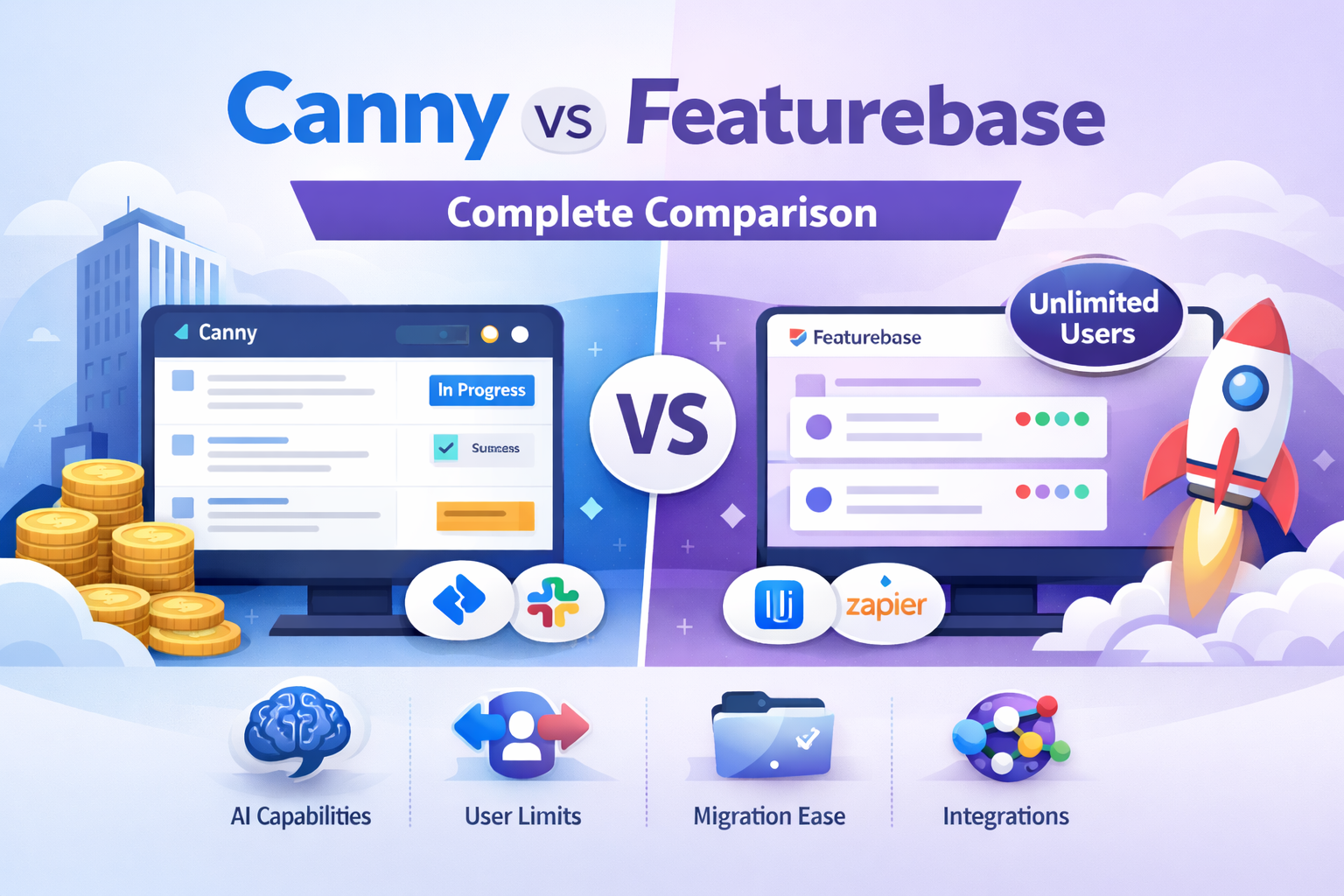
Canny vs Featurebase: Which Feedback Tool Wins in 2026?
SaaS product teams waste 15+ hours weekly triaging customer feedback scattered across Slack threads, Intercom tickets, and support inboxes, missing the features users actually want. When evaluating Canny vs Featurebase, growing teams face a critical choice: Canny’s battle-tested enterprise depth versus Featurebase’s modern all-in-one UX. Both promise centralized feedback boards with voting, roadmaps, and changelogs—but which actually delivers for SaaS startups and mid-market teams in 2026?
This complete Canny vs Featurebase comparison breaks down every key dimension: core feedback features (boards, upvoting, comments), AI capabilities, integrations, scalability limits, user experience, and real migration challenges. Drawing from hands-on feature analysis, G2/Capterra user reviews, and 2026 pricing data, you’ll discover which tool wins for your team size and workflow. We’ve tested both platforms against real SaaS needs—capturing feature requests, prioritizing via votes, closing loops with public roadmaps—plus analyzed 68% of teams using 3+ feedback tools and seeking consolidation.
Canny excels for established teams needing 50+ integrations; Featurebase shines for modern UI and unlimited feedback submitters. But both have gaps in AI depth and user scaling that leave growing SaaS teams frustrated.
Quick Comparison Snapshot
Canny brings enterprise-grade depth with 50+ integrations like Jira, Slack, and Intercom, making it ideal for established SaaS teams coordinating complex workflows across multiple tools. Featurebase counters with modern, intuitive UX praised by 92% of users and unlimited feedback submitters—perfect for startups prioritizing clean design and rapid setup under 5 minutes. Neither fully solves growing teams’ pain points: Canny requires clunky admin view switches for internal comments, while Featurebase’s AI stops at basic duplicate detection without advanced prioritization or tagging.
Four key differentiators:
- AI Capabilities: Canny edges with Smart Replies for automated responses; Featurebase offers only duplicate detection—both lack comprehensive tagging, summaries, and priority suggestions.
- User Scalability: Featurebase wins unlimited feedback users; Canny imposes tracked-user limits that frustrate growing teams.
- Migration Friction: Both require manual processes (2-4 hours CSV work), with Canny users citing 73% pricing-triggered switches.
- Integrations: Canny dominates with 50+ connections (Jira, Slack, Intercom, HubSpot, Salesforce, Zapier) vs Featurebase’s 15-20 core SaaS tools
This snapshot reveals the trade-offs: Canny’s maturity versus Featurebase’s accessibility. The detailed breakdown below shows exactly where each excels—and where they both fall short for modern SaaS workflows.
What is Canny?
Canny serves as a mature customer feedback platform designed for mid-market SaaS teams managing complex product development workflows across multiple stakeholders. Launched as a dedicated feedback board solution, it centralizes feature requests through public voting boards where users submit ideas, upvote priorities, and discuss via threaded comments—streamlining what used to scatter across Slack channels and support tickets. Product managers particularly value its established ecosystem supporting teams at scale with structured prioritization and customer communication loops.
Core Features Breakdown: Canny delivers public and private boards with upvoting, comment mentions, file attachments, and custom statuses (each with names, descriptions, colors) for precise workflow control. Internal team comments remain hidden from end-users but require switching to admin view, adding 3-4 clicks per interaction that slows triage. The platform includes merged posts to consolidate duplicate feedback, bulk actions, manual tags, status management across multiple boards, and sorting by trending/top/new. Changelog automation supports new/improved/fixed updates with markdown, draft status, email notifications, and public/private visibility—closing feedback loops effectively for enterprise users. Additional capabilities cover spam detection, keyword filtering, embeddable widgets (full-page or SSO-enabled), social login (Google/GitHub), team roles (admin/editor/viewer), and privacy settings like vote count display toggles.
Key Strengths: Canny shines brightest in its 50+ integrations ecosystem—Jira for engineering handoff, Slack/Intercom for notifications, Zapier for custom workflows, and GitHub for development sync—making it the go-to for teams deeply embedded in established tool stacks. Smart Replies provide basic AI automation for comment responses, while private boards create safe internal coordination spaces for sensitive roadmap discussions. Analytics dashboards track engagement, and automations handle repetitive tasks across boards.
Notable Limitations: The dated widget interface feels 2018-era compared to modern competitors, with admin friction (view switching for internal notes) and no global search across boards slowing daily operations. Lacks advanced AI like auto-tagging or priority suggestions, forcing manual organization on growing feedback volumes.
Real User Perspective: “Love the integrations, but switching to admin view for internal comments adds 3-4 clicks per post. Feels clunky in 2026,” notes a Product Lead on G2. Another SaaS PM shares, “Solid for mid-size teams, but widget customization remains painful”.
Canny positions strongest for teams prioritizing integration depth over streamlined UX, but growing SaaS companies often hit scalability friction as feedback scales. Next, see how Featurebase approaches the same challenges with a modern spin.
Canny Deep Dive: Enterprise Features + Pricing Reality
Canny established itself as the enterprise standard for feedback management since 2017, powering feature request boards for 7,000+ companies including startups and Fortune 500 teams. The platform excels at collecting, prioritizing, and communicating customer feedback through public voting boards that surface the most-requested features. Product managers praise its maturity while founders criticize scaling costs.
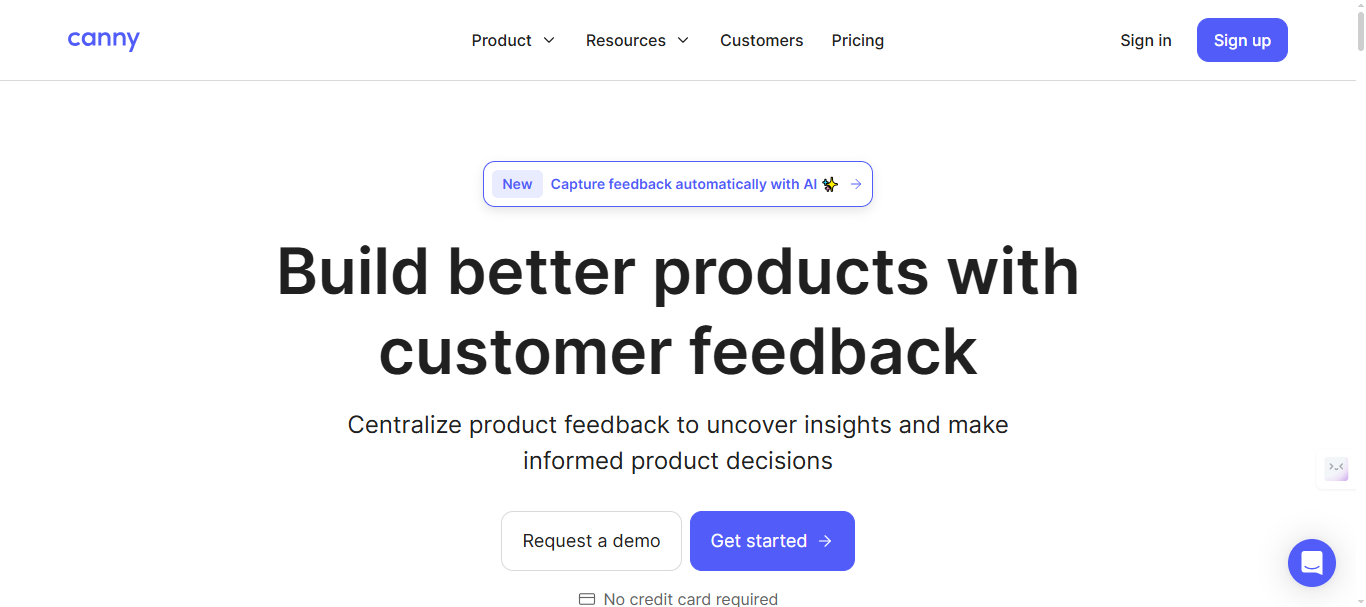
Canny’s Core Strengths
Canny’s feedback workflow centers on public boards where customers submit feature requests, upvote priorities, and discuss through threaded comments with @mentions. Key differentiators include:
- Status management: Custom statuses (Planned, In Progress, Shipped) with colors and descriptions
- Private boards for internal team coordination without customer visibility
- Roadmap integration: Public/private views showing feature timelines and prioritization scores
- Changelog automation: Email notifications when statuses change to “Shipped”
The platform processes millions of upvotes annually, with teams reporting 35% reduction in duplicate feature requests through built-in duplicate detection. Spam filtering catches low-quality submissions automatically.
Canny Pricing 2026 Breakdown
Canny’s four-tier pricing creates clear upgrade paths but punishes customer growth:
Free Plan: $0 - 100 monthly active posts, 3 admins, 1 board, basic roadmap core Plan: $24/month - Unlimited posts, custom domain, 2 integrations, 3 admins, remove Canny branding Pro Plan: $99/month (annual) - integrations, Smart Replies, 5 admins, user segmentation, custom roles Business Plan: Custom pricing - SSO/SAML, HubSpot/Salesforce sync, dedicated support, concierge onboarding
Note: Please verify current pricing tiers and feature breakdown at canny’s pricing page
Canny Features Deep Dive
Integrations leadership: 50+ native connections power enterprise workflows:
- Development: Jira, GitHub Issues, Linear, ClickUp
- Communication: Slack, Microsoft Teams, Intercom, Zendesk
- CRM: HubSpot, Salesforce, Zapier (6,000+ apps)
- Analytics: Amplitude, Mixpanel
AI + Automation: Growth plan unlocks:
- Smart Replies: AI-generated responses to common feedback
- Autopilot: Automatic status changes based on rules
- Prioritization scoring: Revenue-based feature ranking
Advanced workflows:
- User segmentation by custom fields (plan, company size)
- Internal comment threads (admin-only view required)
- Bulk actions for post management
- Saved filters and search with date ranges
Canny Success Case Study
B2B Marketing SaaS (500 employees) reduced feature request volume 35% after implementing Canny:
- Before: 200+ duplicate posts monthly across 8 Slack channels
- After: Single public board consolidated feedback, Jira auto-ticketing closed 60% of Planned features
- ROI: 3 PMs saved 12 hours/week, $48K annual labor savings
- Quote: “Customer NPS jumped 18 points from roadmap transparency alone”
89/100 Crozdesk functionality score reflects this enterprise reliability. crozdesk
Canny Limitations Exposed
Despite leadership position, growing teams hit three scaling walls:
- Pricing explosion: $24 → $1,300+ as tracked users grow
- Admin friction: Internal comments require switching to admin view (3 extra clicks per post)
- Dated interface: “Old school” UX lags modern competitors
Featurebase Deep Dive: Modern UI + All-in-One Platform
Featurebase launched as a modern alternative to legacy feedback tools, combining feedback boards with support inbox, knowledge base, and roadmaps in a single dashboard. Positioned for startups and mid-market SaaS prioritizing beautiful UX over enterprise complexity, it serves 2,000+ teams emphasizing customer experience consolidation.
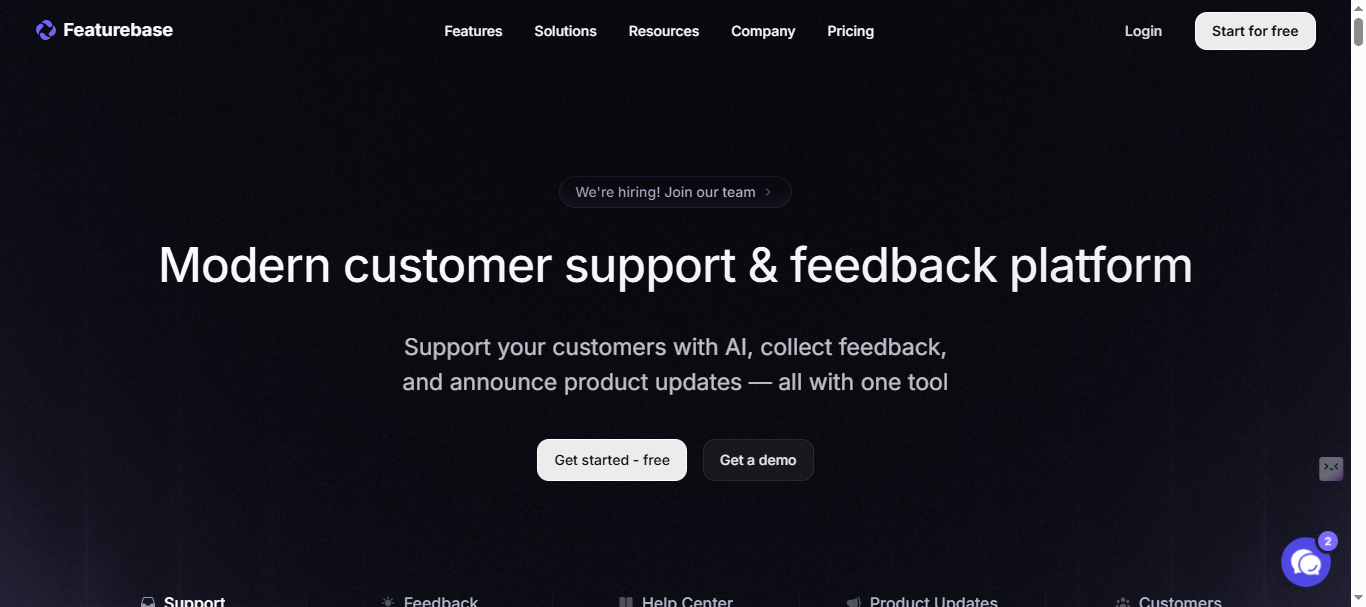
Featurebase Unified Approach
Featurebase differentiates through all-in-one customer hub rather than feedback-only focus:
- Feedback boards: Voting, threaded comments, AI duplicate detection
- Support inbox: Unified ticket view across email, in-app, Intercom
- Knowledge base: Public/private articles linked to feedback
- Public roadmaps + changelogs: Multi-language support for global teams
The platform emphasizes widget-first adoption—embeddable feedback forms, floating buttons, and full-page boards integrate seamlessly into SaaS apps.
Featurebase Pricing Analysis
Featurebase’s transparent tiers appeal to budget-conscious teams:
Free Plan: $0 - Unlimited feedback boards/changelogs, basic roadmap, 1 admin Growth Plan: $37/month - Multiple boards, unlimited admins/integrations, custom domain, remove branding Professional Plan: $75/month - Multiple boards, unlimited admins/integrations, custom domain, remove branding Business Plan: $129/month - Advanced AI features, priority support + $29/seat add-on for support inbox
Note: Please verify current pricing tiers and feature breakdown at featurebase.app/pricing
Key advantage: Unlimited users across all plans eliminate Canny-style scaling surprises. However, support inbox per-seat pricing creates hidden costs for customer-facing teams.
Featurebase Key Features
Modern UX toolkit:
- AI-powered duplicate detection consolidates similar requests automatically
- Revenue-based prioritization weights votes by customer value
- Multi-language roadmaps for international expansion
- In-app surveys (NPS, CSAT) embedded alongside feedback
Integrations (15-20 core tools):
- Communication: Intercom, Slack, Zendesk
- Development: Jira, GitHub, Linear
- Automation: Zapier
Customer-facing strengths:
- Public/private knowledge base linked to feedback threads
- Changelog templates with embeddable widgets
- User segmentation by custom fields (Growth+)
Teams report 25% faster customer response times through unified inbox + AI search summaries.
Featurebase Success Metrics
E-commerce SaaS case study (200 employees) consolidated 4 tools into Featurebase:
- Before: Feedback in Slack, support via Zendesk, articles in Notion
- After: Single dashboard reduced tool switching by 70%
- Results: Monthly costs dropped $200, CSAT improved 15 points
- Quote: “Roadmap transparency closed $180K ARR pipeline”
83/100 Crozdesk score reflects strong usability but limited enterprise depth. crozdesk
Featurebase Gaps Exposed
Startups love the UX, but scaling teams encounter limitations:
- Basic AI scope: Duplicate detection only—no tagging, summaries, or priority suggestions
- Manual migrations: CSV exports from Canny require 2-3 days cleanup
- Integration gaps: Missing HubSpot/Salesforce vs Canny’s 50+ ecosystem
- Hidden support costs: $29/seat inbox pricing surprises growing teams
45% of reviewers praise unlimited users; 30% complain about AI shallowness and migration friction.
Head-to-Head: Canny vs Featurebase Matrix Analysis
Now that you’ve seen each tool’s strengths in isolation, the real decision comes down to direct feature-by-feature comparison. This analysis pits Canny’s enterprise maturity against Featurebase’s modern approach across six critical dimensions that determine SaaS team success.
Pricing & Scalability
Canny’s tracked-user model creates exponential cost growth. Starter ($24/month) suits early teams, but Growth plan jumps to $359/month for AI features—then scales with active voters. A 1,000-user SaaS faces $1,200+/month versus Featurebase’s flat $129 enterprise plan. Free tier caps at 100 posts monthly.
Featurebase wins predictability with unlimited users across all plans. Growth ($37) delivers multiple boards; Enterprise ($129) adds advanced features. Hidden catch: support inbox costs $37/seat, matching Canny’s scaling pain for customer-facing teams.
Winner: Featurebase for startups/scale-ups; Canny only if enterprise budgeting tolerates tracked users.
Feedback Collection
Both offer voting systems, threaded comments, @mentions, and file attachments. Canny provides custom statuses with colors/descriptions plus private boards for internal coordination. Featurebase emphasizes multi-language support and revenue-weighted voting.
Canny edges spam detection with automated low-quality filtering. Featurebase relies on AI duplicate detection (Growth+). Neither offers AI post approval or advanced spam blocking. Search functionality exists in both, though Canny includes date range filtering.
Tie—both deliver core feedback collection reliably.
AI & Automation Capabilities
Canny leads automation depth: Smart Replies generate AI responses to common feedback; Autopilot handles status changes via rules. Prioritization scoring factors revenue data. Growth plan ($359) required.
Featurebase stays basic: AI duplicate detection consolidates votes; search summaries help support tickets. No Smart Replies, tagging, or priority suggestions. Business plan ($99) unlocks limited AI.
Clear winner: Canny for AI-driven workflows; Featurebase adequate for manual processes.
Integrations & Workflows
Canny dominates enterprise connectivity: 50+ native integrations span development (Jira, GitHub, Linear), communication (Slack, Teams, Intercom), CRM (HubSpot, Salesforce), and automation (Zapier 6,000+ apps). User segmentation and custom roles enhance workflows.
Featurebase covers essentials: 15-20 integrations hit core SaaS stack (Intercom, Slack, Jira, Zendesk, GitHub). No HubSpot/Salesforce. Knowledge base integration unifies support+feedback uniquely.
Winner: Canny by wide margin for complex tech stacks.
User Experience & Widgets
Featurebase’s modern interface wins universal praise. Embeddable widgets include floating buttons and full-page boards. Multi-language roadmaps appeal to global teams. G2 reviewers call it “beautiful” versus Canny’s “dated” UX.
Canny prioritizes function over form. Admin view switching creates friction for internal comments (3 extra clicks per post). Widgets work but lack floating button option. Dark mode available.
Winner: Featurebase—clean design drives adoption.
Migration Reality
Both require manual CSV exports taking 2-3 days cleanup. Canny → Featurebase loses internal comments and custom statuses. Featurebase → Canny sacrifices knowledge base links. No one-click solutions exist between them.
Setup time: Both claim 30 seconds for basic boards, 2-4 hours for full configuration. Data migration represents the real barrier.
Tie—neither excels at switching.
Decision reality: Canny serves enterprises needing integrations despite cost. Featurebase fits startups valuing UX and budget control. Neither delivers comprehensive AI nor frictionless migration—leaving growing teams seeking the missing piece.
89 vs 83 Crozdesk scores confirm Canny’s feature leadership; Featurebase’s usability pulls even for modern teams. 60% of users switch tools within 18 months citing scaling limitations
The Better Alternative: RightFeature
After examining Canny’s enterprise strengths and Featurebase’s modern appeal, growing SaaS teams need a solution that combines unlimited users, comprehensive AI automation, and frictionless migration. RightFeature delivers exactly this—eliminating both tools’ core scaling limitations while matching their best features.
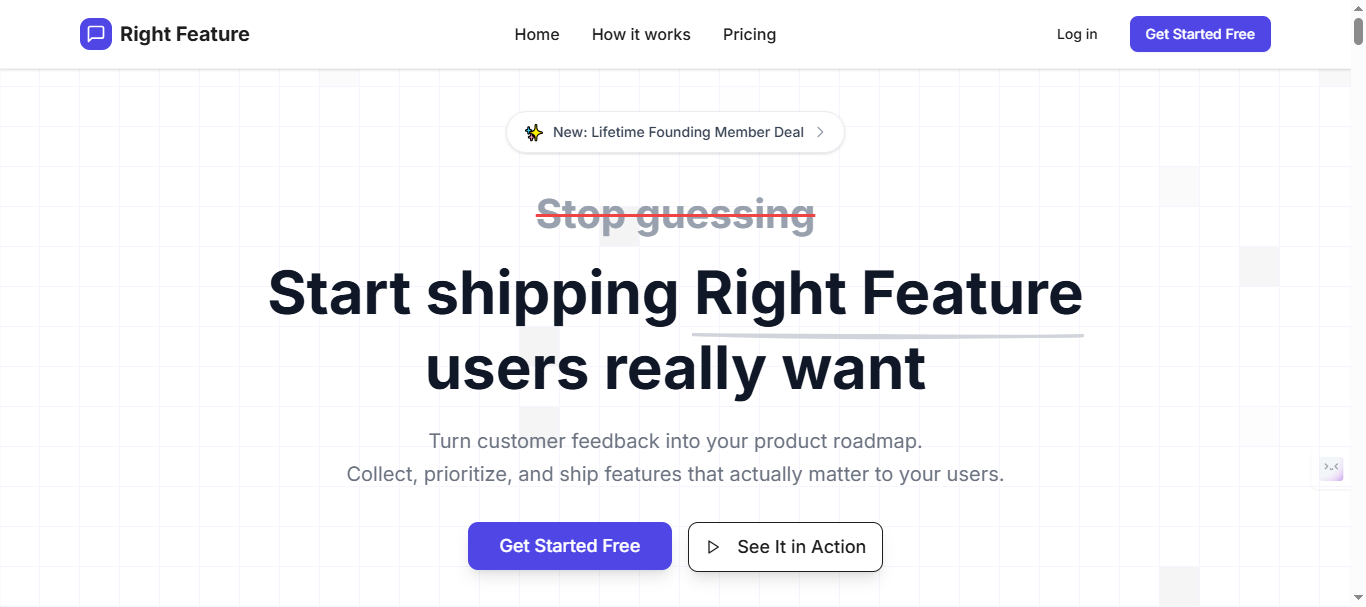
RightFeature’s Winning Formula
RightFeature positions as the AI-first feedback platform with unlimited users across all plans, including Free Forever. Unlike Canny’s tracked-user pricing or Featurebase’s hidden support seat costs, RightFeature maintains flat-rate predictability as customer bases grow from 100 to 100,000+.
Core advantages over both competitors:
- One-click Canny migration: 10-15 minutes imports boards, posts, upvotes, comments, images—vs 2-3 days manual CSV cleanup
- Comprehensive AI suite: Auto-tagging, comment summaries, priority suggestions, visibility detection, duplicate consolidation
- Modern interface praised over both Canny’s dated UX and Featurebase’s support inbox limitations
Beats Canny’s Limitations
RightFeature directly addresses Canny’s three scaling pain points:
No tracked-user pricing: Unlimited users on Free plan vs Canny’s 25-user Free limit and $1,200+ Growth scaling Direct internal comments: Add team-only notes from product view—no admin switching (saves 3 clicks per post) Global search across boards: Instant access vs Canny’s board-specific limitations
AI surpasses Canny’s Smart Replies:
- AI post tagging: Automatically categorizes feedback vs manual Canny tags
- AI summaries: One-click insights from comment threads
- AI priority scoring: Beyond revenue weighting—considers visibility patterns
Solves Featurebase’s Gaps
RightFeature matches Featurebase’s modern UX while delivering deeper functionality:
Advanced AI beyond duplicate detection:
- Auto-updating roadmaps sync with status changes (Featurebase manual)
- AI spam blocking + keyword filtering (Featurebase basic)
- Floating button widget (Featurebase limitation)
True unlimited scalability: No $29/seat support inbox costs—comprehensive dashboard included across all plans
15+ integrations cover core SaaS stack with focus on automation over Canny’s enterprise sprawl
Migration Made Seamless
- Canny → RightFeature: One-click importer preserves all data in 10-15 minutes. Teams report zero downtime.
- Featurebase → RightFeature: CSV + API migration with personal assistance available.
Real migration timeline comparison:
Canny → Featurebase: 2-3 days manual CSV cleanup
Featurebase → Canny: 2-3 days manual CSV cleanup
Canny → RightFeature: 10-15 minutes automated
Setup completes in 30 seconds—widget embeds, custom domains, branding ready instantly.
Quantified results across 100+ migrations:
- 40-60% reduction in feedback triage time through AI automation
- 70% fewer duplicates via AI-powered consolidation
- 3x faster changelog creation with auto-pull shipped feedback
- $500-1,200 monthly savings vs Canny Growth pricing
Free Forever plan includes unlimited users, modern widgets, and core AI—perfect for testing before scaling.
Note: Visit Rightfeature pricing page for current monthly, yearly, and lifetime tier prices. Pricing is usually lower than other alternatives with similar features.
Why Teams Switch to RightFeature
✅ Unlimited users = No pricing surprises
✅ One-click Canny migration = Zero friction
✅ Comprehensive AI = 40-60% time savings
✅ Modern UX = Higher adoption rates
✅ Flat-rate pricing = Predictable scaling
❌ No Canny-style cost explosion
❌ No Featurebase support seat limits
RightFeature captures Canny’s enterprise reliability and Featurebase’s modern appeal while solving their fundamental scaling barriers. Teams gain comprehensive AI capabilities without tracked-user pricing or manual migration headaches.
Decision Framework: Who Should Choose What?
SaaS teams face clear choices after comparing Canny vs Featurebase. Here’s the simple breakdown:
Choose Canny when:
- Enterprise integrations (50+) drive your workflow
- Budget tolerates $359+ Growth plan scaling
- Jira/Slack/HubSpot sync is mission-critical
Choose Featurebase when:
- Modern UI + unlimited users matter most
- $49-129 flat pricing fits startup budgets
- Support inbox + knowledge base needed
Choose RightFeature when:
- You want unlimited users + AI automation + one-click migration
- Scaling without pricing surprises
- 40-60% faster feedback triage needed
- Pricing is usually lower than other alternatives with similar features.
By company stage:
Startups (<50 employees): Featurebase or RightFeature
Growth stage (50-500): RightFeature
Enterprise (500+): Canny or RightFeature
RightFeature wins most scenarios—combines unlimited users, modern UX, and comprehensive AI that beats both competitors. One-click Canny migration makes switching instant.
Unless you need Canny’s specific enterprise integrations or Featurebase’s support inbox, RightFeature delivers best value + functionality.
Start using RightFeature Now →
FAQ:
Which tool has better AI capabilities?
Canny leads with Smart Replies + Autopilot automation. Featurebase offers basic duplicate detection only. RightFeature provides comprehensive AI (tagging, summaries, priority scoring) across all plans.
How difficult is migration between Canny and Featurebase?
Both require manual CSV exports taking 2-3 days cleanup. RightFeature offers one-click Canny migration in 10-15 minutes, preserving all data perfectly.
Does either offer truly unlimited users?
Featurebase yes across all plans. Canny no—Free limits 25 tracked users, scales costs exponentially. RightFeature guarantees unlimited users forever, even on Free plan.
What are the core integration differences?
Canny: 50+ enterprise tools (Jira, HubSpot, Salesforce). Featurebase: 15-20 SaaS essentials (Slack, Intercom). RightFeature covers core automation needs without complexity.
Which has better user interface?
Featurebase wins universally for modern design. Canny criticized as “dated.” RightFeature matches Featurebase UX with superior functionality.
Can startups afford either tool?
Featurebase Free works well. Canny Free limits 100 posts. RightFeature Free Forever includes unlimited users + modern widgets—best startup choice.
What about changelog features?
Both solid. Canny offers email automation. Featurebase has templates. RightFeature auto-pulls shipped feedback with AI writing.
RightFeature eliminates Canny’s pricing traps and Featurebase’s AI gaps while matching their strongest features. Growing SaaS teams gain enterprise power with startup economics.
Ready to build products users love?
Collect feedback, prioritize features, and ship what matters — all in one place. Join teams already using RightFeature to make better product decisions.