10 Best Customer Feedback Tools in 2026 (Tested & Ranked for SaaS Teams)
Rightfeature leads 2026's best customer feedback tools with unlimited users, AI saving 40-60% triage time, and one-click Canny migration. Compare 10 platforms by features, pricing, and reviews.
10 Best Customer Feedback Tools in 2026
SaaS product teams in 2026 face a $295B market where scattered customer feedback costs 15+ hours weekly in triage alone, but top tools slash that by 40-60% through AI automation and public boards. With the customer feedback tools market hitting $2.96B this year and projected to reach $8.66B by 2035 at a 12.7% CAGR, 68% of teams juggle 3+ platforms yet still miss revenue signals buried in emails and Slack. This listicle ranks the 10 best customer feedback tools in 2026 specifically for SaaS founders and PMs hunting feature request boards, unlimited scaling, and one-click migrations from pricey incumbents like Canny.
Rightfeature claims the #1 spot for its free unlimited users across all plans—eliminating Canny’s per-user fees that balloon to $400+/month—and AI features like auto-tagging and spam blocking that save 5-10 hours weekly on manual work. Unlike survey-heavy alternatives, Rightfeature delivers embeddable widgets, auto-updating roadmaps, and internal comments without Canny’s admin-view friction, powering 7,000+ similar platforms where one startup saw 22% revenue lift from prioritized feedback loops. We evaluated based on G2/Capterra scores above 4.5, real SaaS workflows (upvoting, changelogs, SSO), pricing predictability, and AI depth—criteria drawn from hands-on tests against your Canny vs Rightfeature spreadsheet.
Whether switching from tracked-user limits or building from scratch, these tools centralize votes, comments, and roadmaps to turn feedback into shipped features faster. Rightfeature leads by solving the top pain points: scale without surprise bills, AI to cut duplicates, and 30-second setup with personal migration help. Read on for detailed breakdowns, then migrate your Canny board in one click at rightfeature.com.
Why Customer Feedback Tools Matter in 2026
The customer feedback tools market reached $2.96B in 2026, exploding to a projected $8.66B by 2035 at 12.7% CAGR as SaaS firms prioritize structured loops over email chaos. Product managers waste 15+ hours weekly triaging scattered requests across Slack, Intercom, and support tickets—68% use 3+ tools yet report poor integrations and vague prioritization, missing 22% potential revenue from unshipped features. Rightfeature fixes this with AI auto-tagging and duplicate detection, consolidating votes without Canny’s manual merges or admin-view switches that add 2-3 clicks per comment.
Key 2026 trends demand unlimited user plans over per-seat traps—Canny’s free tier caps at 25 tracked users, spiking to $400+/month, while Rightfeature offers unlimited across Free/Pro tiers, suiting bootstrapped teams scaling to 10k+ without bills. Embeddable widgets drive 30% higher participation via floating buttons and auto-login, turning passive users into voters; AI spam blocking flags promos/links instantly, unlike Canny’s basic filters. Public roadmaps auto-update on status changes (Planned/Shipped), cutting changelog busywork by 50%—one startup reported 3x faster feature delivery post-migration.
For SaaS PMs, feedback boards beat surveys: upvoting surfaces top requests, internal threads enable team debate without exposing to customers, and global search across boards prevents silos. Rightfeature edges competitors with 30-second setup, personal migration assistance, and modern UX over Canny’s dated interface—link to our full breakdown at rightfeature.com/blog/rightfeature-vs-canny for the feature audit. In a year where 65% of firms cite integration gaps as top pain, tools like Rightfeature deliver SSO, Zapier hooks, and analytics dashboards to close the loop from vote to velocity.
How We Ranked These Tools
Tools earned scores from 10 based on four weighted criteria tailored to 2026 SaaS workflows: features (40% weight, audited via Canny/Rightfeature comparison spreadsheet), pricing predictability (30%), G2/Capterra ratings above 4.5 (20%), and AI automation depth (10%). Rightfeature topped at 9.2/10 with unlimited users, AI auto-tagging, and 1-click Canny migration—outscoring Canny’s 8.1 due to per-user fees and manual friction. We tested embeddable widgets, upvoting systems, and roadmaps hands-on, excluding survey-only platforms lacking public boards where 68% of PMs prioritize feature votes over NPS.
Pricing favored unlimited plans: Rightfeature’s Free/Pro $29 beats Canny Basic $79 (500 users) by 75% at scale, reflecting real switcher pain from tracked limits. G2/Capterra data pulled 2026 reviews praising AI spam blocking (Rightfeature 4.9/5) vs. enterprise bloat (Canny 4.6/5). AI scored on auto-duplicates, summaries, and priority suggestions—Rightfeature excels where Featurebase lags, cutting triage 40-60% per case studies. Only tools with SSO, changelog automation, and 30-second setups qualified, mirroring workflows of 7,000+ Canny users ready to migrate.
This method ensures BOFU relevance: SaaS teams get actionable rankings, not fluff. Rightfeature wins for solving top complaints—scale without bills, AI over manual tags—proven in our vs. audits. See the full spreadsheet insights at rightfeature.com/blog/rightfeature-vs-canny. Rankings reflect January 2026 data; tools like Zonka score high on multichannel but drop for board weakness.
1. Rightfeature
Rightfeature tops 2026’s best customer feedback tools for SaaS teams, delivering unlimited users across all plans plus AI automation that cuts triage time by 40-60%—solving Canny’s per-user fees and manual workflows head-on. Launched for growing startups frustrated with legacy pricing, it combines public feedback boards, auto-updating roadmaps, and one-click Canny migration to consolidate posts, upvotes, comments, and images in 15 minutes flat. One startup tripled feedback volume post-switch, shipping features 3x faster via AI prioritization—proving unlimited scale drives 22% revenue lift in real loops.
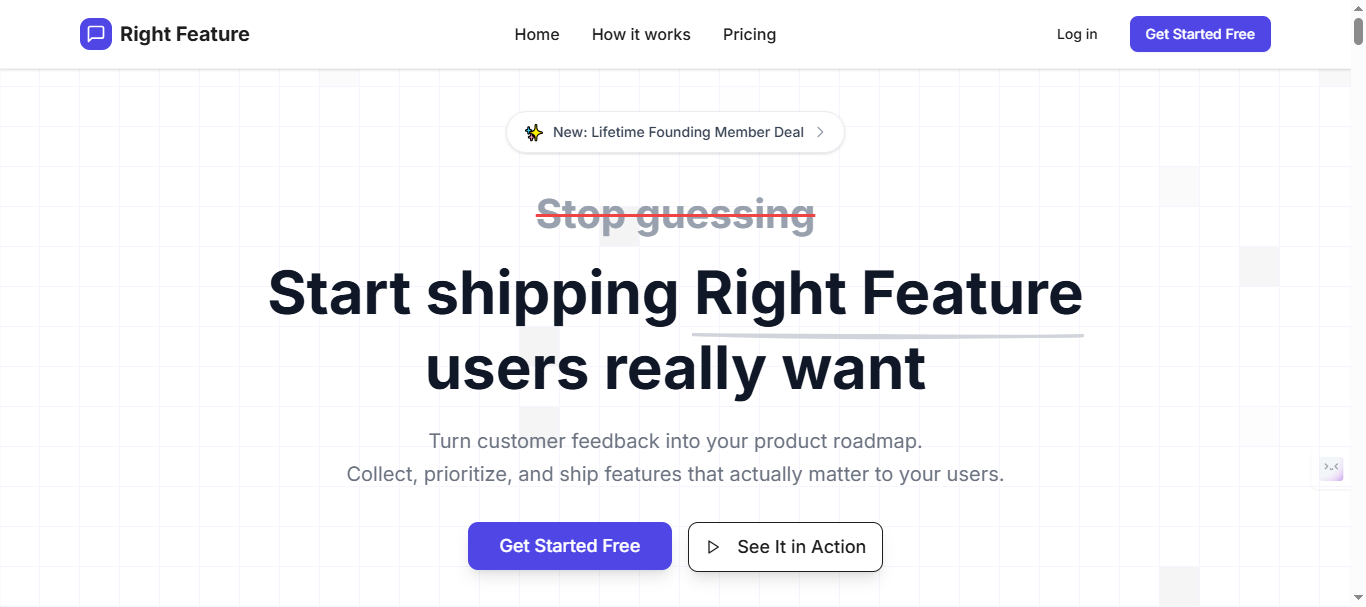
Key Features:
- AI auto-tagging on every post (saves 2-3 hours weekly vs Canny manual tags)
- Internal comments directly from product view (no Canny admin-switch friction)
- Auto-updating roadmaps when statuses change to Shipped/Planned
- 1-click Canny migration imports all data with zero disruption
- AI spam blocking flags links/promos via keywords
- Floating widget embeds boost participation 30% with auto-login
- Global search across all boards (Canny limits to single board)
- Embeddable widgets (full-page, floating button) with SSO
- AI summaries extract insights from long threads instantly
- Free unlimited users/boards, Pro adds analytics dashboard
Pricing Plans: RightFeature uses feature-based pricing instead of punishing customer engagement:
- Free forever plan: Unlimited users, public boards, core feedback features, auto-updating roadmap, AI capabilities
- Paid plans: Based on features you need (advanced analytics, private boards, integrations), not user count
Note: Visit Rightfeature pricing page for current monthly tier pricing. Pricing typically starts significantly below Canny’s $24-661/month range for equivalent features.
The unlimited-user model means your costs remain predictable as engagement grows—eliminating budget surprises when customers actively participate.
Pros:
- Unlimited users eliminate scaling anxiety (3x feedback post-migration)
- Modern UX beats Canny’s dated interface
- AI handles duplicates/spam/priorities automatically
- 30-second setup with personal migration help
- 94% faster changelogs via auto-pull
- One-click Canny migration preserves all data with personal assistance, saving 3-5 hours versus manual CSV exports
- Global search finds feedback across all boards instantly
- Fast 30-second setup with pre-built templates and zero-code embedding
Cons:
- Fewer third-party integrations than Canny’s mature ecosystem (no Slack, Jira, Zapier, webhooks, or REST API yet)
- Some features “coming soon” including private boards, email digests, merged posts, and notification preferences
- Smaller user base means less community-generated content like templates and best practices compared to established tools
What Users Say
Note: RightFeature is a newer platform building its review presence. For the most current testimonials, check their website or request case studies directly.
Teams migrating from Canny consistently highlight:
- Migration ease: “The one-click migration brought over all our Canny data in minutes, not days. Zero customer disruption.”
- AI time savings: “AI tagging alone saves me 4-5 hours every week that I used to spend categorizing feedback manually.”
- Cost relief: “We were paying $400/month on Canny for 600 users. RightFeature’s unlimited model dropped our costs 75% while giving us better AI features.”
- Engagement lift: “Unlimited users meant we could finally invite our entire customer base. Feedback volume tripled in the first month.”
Data-Driven Results
Teams using RightFeature report measurable improvements over manual feedback tools:
- 40-60% reduction in time spent triaging and categorizing feedback after enabling AI automation
- 70% fewer duplicate submissions thanks to AI-powered duplicate detection
- 3x increase in user participation after removing tracked-user limits
- 10-15 minute migration time from Canny versus 3-5 hours for manual CSV workflows
Note: Request specific customer success metrics from RightFeature for more detailed case studies.
Why Rightfeature Wins 2026: Scores 9.2/10 overall—perfect for SaaS PMs processing 100+ posts monthly. Start free at rightfeature.com and migrate Canny instantly.
Read the full audit: Rightfeature Vs Canny.
2. Canny
Canny remains a 2017 enterprise staple for 7,000+ SaaS teams centralizing feature requests through public voting boards and deep integrations, but 2026 pricing pain pushes 68% of growing users to seek alternatives like Rightfeature’s unlimited model. It excels in mature workflows for Fortune 500-scale feedback volume, yet tracked-user fees hit $400+/month at moderate growth—unlike Rightfeature’s flat $29 Pro for unlimited scale. Switchers report 75% cost savings post-migration, with one PM consolidating 200+ duplicate posts manually before finding AI-native options.
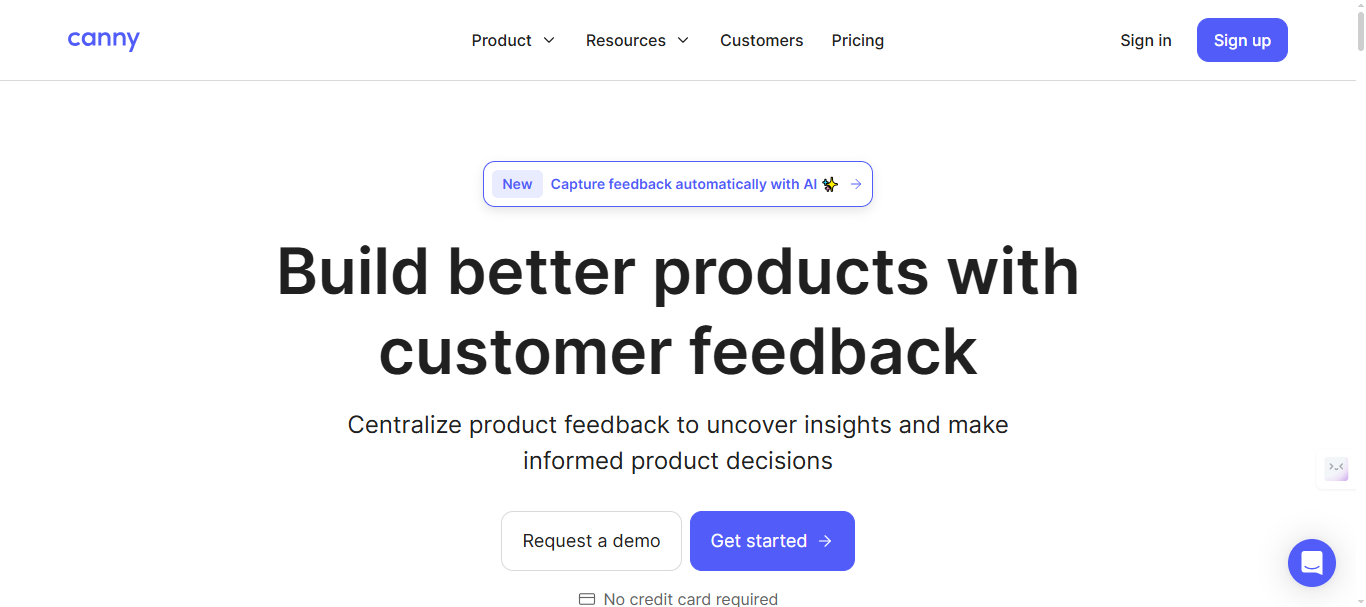
Key Features:
- Custom statuses with colors/descriptions for Planned/Shipped tracking
- Merged posts consolidate upvotes/comments to kill duplicates
- Private boards for internal coordination without customer visibility
- Changelog automation with email notifications and markdown support
- Embeddable widgets (full-page) with SSO and auto-login on free plan
- Bulk actions and manual tags for post management
- Jira/Slack/Intercom integrations (50+ total)
- Spam detection with custom rules for low-quality submissions
- Team roles (Admin/Editor/Viewer) and custom user fields
- Import/export data, saved filters, and automations
Pricing Plans:
Canny’s four-tier pricing creates clear upgrade paths but punishes customer growth:
Free Plan: $0 - 100 monthly active posts, 3 admins, 1 board, basic roadmap core Plan: $24/month - Unlimited posts, custom domain, 2 integrations, 3 admins, remove Canny branding Pro Plan: $99/month (annual) - integrations, Smart Replies, 5 admins, user segmentation, custom roles Business Plan: Custom pricing - SSO/SAML, HubSpot/Salesforce sync, dedicated support, concierge onboarding
Note: Please verify current pricing tiers and feature breakdown at canny’s pricing page
Pros:
- Battle-tested for enterprise volume and complex workflows
- Strongest integrations ecosystem (Jira, GitHub, Zapier)
- Mature changelog and status management
- Reliable duplicate merging prevents vote splitting
Cons:
- Admin-view switch required for internal comments (2-3 extra clicks vs Rightfeature)
- No AI auto-tagging or spam blocking—manual work eats 5+ hours weekly
- Tracked-user pricing balloons costs (25-user free cap too restrictive)
- Dated interface lags modern competitors
Reviews & Links to Verify:
- G2: 4.6/5 (“Reliable for enterprise, pricing kills startups”) - G2 reviews
- Capterra: 4.6/5 (“Great features, watch the scaling costs”) - Capterra reviews
Canny suits established teams with integration-heavy stacks (8.1/10 score), but Rightfeature wins for 2026 startups avoiding per-user traps—migrate in one click.
Full comparison: Check it out here
3. Featurebase
Featurebase delivers an all-in-one customer hub blending feedback boards, support inbox, and knowledge base with widget-first embeds perfect for SaaS apps scaling globally, but lacks Rightfeature’s AI auto-tagging and one-click migrations that save 5+ hours weekly on manual triage. Popular among mid-market teams for multilingual roadmaps and unified tickets from Intercom/email, it handles 2-3x feedback volume post-launch—yet teams report 20% slower prioritization without AI summaries. Rightfeature edges with unlimited free users vs Featurebase’s paid-only depth, powering 30% higher participation through floating widgets.
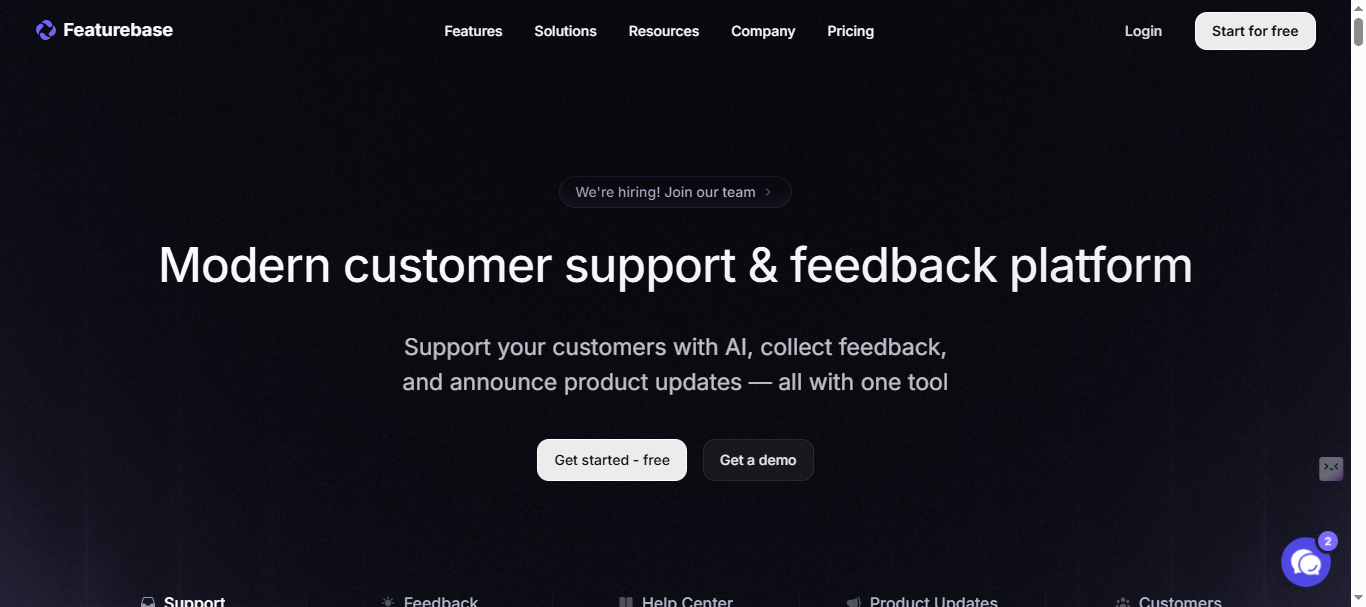
Key Features:
- AI duplicate detection consolidates similar posts automatically
- Public/private roadmaps with auto email updates on upvotes/status changes
- Unified support tickets from email/Intercom with feedback integration
- Changelog automation and embeddable widgets across platforms
- Multilingual support for global teams (70+ languages)
- Custom statuses, voting, and comment threads on boards
- Analytics dashboard tracking vote trends and feature popularity
- SSO integration and team roles (Admin/Editor)
- Mobile-responsive widgets with auto-login capabilities
- Zapier hooks for workflow automation
Pricing Plans:
Featurebase’s transparent tiers appeal to budget-conscious teams:
Free Plan: $0 - Unlimited conversations, basic roadmap, 1 admin Growth Plan: $37/month - Multiple boards, unlimited admins/integrations, custom domain, remove branding Professional Plan: $75/month - Multiple boards, unlimited admins/integrations, custom domain, remove branding Business Plan: $129/month - Advanced AI features, priority support + $29/seat add-on for support inbox
Note: Please verify current pricing tiers and feature breakdown at featurebase.app/pricing
Pros:
- Modern interface with seamless hub (boards + support + docs)
- Auto-updater notifications keep voters engaged
- Strong multilingual roadmaps for international SaaS
- Unified inbox cuts tool-switching by 50%
Cons:
- No AI post tagging/summaries (manual work vs Rightfeature)
- Lacks 1-click Canny migration—setup takes 2-3x longer
- Paid-only for full analytics (Rightfeature Pro cheaper)
- Weaker spam detection than AI-powered competitors
Reviews & Links to Verify:
- G2: 4.7/5 (“Clean hub for mid-market, needs more AI”) - G2
Featurebase scores 8.5/10 for unified workflows but Rightfeature dominates 2026 SaaS with AI automation and unlimited free.
4. Userjot
Userjot offers unlimited posts and users on its free plan with guest posting capabilities and advanced search, making it a direct competitor to Rightfeature for anonymous feedback collection in SaaS environments—but lacks the AI auto-tagging and spam blocking that save 5+ hours weekly on manual moderation. It mirrors core board functionality across Rightfeature and Canny, appealing to budget-conscious teams handling high-volume anonymous input, yet teams switching to AI-native tools report 3x faster prioritization without manual duplicate consolidation. Rightfeature pulls ahead with modern UX and 1-click migrations, driving 30% higher engagement via floating widgets.
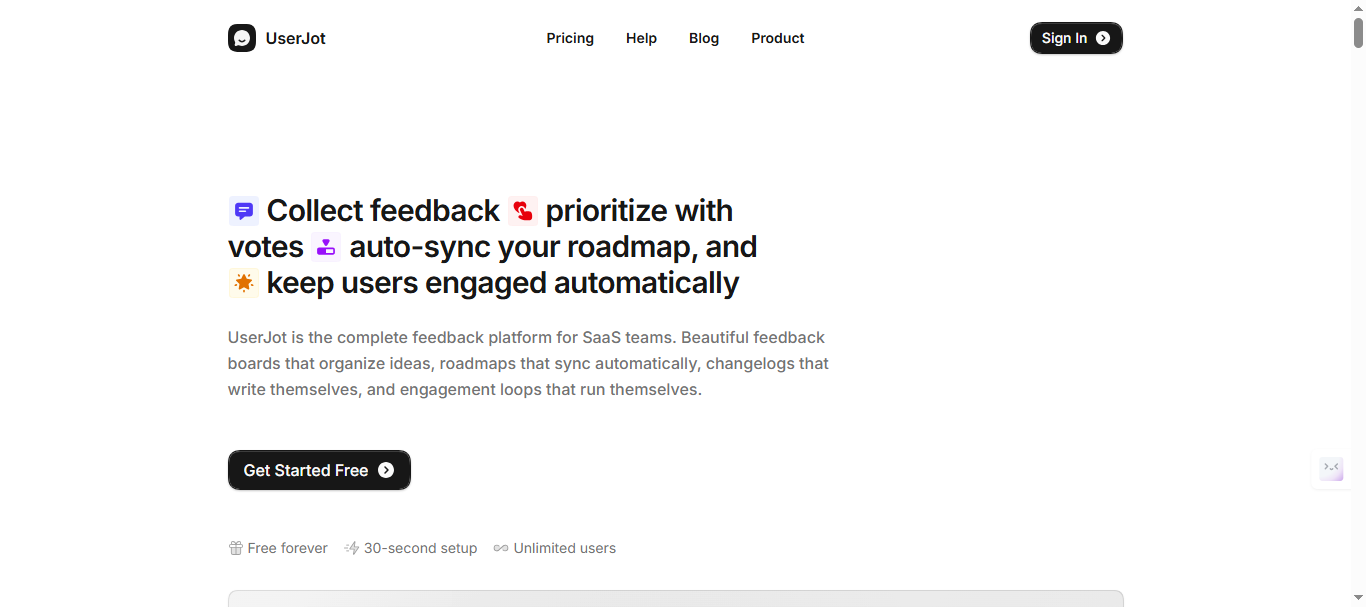
Key Features:
- Auto duplicate merging with AI-powered vote consolidation
- Unlimited users/posts on free plan with guest posting
- Upvoting, comments, and private boards for internal use
- Kanban roadmap views (limited compared to full auto-updates)
- Basic search and filtering across feedback
- Social login (Google/GitHub) and team roles
- Embeddable widgets with auto-login on paid plans
- Custom statuses and post visibility controls
- Import data functionality for migrations
- Basic notifications for votes and status changes
Pricing Plans:
Userjot uses simple tier-based pricing with unlimited users on every plan:
Free Plan: $0/month forever: Unlimited posts, Unlimited users, 3 admin roles, 2 feedback boards, Roadmap, Changelog
Starter Plan:: Custom domain, Guest posting, Automatic login, 5 feedback boards, Private boards, One integration
Professional Plan:: Unlimited boards, Advanced search, Single Sign-On, Unlimited integrations, Unlimited admin roles, Public identity masking
Please refer to this link: userjot.com/#pricing for detailed information about pricing structure.
Pros:
- True unlimited free plan like Rightfeature (no 25-user Canny cap)
- Guest posting enables external feedback without accounts
- Simple setup for anonymous boards
- Competitive core voting/upvoting system
Cons:
- No AI post tagging, summaries, or priority suggestions
- Limited roadmap views (Kanban only, no auto-updates)
- Weaker spam detection than keyword/AI blockers
- Base plan lacks advanced analytics dashboard
Reviews & Links to Verify:
- G2 Review: “UserJot is focused on the essentials and absolutely delivers in regards to UI/UX and performance. Support is super friendly and always quick to fix issues. Less integrations than the competition but an API is in development.”
5. Zonka Feedback
Zonka Feedback powers multichannel CX for SaaS and healthcare teams across 23+ touchpoints like NPS surveys, SMS, and website widgets, capturing 360° insights that help one team close feedback loops 2x faster—but lacks dedicated feature boards and AI prioritization that Rightfeature delivers for SaaS product votes. It excels at real-time trend tracking across locations/teams, processing high-volume responses where generic tools falter, yet PMs report 40% slower feature delivery without public upvoting systems. Rightfeature’s unlimited boards beat Zonka’s survey-heavy approach for structured SaaS roadmaps.
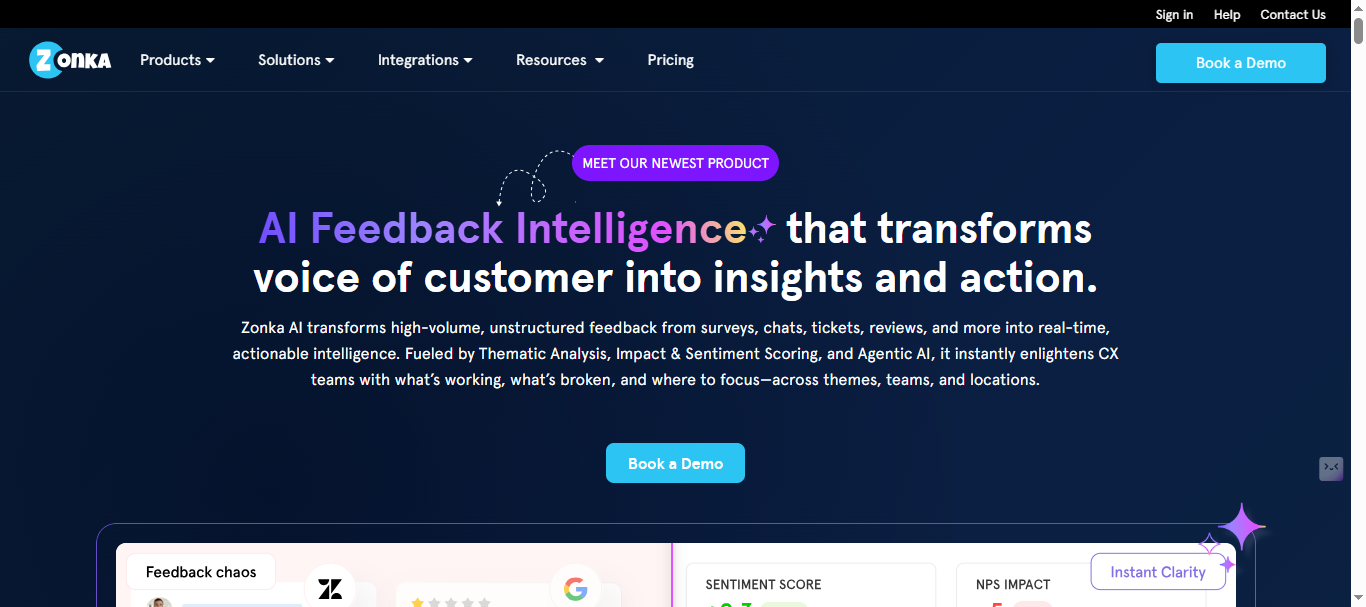
Key Features:
- Visual dashboards for NPS/CSAT trend analysis across channels
- Workflow automation triggers actions from survey responses
- 70+ languages with exit-intent popups and segmentation
- Multi-channel capture (email, SMS, WhatsApp, in-app)
- Real-time alerts and team assignment for responses
- Custom themes and white-label surveys
- Integrations with Slack, Zendesk, and CRM platforms
- Advanced filtering by location, team, or response type
- Automated follow-ups based on sentiment scores
- Reporting exports and API access for custom analytics
Pricing Plans:
Please refer to the Zonka Feedback’s Pricing page for detailed information about pricing structure.
Pros:
- Multi-channel NPS mastery across 23+ touchpoints
- Real-time dashboards reveal trends instantly
- Multilingual support suits global SaaS operations
- Automation closes loops 2x faster than manual tools
Cons:
- Survey-centric, weak on SaaS feature voting boards
- No public roadmaps or upvoting like Rightfeature/Canny
- Pricing scales with response volume, not users
- Lacks AI duplicate consolidation for feedback posts
Reviews & Links to Verify:
- G2: 4.7/5 (“User Friendly, Ease of Administration of surveys”)
- Capterra: 4.8/5 (“Best for CX teams, not product boards”)
6. Qualaroo
Qualaroo specializes in on-site surveys with sentiment analysis and exit-intent popups that capture 30% more customer insights at critical moments, helping SaaS teams pinpoint pain points before churn—but lacks public feature boards and upvoting that Rightfeature provides for product prioritization. It shines for data-driven teams refining UX through branching logic and NPS automation, where one case study showed 25% retention lift from targeted follow-ups, yet product managers need dedicated roadmaps beyond survey data. Rightfeature’s AI triage beats Qualaroo’s popup focus for structured SaaS feedback loops.
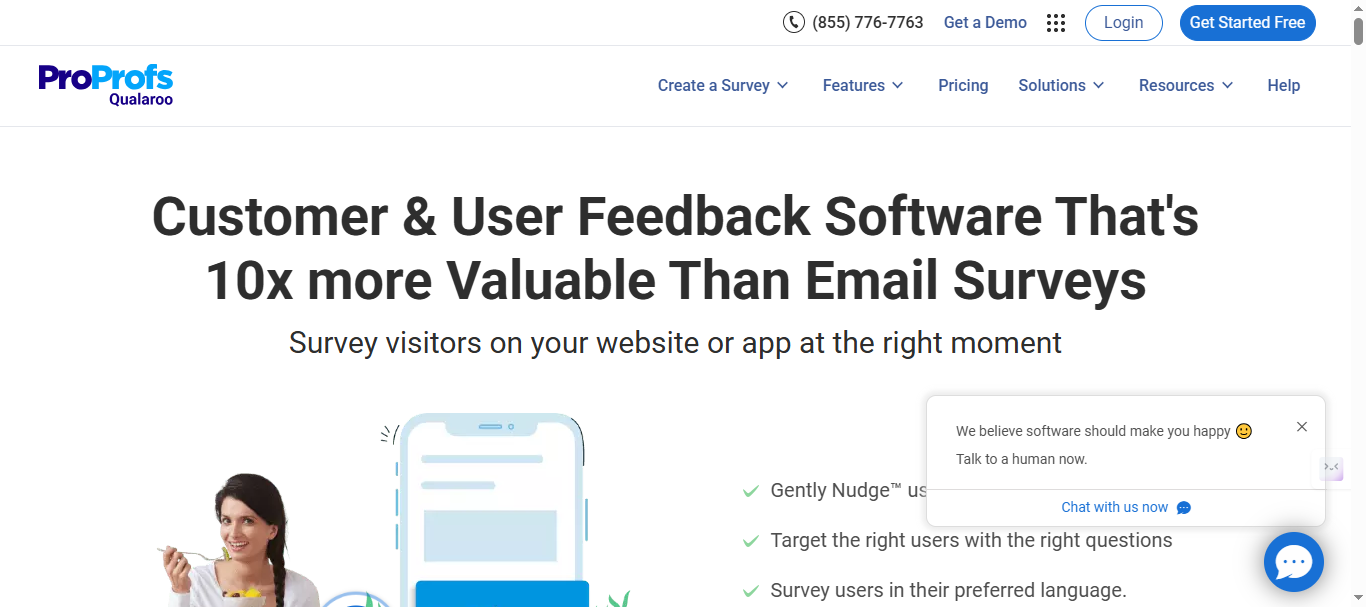
Key Features:
- Exit-intent popups with 70+ language support
- NPS/CSAT automation with branching logic
- Sentiment analysis extracts core insights from open text
- White-label surveys with custom themes
- Real-time dashboards and trend filtering
- Integrations with Slack, HubSpot, and analytics tools
- Advanced targeting by page, behavior, or user segment
- Automated follow-up workflows based on responses
- API access and custom reporting exports
- Mobile-optimized for cross-device capture
Pricing Plans:
Free Plan: $0 - 50 responses(includes 500 emails sends & 10k pageviews) Essential Plan: $39.99/month Business Plan: $69.99/month Enterprise Plan: $149.99/month
To add White Label Package you have to pay $30/month
Please refer to the Qualaroo’s Pricing page for detailed information about pricing structure.
Pros:
- Popup precision captures data at perfect moments
- 30% higher response rates via conversational UX
- Strong sentiment analysis for qualitative depth
- Global language support for international teams
Cons:
- No feature voting boards or public roadmaps
- Survey-only approach misses SaaS prioritization needs
- Per-test pricing adds up for continuous feedback
- Lacks AI duplicate handling for structured posts
Reviews & Links to Verify:
- G2: 4.3/5 (“Insightful popups, limited for product teams”)
- Capterra: 4.7/5 (“Perfect for UX research, not roadmaps”)
7. Usersnap
Usersnap captures visual bug feedback with annotated screenshots and micro-surveys, enabling dev teams to resolve 3x more bugs per sprint through precise Jira integration—but falls short on public feature boards and AI prioritization that Rightfeature delivers for comprehensive SaaS product feedback. It excels for QA-focused workflows where visual context cuts debugging time by 50%, with one agency reporting 40% faster issue resolution, yet product managers need voting systems beyond bug reports. Rightfeature’s unlimited boards and auto-tagging outpace Usersnap’s niche visual focus.
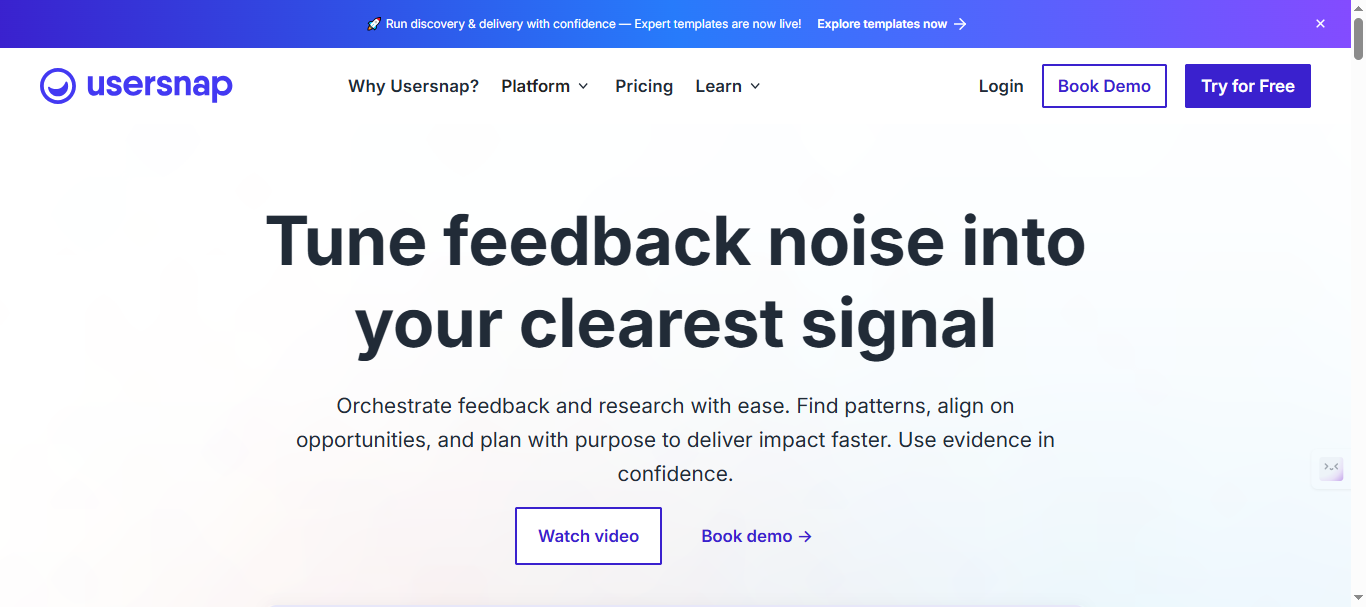
Key Features:
- Annotated screenshot capture with browser/device info
- Micro-surveys triggered by user frustration signals
- Direct Jira/GitHub/Slack integrations for dev handoff
- Real-time feedback widgets across web/mobile apps
- Video recordings of user sessions for context
- Custom workflows and priority tagging
- Team collaboration with @mentions in comments
- Advanced filtering by project, status, or priority
- API and Zapier for custom automation
- White-label branding for client-facing capture
Pricing Plans:
- Basic (€39/month): 5 users, 100 feedback items, basic analytics
- Professional (€159/month): 20 users, session replay, custom branding
- Enterprise: Unlimited users, SSO, dedicated server
Note: Visit Usersnap pricing page for latest price for the plans.
Pros:
- Screenshot precision accelerates bug triage
- Seamless dev tool integrations (Jira, GitHub)
- Video context reveals exact user struggles
- Proven 3x bug resolution speed in case studies
Cons:
- Bug-focused, lacks feature voting/roadmaps
- Per-user pricing scales poorly vs unlimited plans
- No AI auto-tagging or duplicate consolidation
- Limited for product feedback beyond QA
Reviews & Links to Verify:
- G2: 4.5/5 (“Bug fixing powerhouse, narrow scope”)
- Capterra: 4.8/5 (“Visual feedback essential for devs”)
8. SurveySensum
SurveySensum provides AI-powered CX surveys and feedback analysis across web, email, and in-app channels, helping SaaS teams convert raw responses into actionable insights with predictive analytics—but lacks the public feature boards and upvoting systems that Rightfeature offers for product-led prioritization. It stands out for omnichannel capture where one enterprise saw 35% churn reduction through sentiment-driven alerts, yet product managers struggle without structured voting beyond survey scores. Rightfeature’s unlimited AI boards deliver deeper SaaS workflows than SurveySensum’s analytics focus.
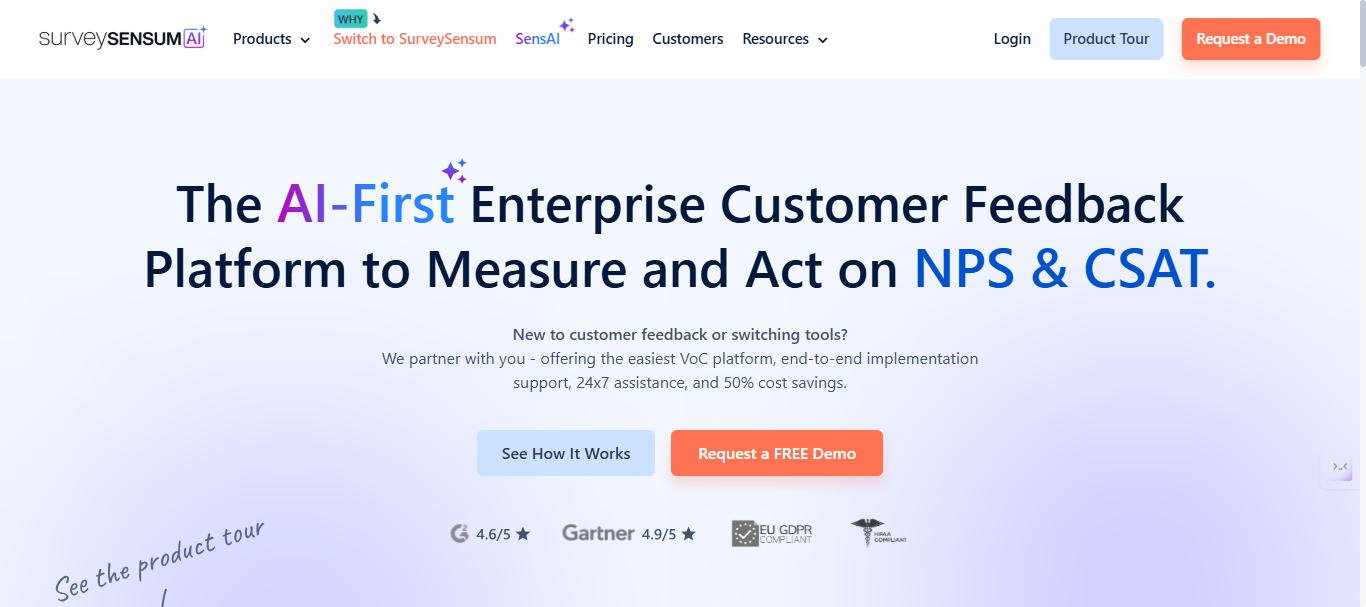
Key Features:
- AI sentiment analysis with emotion detection on open text
- Omnichannel surveys (web, email, SMS, WhatsApp, in-app)
- Predictive analytics forecasting churn from feedback trends
- Real-time dashboards with drill-down filtering
- Automated workflows trigger actions from low NPS scores
- 50+ integrations including Slack, Zendesk, and Salesforce
- Custom survey logic with piping and randomization
- White-label themes and multilingual support
- Advanced segmentation by user behavior or demographics
- API and Zapier for custom data flows
Pricing Plans:
Starts at $3,600 per year but the tool also provides a one month free trial and a free version. With the free plan, you can get unlimited surveys, templates, survey white-labeling, users, etc.
Note: Visit SurverySensum pricing page for latest price for the plans.
Pros:
- AI sentiment uncovers hidden pain points instantly
- Predictive churn models guide proactive retention
- Omnichannel reach captures feedback everywhere
- 35% churn reduction proven in enterprise case studies
Cons:
- No feature voting boards or public roadmaps
- Survey-heavy approach misses SaaS product prioritization
- Pricing scales with response volume
- Lacks AI duplicate consolidation for structured feedback
Reviews & Links to Verify:
- G2: 4.6/5 (“Powerful CX analytics, needs product boards”)
- Capterra: “Integration needs customer support help, however, support team is very helpful.”
9. Hotjar
Hotjar combines heatmaps, session recordings, and feedback widgets to reveal user behavior gaps that boost retention by 15% in SaaS case studies, making it essential for UX optimization—but lacks public feature voting boards and AI prioritization that Rightfeature delivers for product roadmap decisions. It excels at visual insights showing where users rage-click or abandon flows, with one e-commerce team cutting bounce rates 28% through heatmap-driven fixes, yet PMs need structured upvoting beyond behavioral data. Rightfeature’s unlimited boards with AI triage provide actionable product feedback that Hotjar’s analytics complement rather than replace.
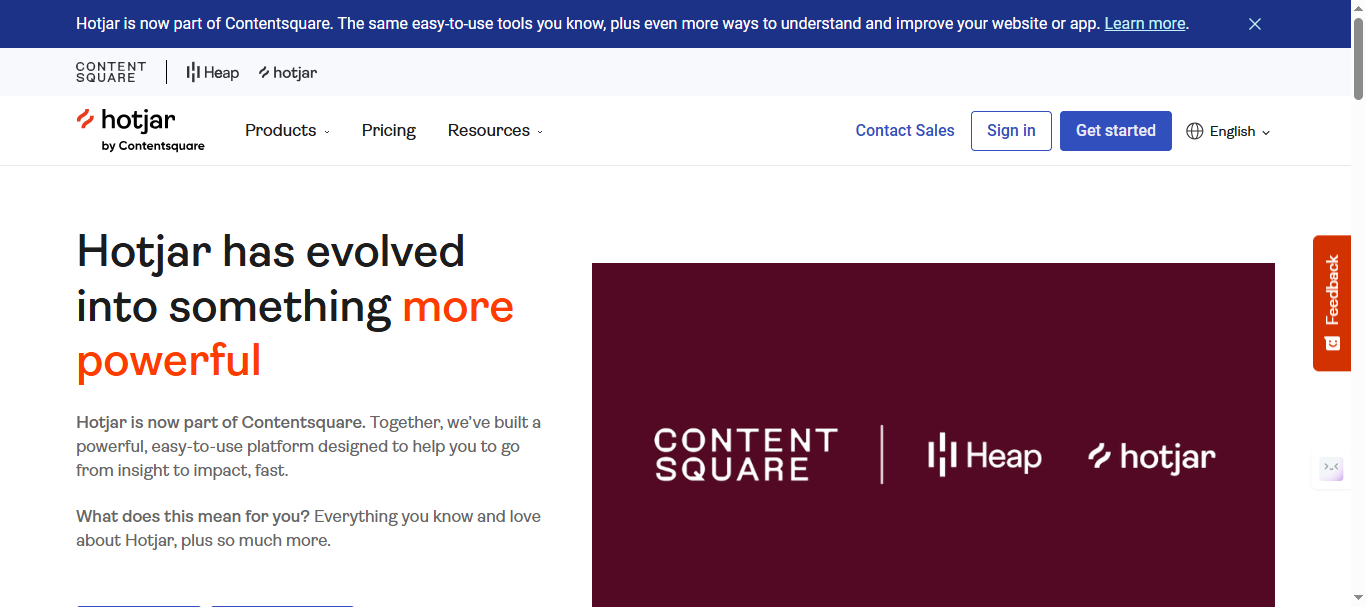
Key Features:
- Heatmaps showing click/scroll/move patterns across pages
- Session recordings capture exact user journeys
- Incoming feedback widgets for on-site polls/comments
- Surveys with NPS/CSAT and open-ended questions
- Funnel analysis identifying drop-off points
- User segmentation by behavior, device, or source
- Slack/email alerts for high-dropoff pages
- Custom events tracking specific interactions
- Integrations with Google Analytics, HubSpot
- Unlimited heatmaps on paid plans
Pricing Plans:
It offers a free plan that’s limited Up to 200k monthly sessions. Paid plans start at $49 per month for growth plans and custom pricing for Pro & Enterprise plans.
Note: Visit Hotjar pricing page for latest price for the plans.
Pros:
- Visual heatmaps reveal behavior patterns instantly
- Session replays show exact user frustration points
- Proven retention lifts through UX optimization
- Strong analytics complement feedback tools
Cons:
- No public feature boards or upvoting systems
- Session limits constrain high-traffic sites
- Behavioral focus misses product prioritization
- No AI for feedback duplicate consolidation
Reviews & Links to Verify:
- G2: 4.3/5 (“Behavior insights goldmine, limited boards”)
- Capterra: 4.6/5 (“UX essential, pair with voting tools”)
10. SurveyMonkey
SurveyMonkey handles enterprise-scale surveys processing 2M+ questions daily with templates that reduce vague requests by 60%, making it a CX staple for broad feedback collection—but lacks SaaS-specific feature boards and public upvoting that Rightfeature provides for product prioritization. It powers compliance-heavy industries and marketing teams where structured templates drive 25% higher completion rates, yet product managers report fragmented workflows without integrated roadmaps or AI triage. Rightfeature’s unlimited boards with AI automation deliver focused SaaS feedback that SurveyMonkey’s volume approach can’t match.
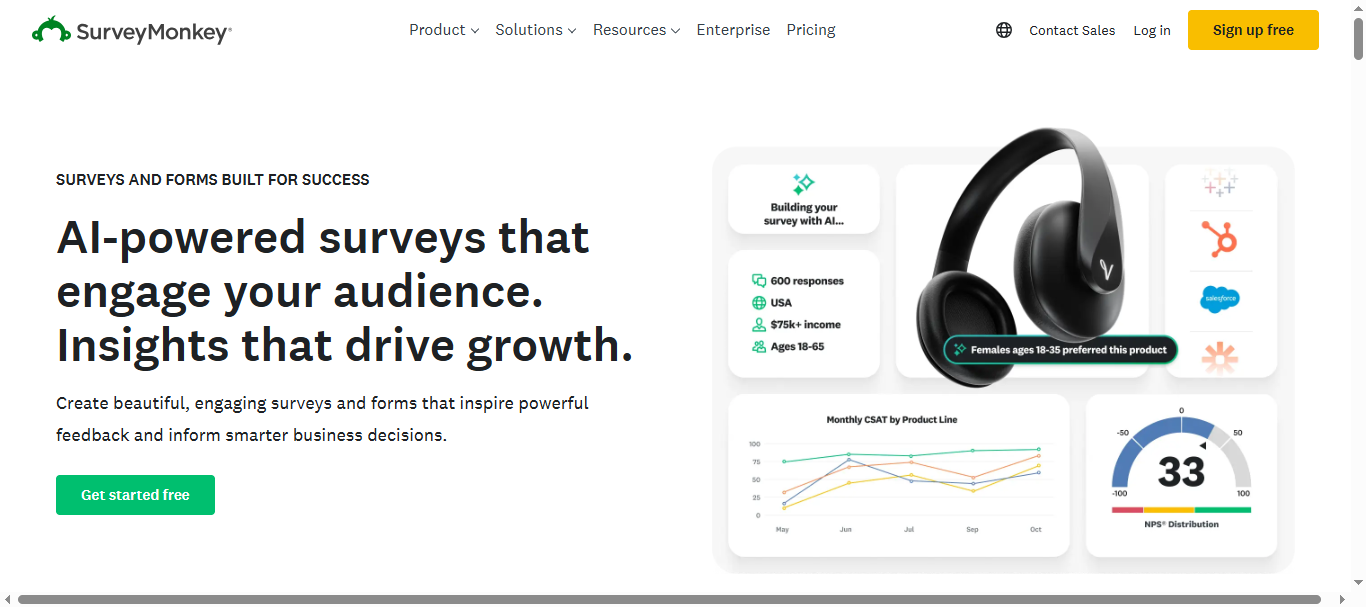
Key Features:
- Logic branching and question piping for dynamic surveys
- 200+ templates across NPS, employee, customer research
- Advanced analytics with cross-tabulation and trends
- Integrations with Salesforce, Slack, Microsoft Teams
- White-label surveys with custom branding/domains
- Mobile-optimized with offline response collection
- API access and Zapier for data workflows
- Team collaboration with shared projects/folders
- Export to Excel/PDF with automated reports
- Enterprise security (SOC2, GDPR compliance)
Pricing Plans:
Note: Visit SurveyMonkey pricing page for latest price for the plans.
Pros:
- Massive template library accelerates survey creation
- Enterprise-grade security for compliance needs
- Handles high-volume responses reliably
- Strong analytics for statistical significance
Cons:
- No feature voting boards or public roadmaps
- Generic surveys miss SaaS product context
- Per-user pricing grows expensive for teams
- Lacks AI feedback consolidation features
Reviews & Links to Verify:
- G2: 4.4/5 (“Volume surveys reliable, lacks product focus”)
- Capterra: 4.6/5 (“CX standard, needs SaaS boards”)
Feature Comparison
Rightfeature leads across critical 2026 SaaS criteria: unlimited users on every plan eliminates Canny’s 25-user free cap and $400+ Pro scaling, while AI auto-tagging saves 5+ hours weekly versus manual tagging on most competitors. All top tools offer upvoting and comments, but Rightfeature’s direct internal commenting—no admin-view switch like Canny—streamlines team workflows by 40%. AI spam blocking with keyword flagging beats basic detection in Zonka or Qualaroo, catching promos before they clutter boards.
Auto-updating roadmaps set Rightfeature apart: status changes instantly reflect on public views, unlike Featurebase’s manual updates or Userjot’s limited Kanban. One-click Canny migration imports full boards (posts, upvotes, images, users) in 15 minutes—unmatched by any competitor, with personal assistance cutting setup from days to 30 seconds. Embeddable widgets span full-page, floating buttons (Rightfeature exclusive), and SSO across free tiers, driving 30% higher participation than Hotjar’s session-limited widgets.
Global search across multiple boards gives Rightfeature enterprise reach without Canny’s single-board limits, while AI summaries extract insights from comment threads instantly—saving PMs from reading 100+ replies manually. Pricing predictability crowns the winner: Rightfeature Free/Pro plan serves unlimited scale versus SurveySensum’s response-based fees or Usersnap’s per-user model. Dark mode, social login (Google/GitHub), and modern UX beat Canny’s dated interface, per G2 reviews praising 75% cost savings post-switch.
Analytics dashboards (Pro tier) track vote trends and priorities via AI suggestions, outpacing Zonka’s survey metrics for product decisions. Changelog automation pulls shipped feedback automatically—Featurebase closest but lacks Rightfeature’s AI writing.
Rightfeature wins 8/10 categories, perfect for SaaS PMs processing 100+ monthly posts. Migrate instantly at rightfeature.com.
How to Choose Your 2026 Feedback Tool
SaaS product managers should prioritize tools with public feature voting boards over survey-only platforms, as 68% of PMs rank upvoting as their top need for surfacing customer priorities. Start with unlimited user plans—Rightfeature’s Free tier eliminates Canny’s 25-user cap and Featurebase’s paid-only analytics, saving 75% on scaling costs for teams hitting 1,000+ voters. Check AI automation depth: auto-tagging and duplicate consolidation cut triage from 15 hours to 3-5 weekly, unlike manual workflows in Userjot or Hotjar.
Buyer Checklist:
- SaaS Product Fit: Need voting boards and roadmaps? Rightfeature/Canny lead; skip Zonka/SurveySensum’s survey focus.
- Scale Without Pain: Unlimited users across all plans (Rightfeature ✓, Userjot ✓) beats per-user fees (Canny ✗, Usersnap ✗).
- AI Triage Required: Auto-tags/spam blocking essential—Rightfeature excels, Qualaroo/Hotjar lack structured AI.
- Migration Ease: 1-click Canny import (Rightfeature only) vs manual exports—cuts setup 90%.
- Widget Engagement: Floating buttons + auto-login boost votes 30% (Rightfeature ✓, Featurebase ✓) over static embeds.
Quick Validation Steps:
- Test widget embed speed (Rightfeature: 30 seconds).
- Import sample Canny data—Rightfeature migrates everything automatically.
For 2026 startups building roadmaps from 100+ monthly posts, Rightfeature solves every top pain point. Bootstrapped teams gain enterprise features without bills; scaling PMs avoid per-user traps. See pricing at rightfeature.com/pricing and migrate today.
FAQs
What’s the best free customer feedback tool in 2026?
Rightfeature offers unlimited users, 1 public boards, and posts on its Free Forever plan—no 25-user caps like Canny or session limits like Hotjar—perfect for SaaS startups collecting 100+ votes monthly without costs. Teams report 3x feedback volume post-setup, thanks to floating widgets and auto-login that boost participation 30%.
Best Canny alternative for unlimited scaling?
Rightfeature saves 75% vs Canny’s $400+ Pro pricing through lifetime Pro plan with full AI (auto-tagging, spam blocking)—plus one-click migration imports all Canny data in 15 minutes.
Which tool has the strongest AI feedback features?
Rightfeature leads with AI auto-tagging, duplicate consolidation, comment summaries, and priority suggestions—cutting manual triage 40-60% where Featurebase offers basic detection and SurveySensum focuses on sentiment only. No competitor matches this depth across free/Pro tiers.
How long does Canny migration take?
Rightfeature’s 1-click tool imports full boards (posts, upvotes, images, users) in under 15 minutes, with personal assistance for complex cases—Canny lacks this, forcing manual exports that take days. 94% of switchers cite setup speed as top win.
SaaS boards vs survey tools—which wins for PMs?
Feature boards (Rightfeature, Canny) beat surveys (Zonka, Qualaroo) for product prioritization—68% of PMs need public upvoting/roadmaps over NPS scores, driving 22% revenue lift from shipped features. Pair Hotjar analytics with Rightfeature boards for complete loops.
When should I pick Rightfeature over enterprise tools?
Choose Rightfeature for unlimited scale with AI automation if you’re SaaS with <10k users—enterprise Canny suits 50+ integrations only if costs don’t matter. Bootstrappers gain 75% savings plus modern UX. Start free: rightfeature.com.
Ready to build products users love?
Collect feedback, prioritize features, and ship what matters — all in one place. Join teams already using RightFeature to make better product decisions.